Data loss can hit out of nowhere—maybe a drive fails, you delete something by mistake, or a cyber attack locks you out. The 3-2-1 Backup Rule is a simple way to keep your important files protected. When you keep extra copies on different types of storage and store one copy offsite, you’re covered from a lot of common disasters. This guide walks you through the 3-2-1 Backup Rule, shows how the newer version tightens things up, and gives practical steps you can use at home. Put together, it’s a solid plan to protect your digital memories and important documents so you can worry a lot less.
3-2-1 Backup Rule Basics
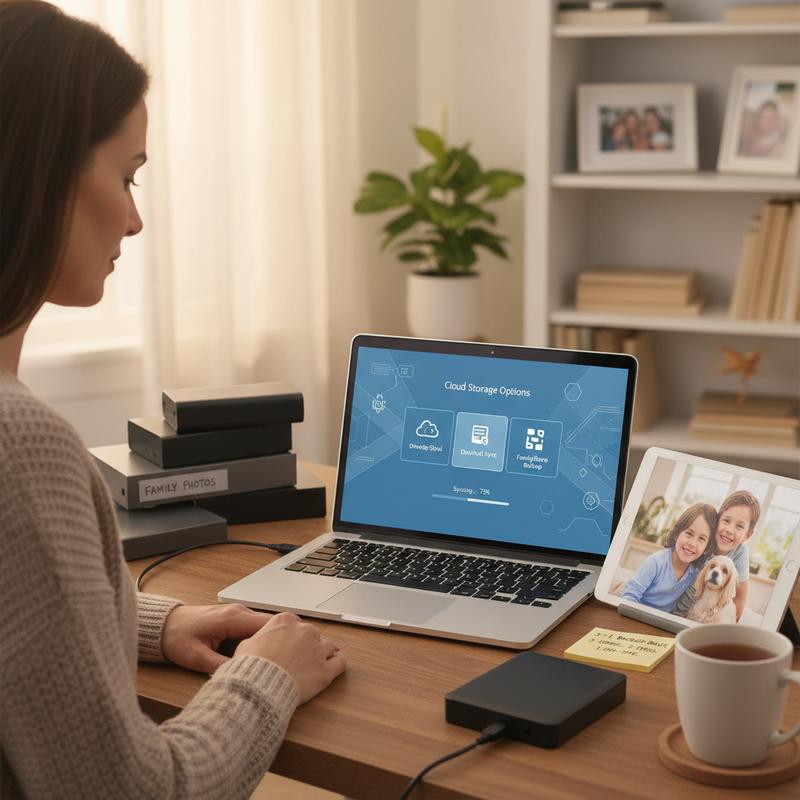
Understanding the 3-2-1 Backup Rule: A Simple Strategy That Could Save Your Data
When it comes to protecting your data, the 3-2-1 backup rule is one of the go-to methods for a reason. It’s simple, and it helps lower the chances of losing everything to problems like hardware failure or major accidents. The idea is straightforward: keep three total copies of your data (your main copy plus two backups), store those backups on two different kinds of media, and keep at least one copy offsite. That mix helps protect you from local issues, big disasters, or even theft.
The first part is having three copies total: your day-to-day “live” data plus two backups. This matters because it avoids a single point of failure. If one backup goes bad, you’ve still got another to fall back on. Then there’s the “two media types” piece. Using different storage types—like an external drive and cloud storage—helps reduce the risk of a problem that hits one kind of storage taking out everything.
The big one, though, is keeping one backup offsite. If you store a copy somewhere else—like in a different cloud region or even a physical secure location—you’re protected if something happens at home, like a fire, flood, or break-in. This part of the rule started back in the tape days, and it’s still considered a gold standard for both personal and business backups.
Now, tech (and threats) keep changing, so the 3-2-1 rule has been updated into the 3-2-1-1-0 rule to deal with newer risks like ransomware. This updated version adds two things: one offline or air-gapped copy, and zero errors. The offline/air-gapped copy stays disconnected from networks, which makes it much harder for ransomware to touch. And “zero errors” means you test and verify backups regularly so you’re not finding out too late that something’s corrupted.
If you want a practical way to set up 3-2-1-1-0, a tiered plan helps. Tier 1 is frequent backups for quick restores (like daily backups to a local disk). Tier 2 is less frequent but longer retention (like weekly backups to a cloud archive). Tier 3 is the offline or air-gapped backup, using tape or removable drives on a rotation.
To make this work well, organizations should set a Recovery Point Objective (RPO) and Recovery Time Objective (RTO). RPO is how much data loss you can live with, and RTO is how long you can be down. From there, you schedule backups, encrypt data, consider immutable storage to stop tampering, and make sure offline media is protected from physical disasters. And don’t skip testing or good documentation—those are what make recovery easier when you actually need it.
Following the 3-2-1 rule (and newer versions of it) helps you handle everything from drive failures to cyberattacks and physical disasters. It also lines up with compliance requirements like ISO 27001 Annex A 8.13, which calls for frequent, encrypted, offsite backups based on risk assessments. Bottom line: you’re much more likely to get your data back—whether the problem is aging hardware or a serious cyber incident.
If you want to dig into other ways to protect your devices and data, you can also check out online PC support services. Getting your 3-2-1 backup setup in place is really just a smart way to protect your files from whatever comes next.
Updating the 3-2-1 Backup Rule for Today
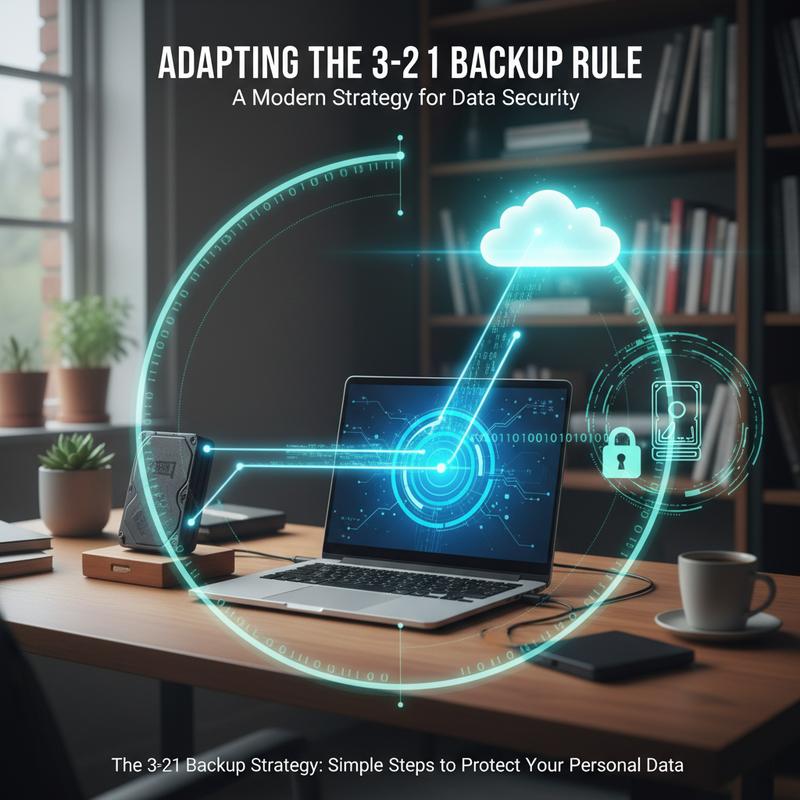
As data security keeps changing, the basic idea behind the 3-2-1 backup rule still holds up as a reliable way to protect important files. It was first popularized back when tape storage was common, but the same core rules still make sense today. That said, ransomware and data breaches have pushed people to add extra safeguards, which is where options like 3-2-1-1-0 and 3-2-3 come in.
The core principle stays the same: keep three copies of your data on two different media types, with one copy stored offsite. This setup helps you avoid putting all your trust in one backup. By spreading data across different storage options—like external drives and cloud storage—and keeping one copy away from your main location, you cut down the risk of losing everything to one local event. And when something does go wrong, recovery is usually quicker and less chaotic.
Modern threats like ransomware mean you need backups that aren’t just copied, but also protected from being reached. That’s why the 3-2-1-1-0 update adds an air-gapped backup—something not reachable online. This might be stored on tape or other removable media, rotated on a regular schedule. The point is simple: if ransomware can’t reach it, it can’t encrypt it.
The 3-2-1-1-0 rule also pushes regular error checks. Testing your backups makes sure they’re actually usable when you need them, not corrupted or incomplete. It’s a boring step—until it saves you.
Another option, the 3-2-3 model, is more focused on extra redundancy and uptime, especially for cloud-heavy setups. By spreading three copies across two locations and adding more copies across different cloud availability zones, you reduce the impact of outages. This kind of approach can be especially helpful for e-commerce and online services where downtime hurts fast.
To put these updated strategies into place, you’ll want a clear framework. Setting Recovery Point Objectives (RPO) and Recovery Time Objectives (RTO) helps you decide how often to back up and how quickly you need to restore. Frequent backups (Tier 1) help with quick recovery, while offline, long-term storage (Tier 3) is your last-resort safety net.
Automation can make a huge difference here. Automated tools help cut human mistakes and keep tasks like integrity checks running consistently. Regularly rotating offline media and keeping good documentation also makes recovery smoother when things are stressful.
Thing is, data threats aren’t going away. A well-planned backup setup is still one of the best ways to protect yourself. When you build on the classic 3-2-1 approach with newer protections, you’re better prepared for the kinds of issues that can otherwise shut everything down. And you get the peace of mind of knowing your files can be restored when it counts.
If you want more ways to stay ready and reduce risk, take a look at proactive IT strategies for ideas on building a safer setup overall.
How to Set Up the 3-2-1 Backup Rule
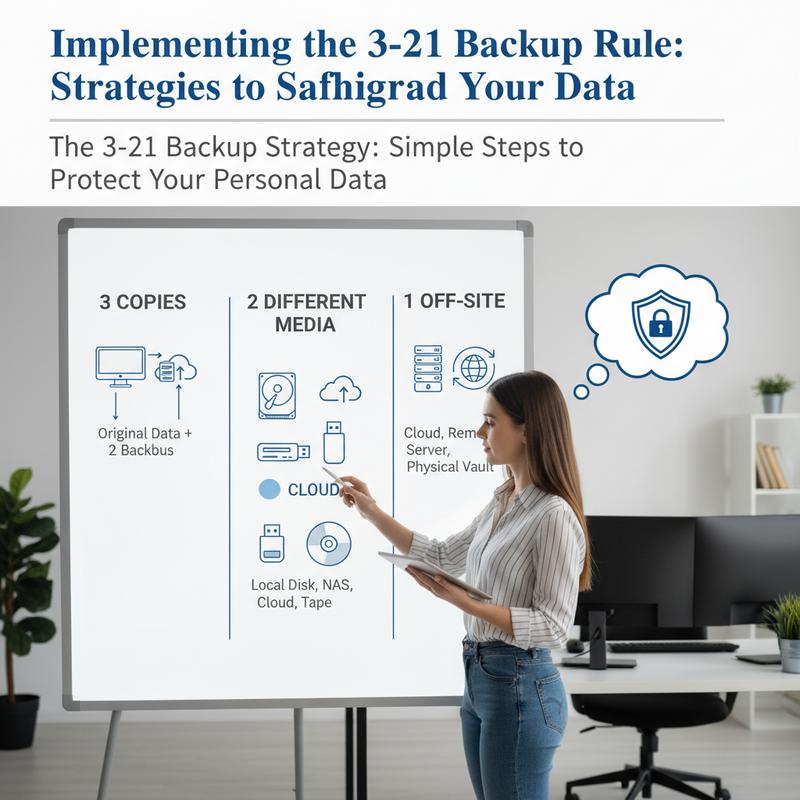
Setting up the 3-2-1 backup rule is pretty straightforward, but doing it well takes a bit of planning. First, figure out what matters most—files you really can’t afford to lose. For home users, that might be photos and videos. For businesses, it could be financial records or software databases. This is also where Recovery Point Objective (RPO) and Recovery Time Objective (RTO) come in, since they help you decide how much data loss and downtime you can tolerate.
RPO is the maximum amount of time’s worth of data you’re willing to lose after an incident. For critical apps, that could be near-zero minutes. RTO is how quickly you need things up and running again after a disruption. Once you know your RPO and RTO, you can set backup frequency and decide which tiered approach fits best. After that, pick your storage media. The rule says to use at least two different types—like external hard drives plus cloud storage—so one failure doesn’t wipe out everything. Each option has trade-offs, so choose what fits your needs and budget.
Next, create multiple copies. In the classic 3-2-1 approach, you keep three sets total: the original plus two backups stored across different media. Some newer approaches may count these three plus the original, giving you even more breathing room. One copy should be stored offsite, far enough away that a local disaster won’t take it out too. That might mean keeping it at least 100 kilometers away or using third-party data centers across regions.
Because threats have changed, a lot of people now add extra protections through 3-2-1-1 or 3-2-1-1-0. These versions add immutable backups (so they can’t be changed) and air-gapped backups (so they’re physically separated from networks). Options like write-once-read-many (WORM) media or offline storage still matter here.
To keep everything consistent, set up a regular (and ideally automated) backup schedule. Backup tools that handle versioning make it easier to roll back to an earlier copy if needed. And don’t skip testing—verify backups regularly and do restoration drills so you know you can actually recover when something breaks. Those practice runs can save you a lot of panic later.
Now, a few common mistakes are worth calling out. Don’t rely only on network-connected backups, since those can be targeted in cyberattacks. And don’t assume the original 3-2-1 setup is always enough without adjusting for today’s threats. Backups aren’t a “set it and forget it” thing—you need to keep an eye on changes and update your plan when needed. If you want more ideas on building a stronger setup, you can explore this resource for more on creating dependable data protection frameworks.
The 3-2-1 backup rule—especially upgraded versions like 3-2-1-1-0—still works as a practical foundation for protecting data. When you set it up carefully and keep it maintained, it helps protect your files and makes recovery much faster when something goes wrong.
Final thoughts
The 3-2-1 Backup Rule is an easy, reliable way to protect your important files at home. Once you understand the basics and put the plan in place, you’re in a much better spot if something gets deleted, corrupted, or stolen. And since digital threats keep changing, moving to the 3-2-1-1-0 approach can add another layer of protection. The key is keeping your backups current and testing them now and then, so you know they’ll work when you need them. Do that, and your memories and documents are a lot safer.
Don’t wait until you’ve lost something—reach out to IT Carolina if you want a hand setting up a 3-2-1 backup system.
Learn more: https://itcarolina.com/about/
About us
At IT Carolina, we know your family photos, personal documents, and home videos aren’t replaceable. That’s why we offer clear guidance and hands-on help setting up the 3-2-1 Backup Rule, so your data is protected with multiple layers. We’ll make sure your local storage, external backups, and cloud storage are set up the right way, without the confusion. And if you want it to stay that way, we can help you keep the whole system running smoothly.