Expert tips, troubleshooting guides, and technology insights for Charlotte's home users and small businesses
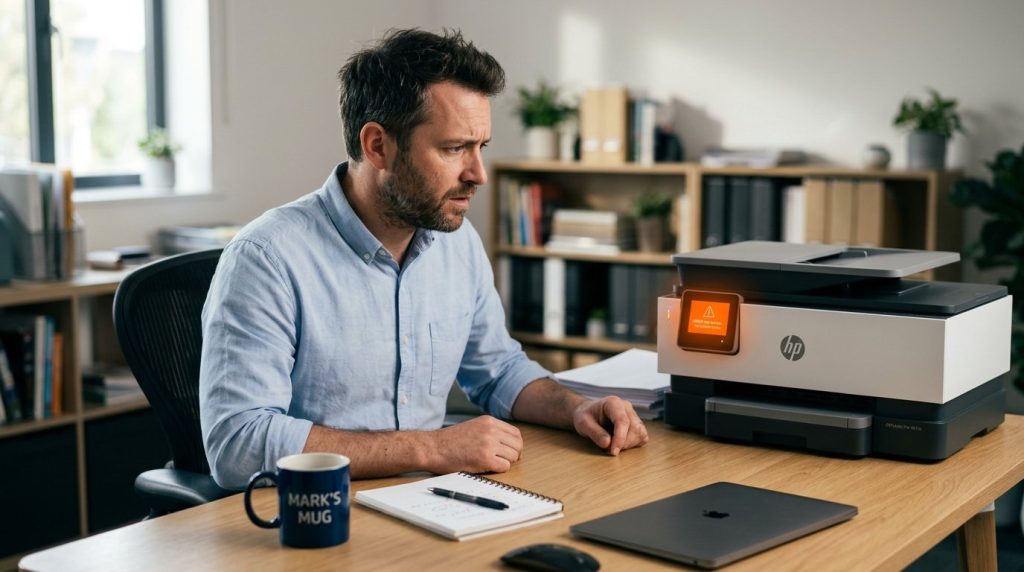
HP printer won’t recognize your cartridge? Find out if it’s fixable — dirty contacts, wrong model, firmware block — and get the exact step-by-step fix.
Is your Wi-Fi dropping or not connecting? Use this 5-minute checklist to pinpoint the real cause — router, ISP, device, or interference — then apply the exact fix. Works on Windows 10, Windows 11, Mac, and all devices.
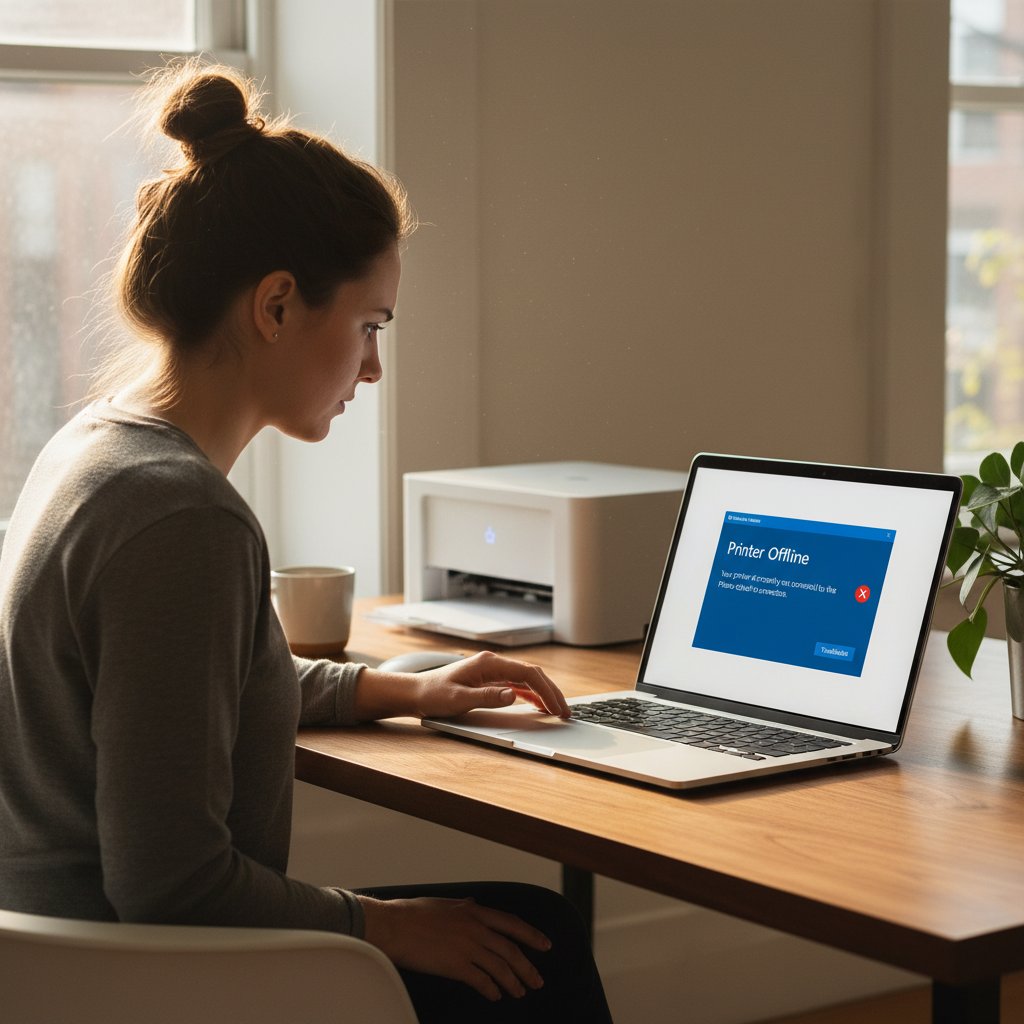
Printer showing ‘offline’ in Windows 10 or 11? These 7 fixes tackle the real causes — WSD port failures, IP address changes, and stuck print queues. Step-by-step solutions.
Your laptop slows down on battery because Windows limits CPU speed by up to 50%. Here are 5 targeted fixes — from power settings to your laptop brand’s app.
PC slowing down after a Windows update? Learn to spot normal background processing vs. real bugs — and apply 7 targeted fixes for Windows 10 and 11.
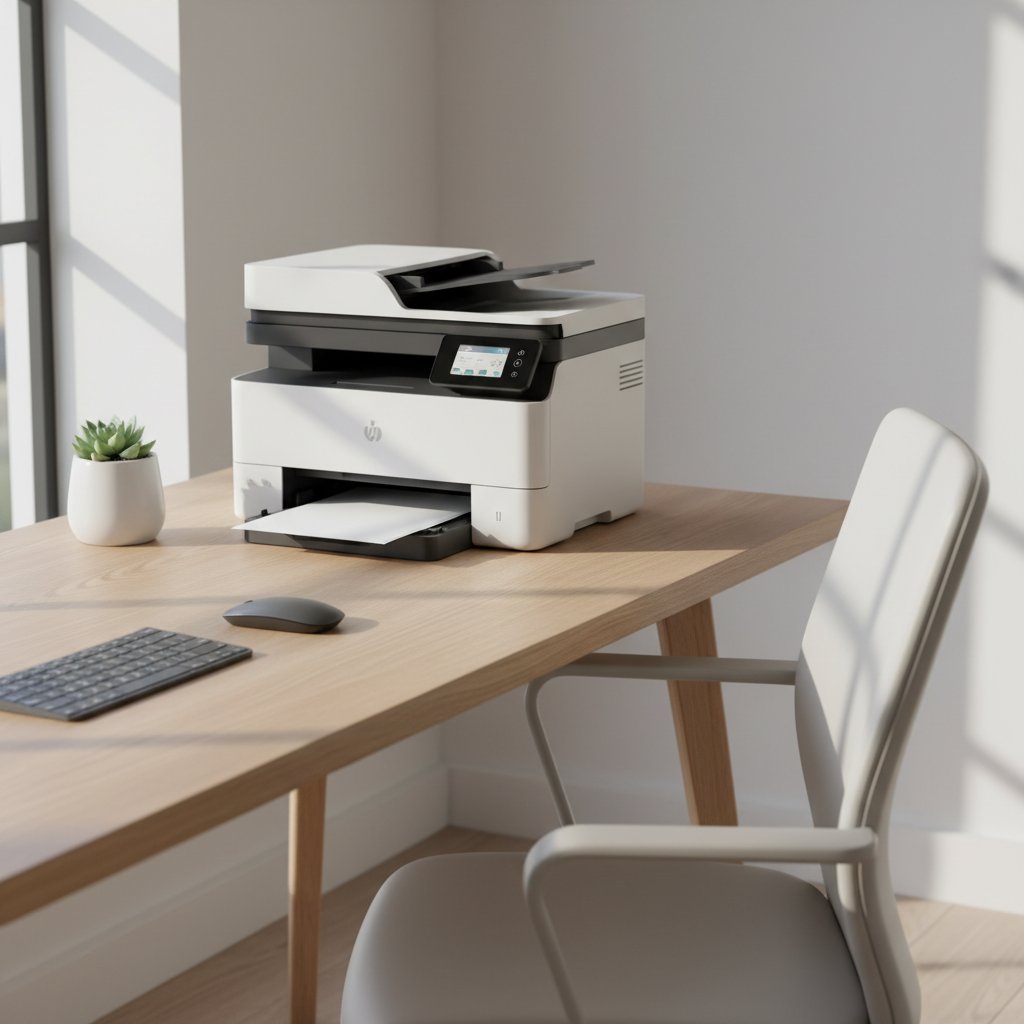
Maximize efficiency with a printer with scanner and copier. Discover how multifunction devices save space, cut costs, and streamline workflows for home offices.
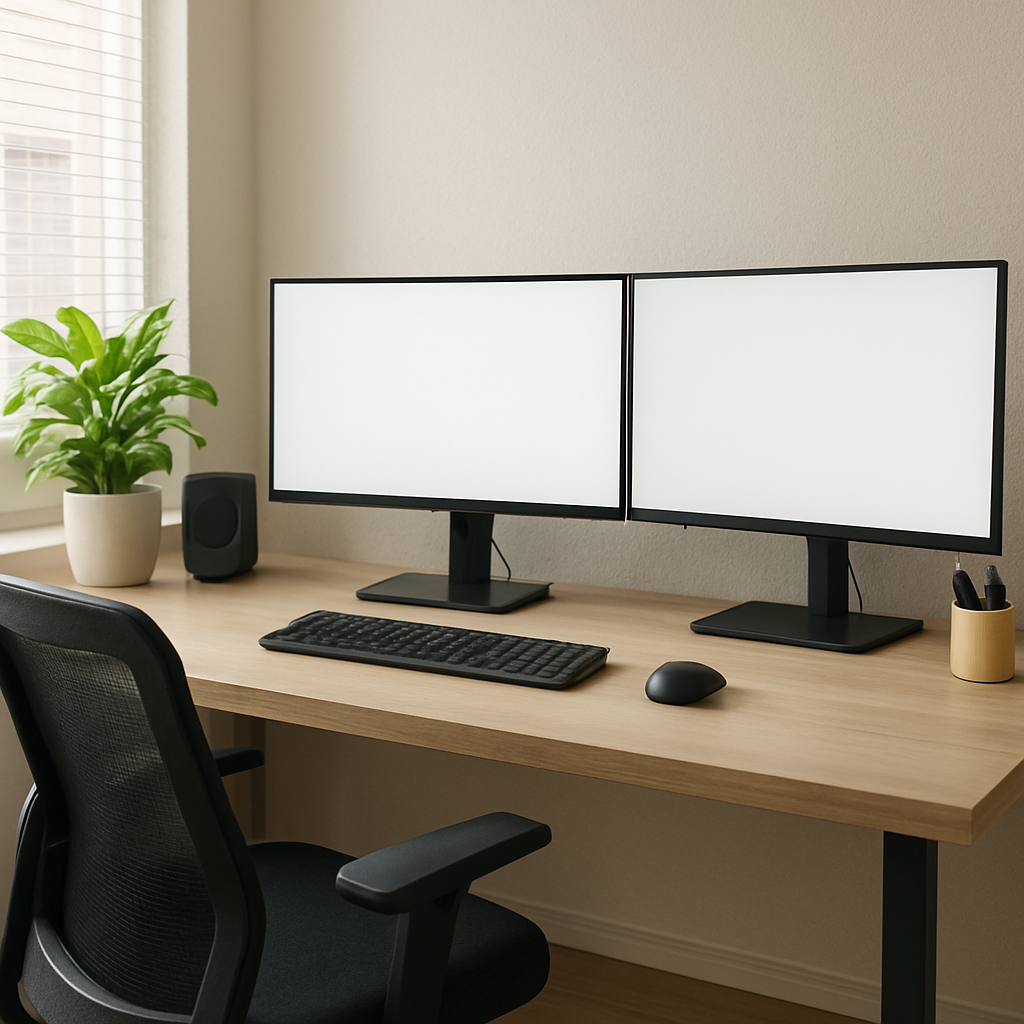
Upgrade your workspace with IT Carolina’s guide to creating the perfect home office setup. Discover ergonomic solutions, desk gadgets, and practical tips for boosting productivity and comfort in your remote work setup.
Discover SSD vs HDD: Which is best for 2026? Learn about speed, cost, durability, and capacity for optimal upgrades.