
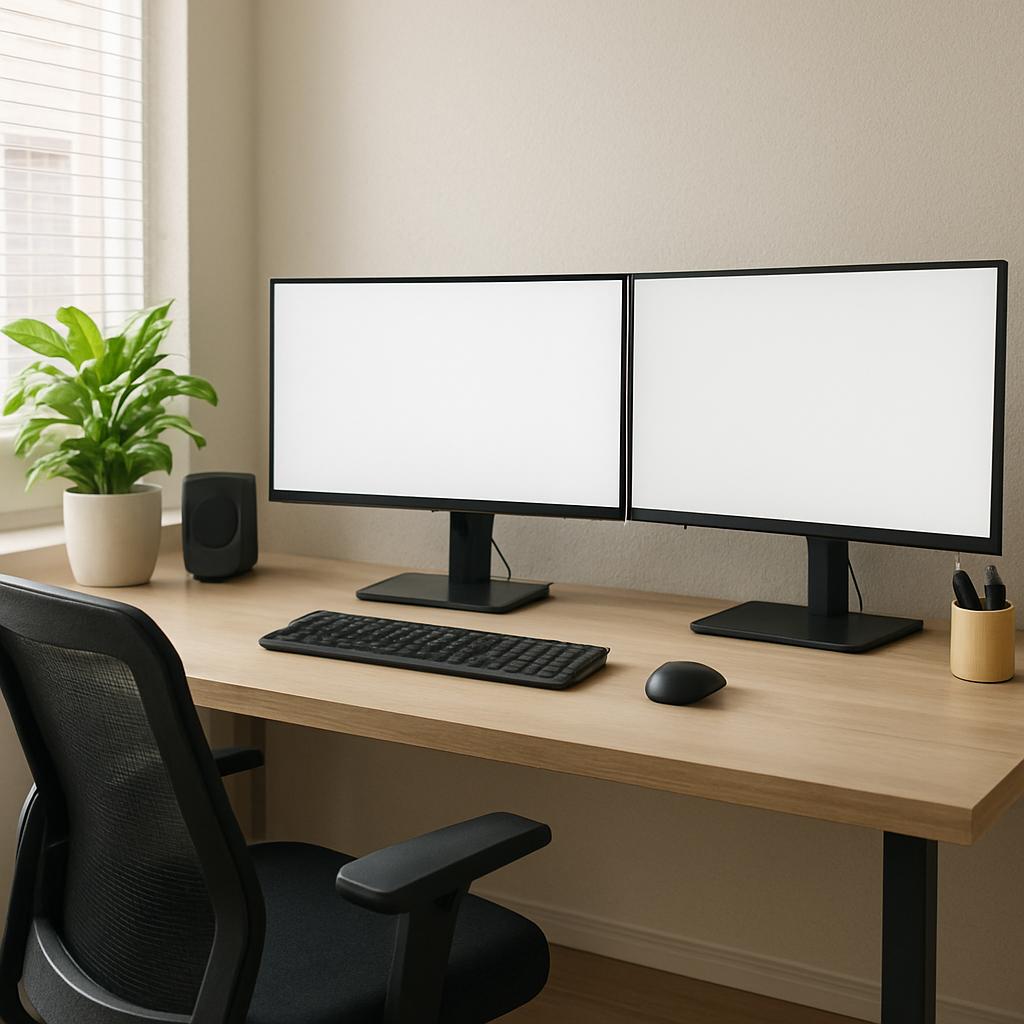
Essential Tips for Your Home Office Setup
The shift toward remote and hybrid work has transformed how we approach our daily routines, making a well-designed home office set up more crucial than ever. Working from the dining table or slouching on the couch might be fine for a day or two, but long-term productivity and physical health require a dedicated, thoughtfully designed space.
Whether you are starting from scratch or looking to refine your current layout, building an optimized remote work setup can significantly boost your focus, comfort, and professional output. In this comprehensive guide, we will explore practical, actionable tips to help you design a workspace that looks great, feels comfortable, and supercharges your productivity.
Defining Your Workspace
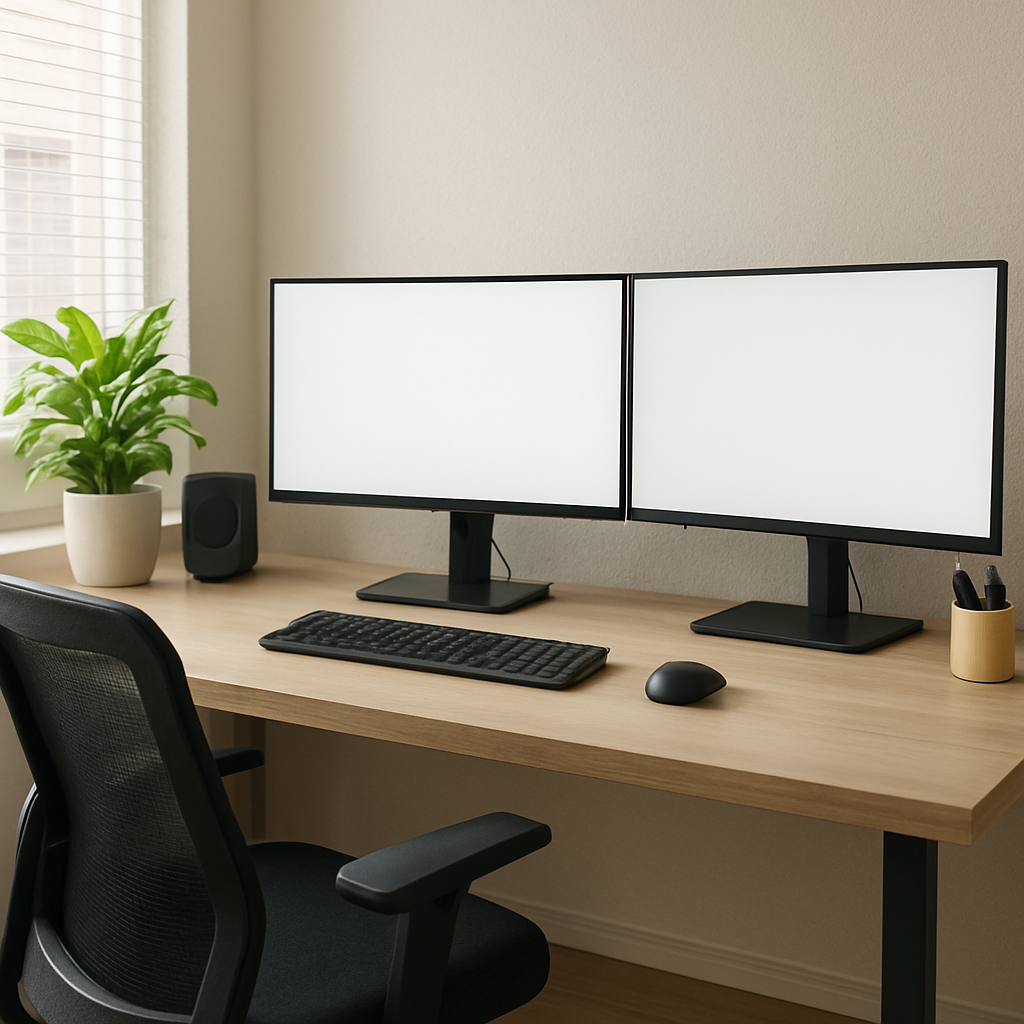
The first step in building your ideal work environment is deciding where it will live. You do not necessarily need a massive spare room, but you do need physical boundaries.
How Much Space is Needed for a Dedicated Workspace?
Many remote workers ask: how much space is needed for a dedicated workspace? As a general rule, a minimum area of about 5 by 7 feet (35 square feet) is required to comfortably fit a desk, a chair with room to roll back, and basic storage. However, if you are working with less square footage, creativity is key.
Small Bedroom Workspace Layout Ideas
If you don’t have a spare room, you might need to integrate your office into your sleeping quarters. Some effective small bedroom workspace layout ideas include:
- The “Cloffice”: Remove the doors from an unused closet, paint the interior a vibrant color, and install a built-in desk and floating shelves.
- Corner Optimization: Utilize an L-shaped desk in an unused corner to maximize surface area without eating into the center of the room.
- Foot-of-the-Bed Desk: Place a sleek desk at the foot of your bed facing the room, creating a distinct barrier between your sleep area and your work area.
The Foundation: Desks and Chairs
Your physical health relies heavily on the furniture you use for eight hours a day. Investing in high-quality, ergonomic office furniture is non-negotiable for long-term comfort.
Choosing the Right Desk
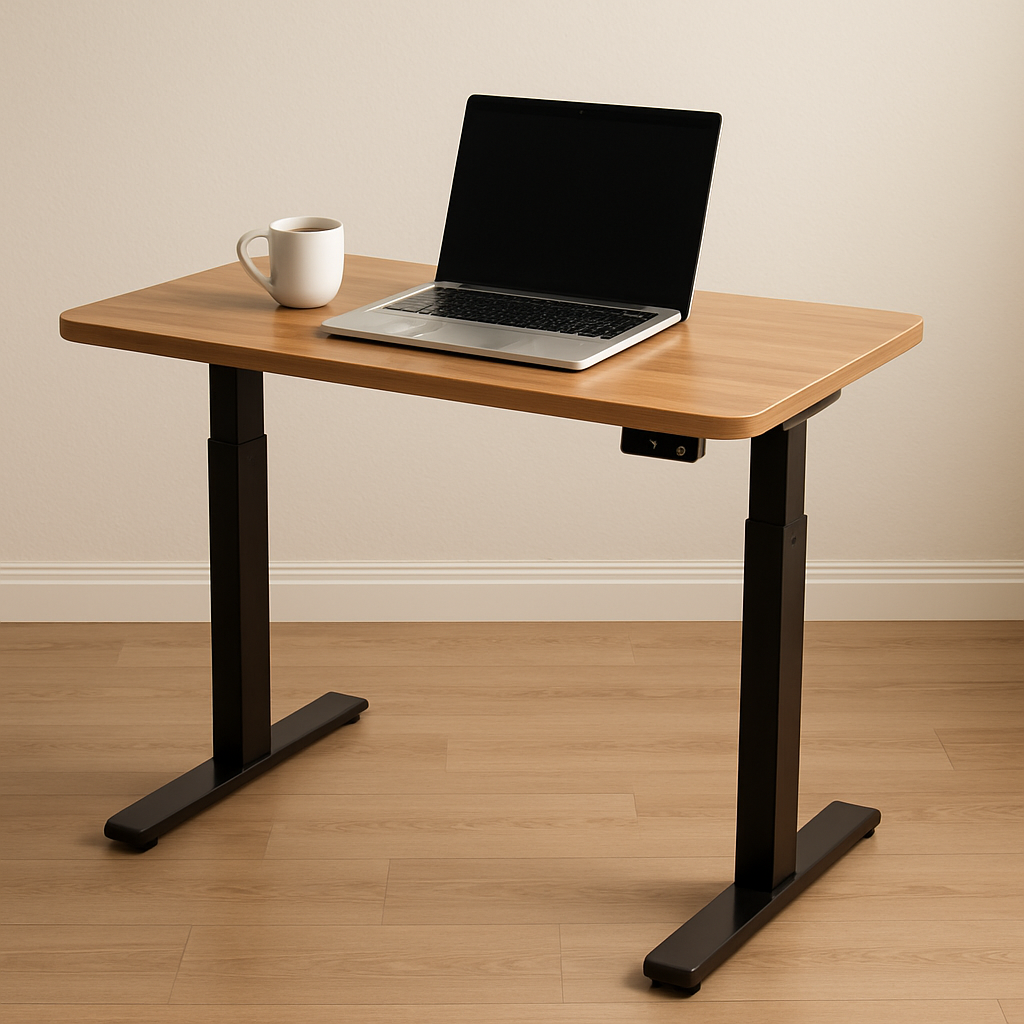
When selecting an ergonomic computer desk, consider your workflow and posture. A major debate in the remote work community is the standing desk vs traditional sitting desk.
- Traditional Sitting Desks: These are often more affordable and come in a wider variety of aesthetic styles, making them great for standard setups.
- Standing Desks (Height-Adjustable): These allow you to seamlessly switch between sitting and standing throughout the day, promoting better blood circulation and reducing back fatigue.
If you decide on a static ergonomic desk, ensure it sits at a height where your elbows can rest at a comfortable 90-degree angle while typing. And don’t worry if funds are tight; there is plenty of budget-friendly furniture for remote workers available online, from highly-rated modular desks to refurbished corporate office furniture.
The Importance of Seating
Never underestimate the power of a good chair. Dining chairs and decorative stools will quickly lead to backaches and poor posture. You must invest in an ergonomic desk chair for lumbar support. Look for a chair with adjustable seat height, armrests, and a dynamic backrest that conforms to the natural curve of your spine. Your feet should rest flat on the floor, and your knees should be at or slightly below your hip level.
Visual Ergonomics and Lighting
Staring at screens all day takes a toll on your eyes and your neck. Proper placement and lighting can prevent headaches and chronic pain.
Perfecting Your Screen Setup
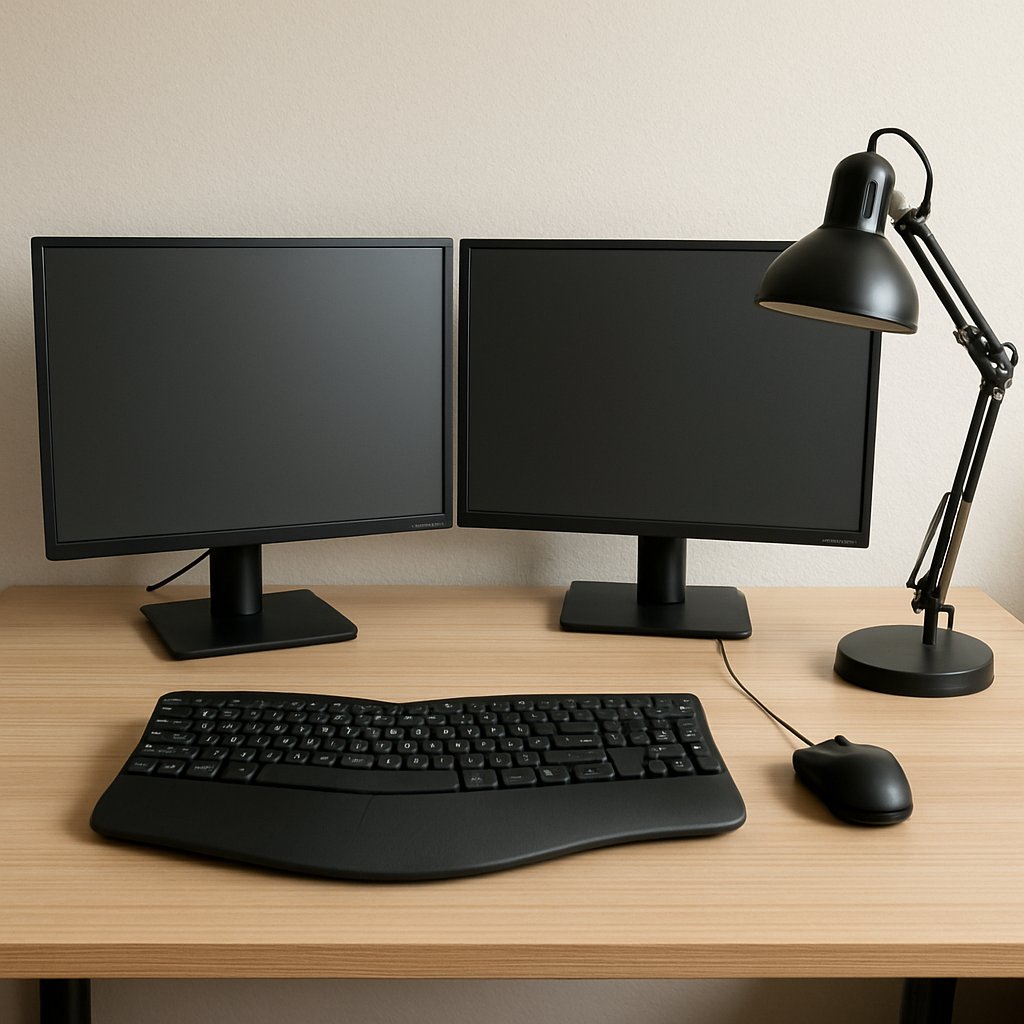
For maximum efficiency, many professionals rely on a dual monitor arrangement for multitasking. Having your email or communication tools on one screen and your primary active project on the other eliminates the constant need to minimize and maximize windows.
Regardless of how many screens you use, achieving the correct ergonomic monitor height for neck health is vital. The top third of your screen should be exactly at your eye level when sitting up straight. This prevents you from tilting your head down, which strains the cervical spine. Use monitor arms or a sturdy riser to achieve this height.
To protect your eyes from digital strain, incorporate blue light filtering for eye strain prevention. You can achieve this by wearing blue light-blocking glasses, applying a physical filter over your monitor, or simply adjusting your computer’s internal “night light” settings.
Mastering Office Lighting
Lighting plays a massive role in your mood and energy levels. When balancing natural light vs artificial task lighting, aim for a combination of both.
- Natural Light: Position your desk perpendicular to a window. This allows you to enjoy the mood-boosting benefits of sunlight without suffering from the harsh glare that occurs when a window is directly behind your screen (or behind your head).
- Artificial Task Lighting: Overhead lighting is rarely enough. Invest in a high-quality, adjustable LED desk lamp to illuminate your paperwork and keyboard.
Technology, Gadgets, and Connectivity
A beautiful office is useless if the technology doesn’t function smoothly. Your digital infrastructure is the backbone of your daily operations.
Staying Connected
Nothing is more frustrating than dropping out of an important client meeting. Ensuring stable Wi-Fi connectivity for video conferencing should be a top priority. If your home office is far from your router, consider upgrading to a mesh Wi-Fi system or using a powerline adapter. For the most reliable connection, bypass Wi-Fi entirely and run an Ethernet cable directly to your computer.
Taming the Wires
Multiple monitors, laptops, chargers, and lamps mean one thing: cable chaos. Implementing effective desk cable management solutions will instantly make your space feel more professional and less cluttered. Use under-desk cable trays, adhesive wire clips, and neoprene cable sleeves to bundle cords together and route them out of sight.
Boosting Efficiency with Gadgets
Once the basics are set, you can upgrade your workspace with desk gadgets. Consider adding a wireless charging pad for your smartphone, an ergonomic vertical mouse to prevent wrist strain, or a smart mug that keeps your coffee perfectly hot all morning.
Crafting a Professional and Focused Environment
When you work from home, the lines between personal life and professional life blur. Managing your environment is key to staying focused.
Designing for Video Calls
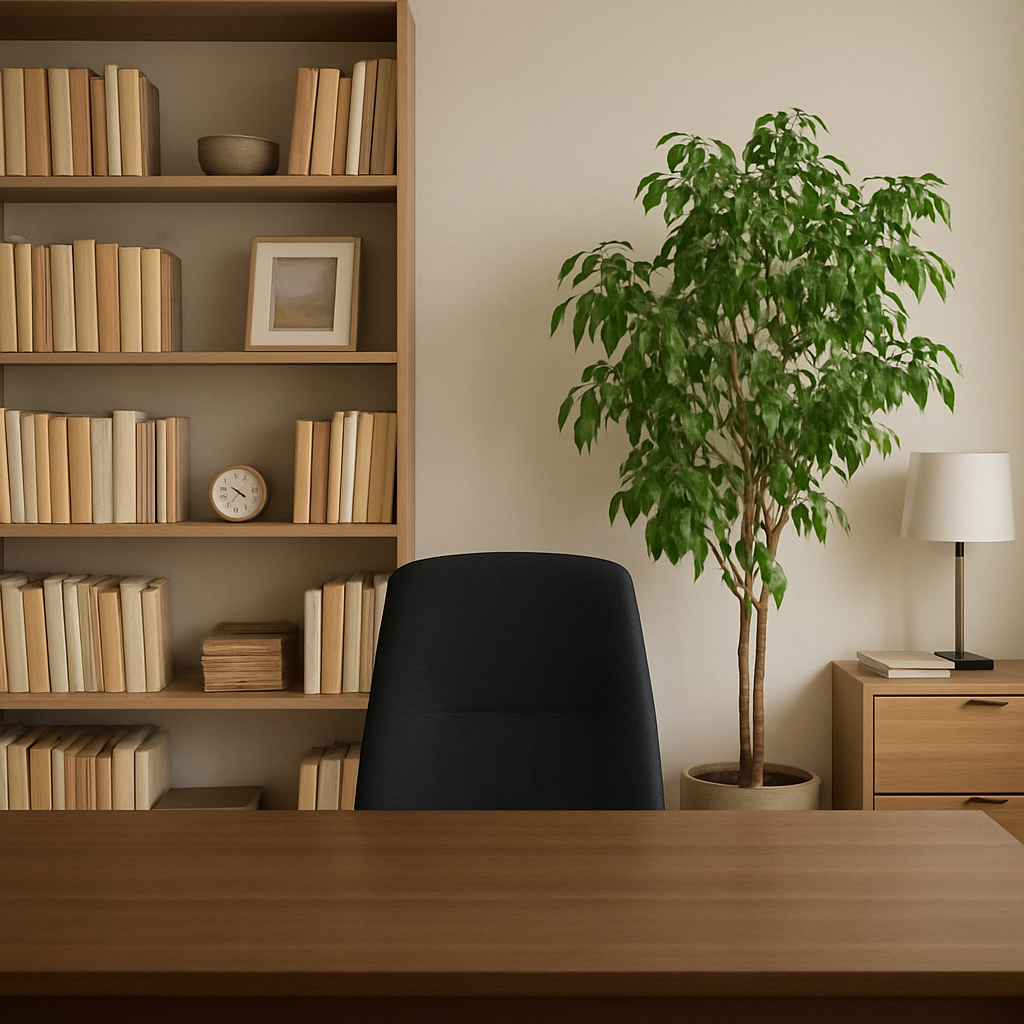
In the era of virtual meetings, your background speaks volumes about your professionalism. Curating a professional video call background design doesn’t mean you need a green screen. Keep the space behind you tidy and intentional. A bookshelf with a few well-placed plants, framed art, and soft ambient lighting creates a polished, welcoming backdrop. Avoid having an open closet, a messy bed, or highly personal items in the frame.
Managing Noise and Distractions
Focus is a precious commodity. Minimizing household distractions for remote work requires clear communication with family members or roommates. Establish visual cues, such as a “do not disturb” sign on your door or wearing noise-canceling headphones to signal that you are in deep work mode.
If your home has a lot of hard surfaces, echoes can make video calls sound hollow and amplify household noise. Installing aesthetic acoustic panels for noise reduction on the walls can absorb sound waves, creating a quieter, more serene environment that is ideal for both concentration and clear audio recording.
Organization and Storage Solutions
A cluttered desk leads to a cluttered mind. Keeping your workspace organized allows you to start each day with a blank slate.
If you are dealing with a smaller room, maximizing storage in a compact work area is essential.
- Go Vertical: Install floating shelves above your desk to hold books, decorative items, and office supplies.
- Under-Desk Drawers: If your desk doesn’t have built-in storage, purchase a slim, rolling filing cabinet that tucks neatly underneath.
- Pegboards: A wall-mounted pegboard is a highly customizable way to hang headphones, scissors, cables, and notes without taking up valuable desk surface area.
Conclusion
Figuring out exactly how to set up a home office can feel overwhelming, but it is ultimately about making intentional choices that support your specific needs. By combining ergonomic principles with smart technology and personalized aesthetics, you create an environment where you actually want to work.
Remember that the perfect workspace is an ongoing project. Start with the essentials—a supportive chair, proper monitor height, and reliable internet—and gradually introduce improvements as you discover what works best for your workflow. Prioritize your physical health and mental focus, and your home office will become your greatest tool for professional success.