Setting up an ergonomic home office matters if you want to get more done without ending the day sore. From a chair that actually supports you to a desk that fits your space, the little choices add up. This guide walks through the main ergonomic add-ons—chairs, desks, keyboards, and lighting—that can help you stay comfortable and work better. Each section breaks down what to look for so you can pick what fits your body and your routine, and so the money you spend shows up in better posture and fewer aches.
Choosing an Ergonomic Chair
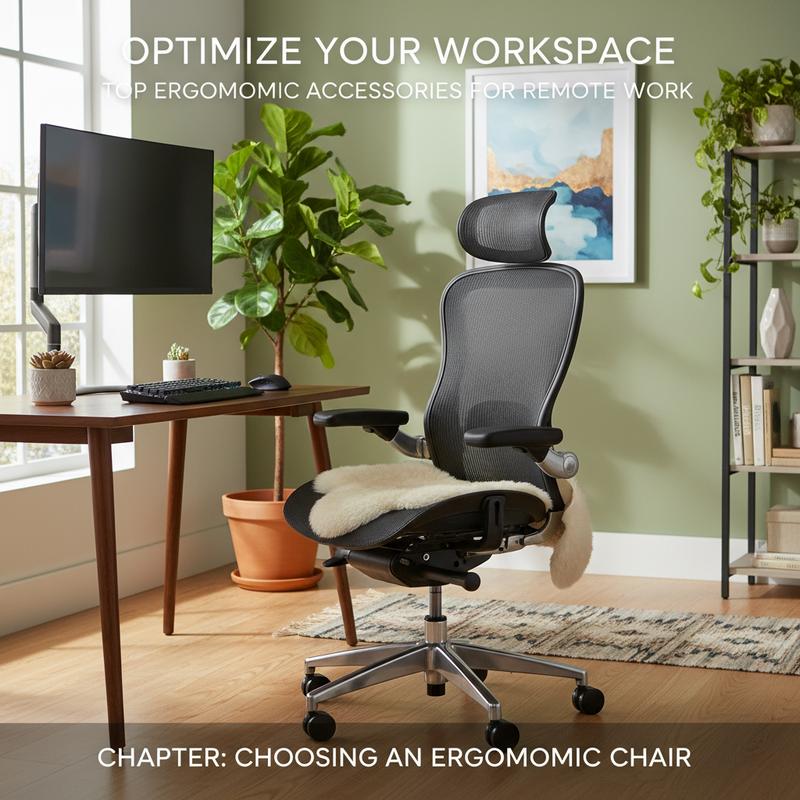
If you’re sitting for hours, your chair can make or break your home office. A good ergonomic chair doesn’t just feel nice—it helps your body stay in a natural position, which can cut down on strain and keep you focused. Thing is, the “best” chair depends on how you sit, how long you sit, and what support you actually need.
The big thing to prioritize is adjustability. A chair that can be tuned to your body helps prevent soreness during long workdays. Look for adjustable height so your feet can stay flat on the floor. Seat depth matters too—you want about 2-3 fingers of space behind your knees so you’re not cutting off circulation. And adjustable lumbar support is key for keeping the natural curve of your spine, which helps fend off back pain.
Armrests get ignored a lot, but they really do matter. Ideally, they adjust for height, width, and depth, and can pivot so your arms land where they naturally want to be. That takes pressure off your shoulders and neck. A backrest that reclines or tilts also helps, since small shifts in position throughout the day can keep your posture healthier and more comfortable.
Now, don’t forget the materials. Breathable mesh keeps air moving so you don’t overheat, while high-density foam can feel plush but may trap more heat. If you’re spending real money, check the warranty too—many solid chairs come with warranties from 5 to 12 years, which can say a lot about how well they’ll hold up.
Start your search by being honest about your needs. How many hours a day are you sitting? What’s your body size? And what are you using the chair for—detailed office work, long gaming sessions, or just casual home use? If you sit more than 8 hours a day, chairs with synchronous tilt, breathable mesh, and dynamic lumbar support tend to be a strong fit. Budget matters too: basic models usually run from £200 to £800 and cover the essentials, while professional options around £800 to £1,400 add more adjustability for heavy daily use.
Before you commit, make sure the chair supports your weight and matches your body type. Reviews can help, especially from people with a similar build. Still, testing the chair in person is the best move when you can—fit can be very different from what a brand name or a product page suggests.
And there are a few extras that might be worth it depending on your habits. A headrest can be nice if you lean back often, and swivel bases make it easier to move around without twisting. If back pain is a concern, put your money toward lumbar support that moves with you. Models like the Ergohuman GEN2 or Aeron are often mentioned as standouts.
So, choosing the right ergonomic chair comes down to getting the adjustments you need and a fit that works for your body. Once that’s dialed in, you’ll feel the difference in comfort, posture, and how long you can work without getting stiff.
Choosing the Right Desk for Your Home Office
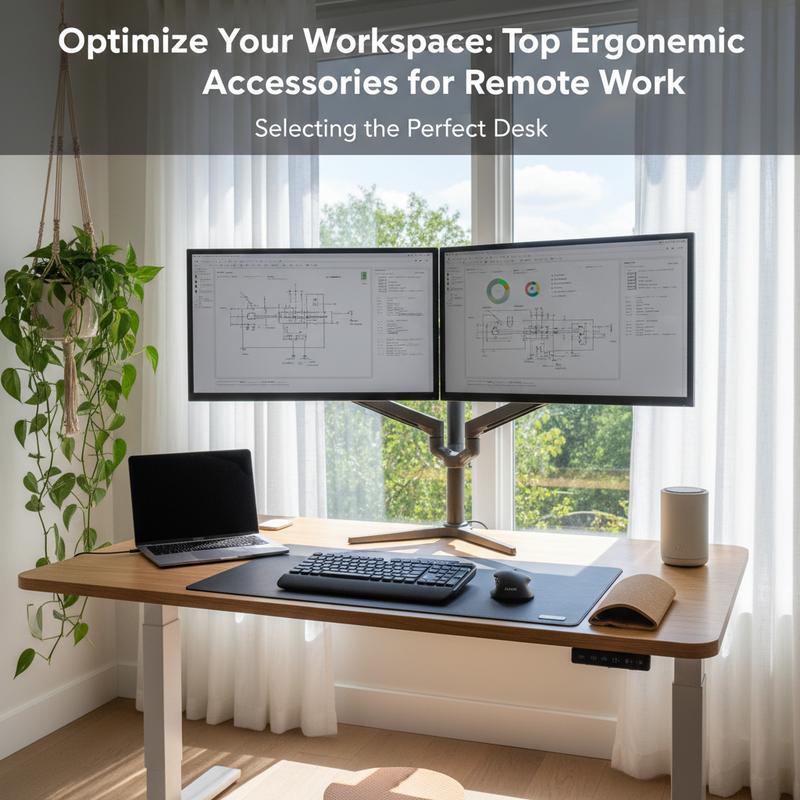
If your chair is the foundation, your desk is the work zone you interact with all day. The right desk makes it easier to set up your monitor, keyboard, and chair in a way that doesn’t leave you hunched over. When you’re shopping, focus on how you’ll use it, how much space you have, what it’s made of, and whether you need adjustability.
Start with what you do at the desk most days. For office work, you’ll usually want a decent surface—around 48 to 60 inches wide—so you can fit monitors, accessories, and paperwork without feeling cramped. For gaming, a sturdier desk matters, since it may need to hold heavier gear and extras like RGB lighting. Creative setups often benefit from a deeper desk, and sometimes adjustable angles help depending on the type of work. And for children’s desks, sturdy build and safety details like rounded edges are worth looking for.
How long you’ll be at the desk each day changes the decision too. If you’re there for long stretches, adjustability becomes a bigger deal, which is why standing desks have become popular. Reports suggest they can reduce back pain, which matters if you’re spending 8+ hours at your workstation. Look for electric or manual height adjustment and aim to set the desktop so your elbows rest comfortably at about a 90-degree angle, in line with ergonomic guidelines.
Materials affect both how the desk looks and how long it lasts. Solid wood like oak can last for decades if you take care of it. On the flip side, engineered wood, MDF, or laminate can be more budget-friendly and still hold up well to everyday use. A metal frame helps with stability, especially if you’re stacking a lot of tech on top or you tend to keep the surface cluttered.
Space planning matters more than people think. Measure carefully and leave room to move—most setups need about 30-36 inches behind the desk for chair pull-out and walking space. In smaller rooms, wall-mounted or foldable desks can save a lot of space. If you have more room, U-shaped or executive desks can work well for spreading out. For placement, try to use natural light without putting your screen in a glare zone—windows are often best positioned perpendicular to your monitors to reduce eye strain.
Desk prices are all over the place, but the sweet spot is often mid-range. Many desks in the $200-$800 range offer a good mix of quality and features. Also check the warranty and how hard assembly will be, since both affect how happy you’ll be with it long-term.
So, picking a desk is really about matching your daily needs with basic ergonomic rules. Once you get the size, height, and placement right, your whole setup feels easier to use—and your body usually thanks you for it.
Ergonomic Keyboards and Mice
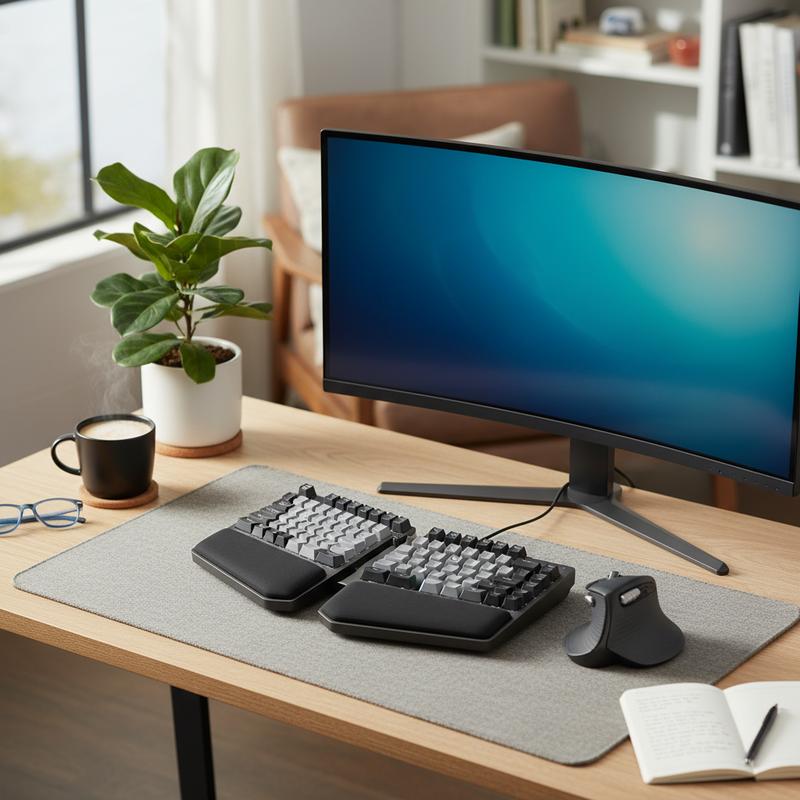
Ergonomic keyboards and mice can make a big difference if you type or mouse all day. Regular setups often push your wrists and shoulders into awkward positions, and over time that can turn into real problems. Repetitive Strain Injuries (RSI) are a common result, especially in the upper limbs from constant gripping, bent wrists, and reaching. Traditional mice are linked to 9 out of 10 upper-limb RSI cases. Switching to better-designed peripherals can help you stay comfortable and keep your mind on work instead of pain—especially when RSI is tied to an average of 23 workdays lost each year.
Keyboards are a good place to start. Split and tented keyboards are popular because they help keep your wrists in a more neutral position, avoiding ulnar deviation and the strain that can come with it. They also let your forearms sit more naturally, closer to shoulder width. It can take one to two weeks to get used to a split layout, but many people feel less joint stress once they adjust. Keyboard height matters too—keep it at elbow height or slightly below so your forearms stay supported and your wrists aren’t bent up or down. Models like the Balance Keyboard let you adjust angles, and the Kinesis Freestyle Edge RGB lets you separate the halves so the mouse can sit where it’s most comfortable. If you game, you might need to remap a few keys, but these designs can still help reduce fatigue during long sessions.
For mice and other pointing devices, the goal is to take pressure off your wrist and shoulder. Place the device directly in front of you, between your keyboard and your body, so you’re not reaching out to the side. Vertical mice can help by rotating your hand into a handshake-style position, which reduces pronation for many people. Trackballs can also be a good option, especially if your shoulder gets sore, since your arm stays still. Centered devices like RollerMouse spread the work across different muscles and let you control the cursor with your fingertips instead of a tight grip, which can help with “mouse shoulder.” And adjustable designs like the Unimouse let you fine-tune the angle to match what feels natural for your hand.
To keep things efficient, line everything up so your arms rest naturally at your sides, your monitor is at eye level, and the screen sits about an arm’s length away. Try a few setups and pay attention to what matches your habits—like heavy mouse use or gaming, where split keyboards can make it easier to keep access to keys like WASD. And remember, “ergonomic” on the box doesn’t always mean it’ll work for you, so judge by fit and comfort, not marketing. If you also need a quieter workspace, subtle noise-canceling earbuds can help you stay focused without distractions, as explained here. With the right keyboard and mouse, your home office can feel better to use and easier on your body.
Lighting Tips for Eye Comfort
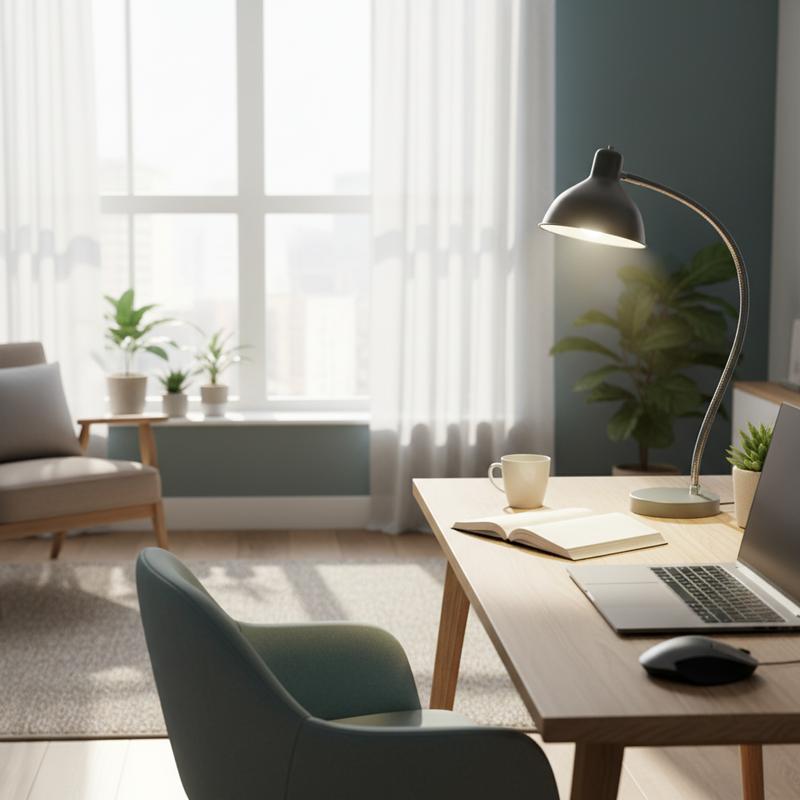
Lighting doesn’t get as much attention as chairs and desks, but it should. Good lighting helps reduce eye strain, headaches, and that tired, dry-eye feeling that can come from staring at screens all day. Too dim, too bright, or lots of glare can all make things worse. Here are a few practical, research-backed ways to make your home office easier on your eyes.
Eye-friendly lighting comes down to a few basics: illuminance (brightness), color temperature, uniformity, glare control, and flicker minimization. When these are balanced, your lighting feels closer to natural daylight, which your eyes handle well. The Illuminating Engineering Society (IES) suggests 300-500 lux for general tasks, while detailed work like reading can need up to 1,000 lux. A 2022 study in Lighting Research & Technology also backs up that staying in the right range helps reduce strain.
Color temperature matters a lot too. During the day, 4000–5000K helps you stay alert because it feels more like daylight. In the evening, warmer light in the 2700–3000K range is easier on your system and supports melatonin production for better sleep. Harvard Medical School research points out that moving to 3000K lighting at night can cut blue light exposure in half and help reduce disruption to your body clock.
One easy upgrade is switching to LED bulbs and fixtures. Smart LED bulbs can automate schedules so your lights shift from cooler during the day to warmer at night. Desk lamps with a high CRI (Color Rendering Index) of 95+ can also help, since colors look more accurate and your eyes don’t have to work as hard.
Ambient and bias lighting can help a ton with screen comfort. Screen bars clip to the top of your monitor and light the desk without bouncing glare into your eyes. Bias lighting—soft light behind the monitor—reduces the harsh contrast between a bright screen and a dark room, which can ease eye strain.
Blue light management is another piece of the puzzle. You can use software that warms the screen at night, or glasses designed to block blue light. A study in the Journal of Applied Physiology found that blocking blue light for two hours before bed improved sleep quality by 28%.
Lastly, think in layers. A good setup usually mixes ceiling lighting (ambient), a desk lamp (task), and a little accent light for balance. Natural light helps too—just try to keep windows perpendicular to your screen to cut glare while still getting the benefit.
Whether you’re building a dedicated home office or sharing a family space, dialing in your lighting can lower eye strain and help you feel better at the end of the day. If you’re also looking to cut down distractions, you can check out subtle noise-canceling earbuds as well. With the right lighting choices, eye strain can drop by up to 50%, which is a big deal if you’re on screens for hours.
Final thoughts
Ergonomic accessories are worth it if you want to stay comfortable, healthy, and productive at home. The chair, desk, keyboard and mouse, and lighting all work together, and weak links usually show up as pain, fatigue, or poor posture. If you take the time to choose pieces that fit your body and your day-to-day work, you can build a workspace that feels good to use and supports you long-term.
Want a hand getting your home office setup feeling better day to day? Reach out to IT Carolina and we’ll help you sort out what makes sense for your space.
Learn more: https://itcarolina.com/about/
About us
IT Carolina is best known for gaming and home entertainment, but we also help remote workers build tech-friendly home offices. We can help you mix smart tech and ergonomic gear to cut down on discomfort and make your setup work better for you.