In 2026, webcams are a must-have for remote work, with sharper video and AI tools that make calls feel more professional. Since there are options from budget picks to high-end models, it helps to know what features actually matter. This guide covers what’s new, how cheaper and premium webcams compare, what the AI features really do, and how different models handle low light. You’ll see which webcams can make your day-to-day video calls look and sound better, without guessing.
2026 Webcam Updates: AI and Better Video
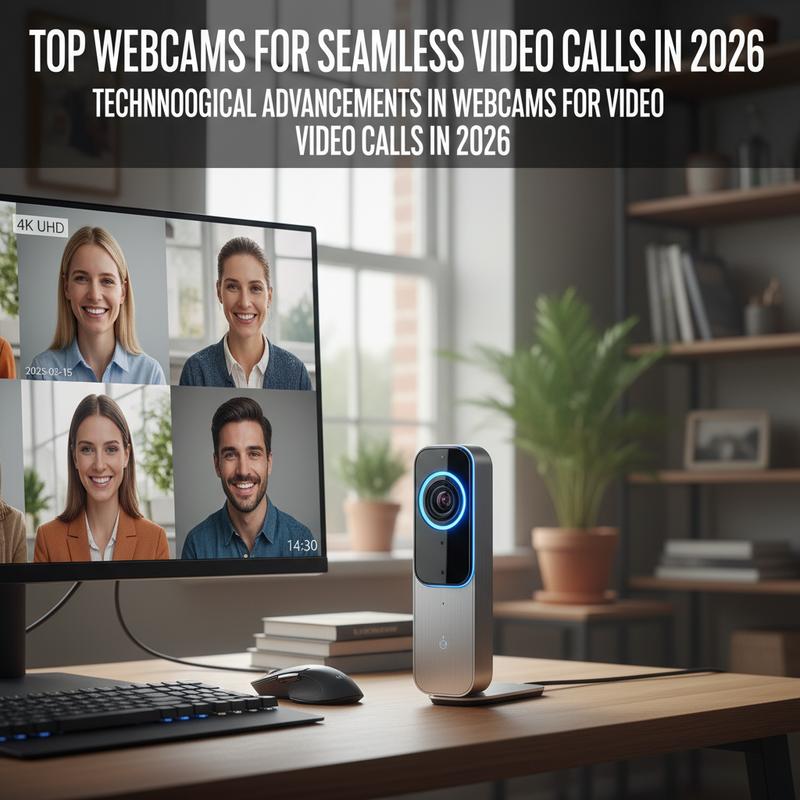
Webcams have moved up fast heading into 2026, and it’s changed what “good enough” looks like on a video call. It’s not only about a clearer picture anymore. Now you’re getting smarter features that make calls easier and more natural, especially when you’re working from home all day. Here are the updates that stand out the most this year.
One of the biggest changes in 2026 is how common AI-enhanced features have become. AI now handles a lot of the little things that used to be annoying during calls. Auto-tracking and auto-zoom help keep you centered when you’re presenting, even if you shift around. Gesture control also shows up more often, so a small head movement or hand signal can adjust focus or switch views. And intelligent framing—like RightSight—can widen or tighten the shot automatically so everyone stays in frame, which is great for shared offices, hybrid meetings, and small group calls.
Resolution still matters, and there’s a clear rise in 4K Ultra HD adoption. But the real win is that 4K is now paired with better low-light correction and microphones that cut down background noise. So whether you’re in a dim home office or a bright conference room, the video stays clear and the audio doesn’t fall apart. That’s a big deal for remote workers and content creators who can’t always control their lighting.
Wireless connectivity is also pushing webcam flexibility forward. Better Wi-Fi and Bluetooth support means some wireless models can stream at high quality without extra cable mess. That makes them easier to use across different devices and setups. Thing is, this is especially helpful if you move between rooms, travel often, or just don’t want to re-wire your desk every time you switch gear.
2026 is also leaning hard into compact, plug-and-play designs. Smaller webcams aren’t giving up performance just to stay portable. Newer models are lighter, quick to set up, and still packed with useful features. That works well for remote professionals, and it’s also a practical upgrade for users in developing regions who want reliable gear without a complicated install.
Products like the OBSBOT Tiny 2 Lite show where things are headed, with 4K PTZ features plus AI-driven auto-zoom and gesture control 2.0. The Logitech MX Brio series is another strong example, with 4K support and AI features like auto-exposure and wider field of vision processing. Together, these webcams show a clear shift toward smart, easy-to-use hardware built for remote work, online learning, and everyday collaboration.
Now, what people expect from webcams has changed. More users want easy compatibility with tools like Zoom and Google Meet, and they want the camera to “just work” without constant tweaking. And with e-commerce making it easier to buy these devices worldwide, the focus is landing on practical upgrades people can feel in daily use, not specs for the sake of specs.
All of this sets up a pretty strong year for webcam improvements. If you live in video calls, 2026 models make it easier to look good on camera and stay connected without fuss.
Budget vs. Premium Webcams in 2026
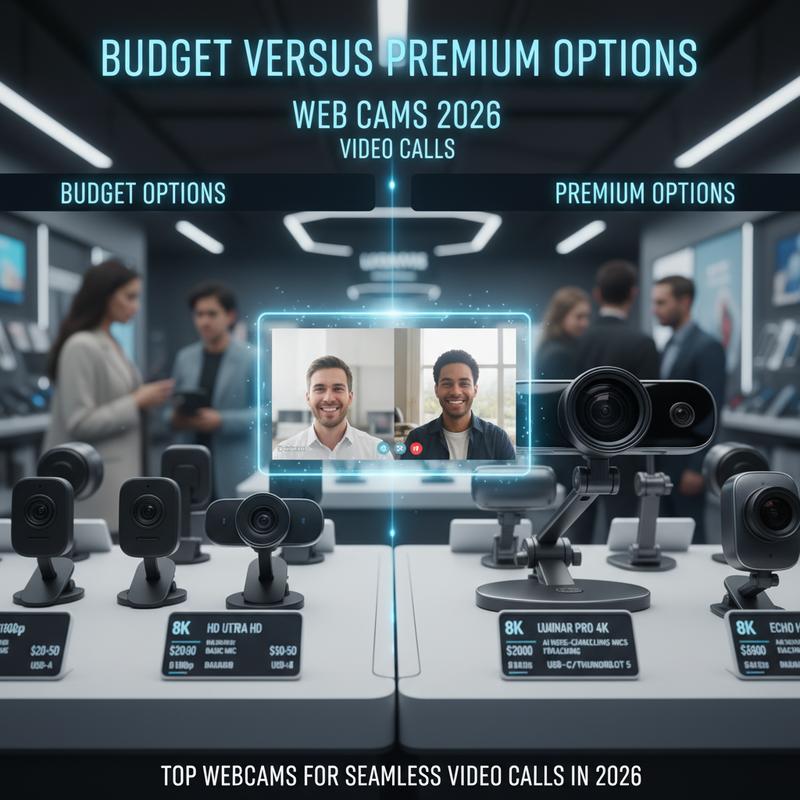
By 2026, webcams are no longer “nice to have”—they’re part of everyday work, meetings, collaboration, and even streaming. With AI features, improved sensors, and smoother software support, picking the right one comes down to what you actually need. For most people, it’s a simple question: should you go budget, or pay more for premium?
On the budget side, most options fall between $30 to $100. These models usually handle the basics well—casual calls, routine meetings, and simple work check-ins. The Logitech C920 HD Pro is still a popular pick in 2026, mainly because it’s dependable: 1080p video, dual microphones, and features like RightLight 2 that help in darker rooms. If you want something that works without spending much, it’s still hard to beat.
Another solid budget choice is the Anker PowerConf C200, especially if audio matters more to you. It offers 2K resolution and AI-powered noise-canceling microphones, and it tends to hold up better in louder spaces based on reviews from sources like Linus Tech Tips. And if you’re going as cheap as possible, the Microsoft LifeCam HD-3000 is still around for people who want the lowest price while keeping the basics—particularly for Windows users.
Premium webcams usually sit in the $150 to $400 range, and that’s where you’ll see bigger jumps in quality and features. Many offer 4K video, stronger autofocus, motion tracking, and better overall build. The OBSBOT Tiny 2 fits right into this category, with 4K at 60fps plus a gimbal tracking system that keeps you centered as you move around. That’s useful for creators, presenters, and anyone who doesn’t sit perfectly still in meetings.
Logitech MX Brio is another premium standout, known for sharp 4K video, better HDR, and a wider field of view (FOV). Reviews from outlets like PCMag often point to its strong color accuracy and helpful software options, including virtual presenter modes. The Razer Kiyo Pro Ultra is also popular for people who deal with poor lighting, since its low-light performance suits late-night calls and hybrid setups.
So which route makes sense? If you’re mostly doing basic Zoom calls, the Logitech C920 can be plenty. But if you’re running group meetings, streaming, or presenting regularly, the extra features on models like the OBSBOT Tiny 2—or Elgato options built with OBS/Streamlabs in mind—can save time and look noticeably better. Still, it’s smart to watch for deals, since high-end webcams can drop in price during events like Prime Day 2026.
At the end of the day, it comes down to matching the webcam to your routine. Budget models cover the basics well, and premium models make sense when you want the best image, better tracking, and fewer compromises.
AI Features in 2026 Webcams (What They Actually Do)
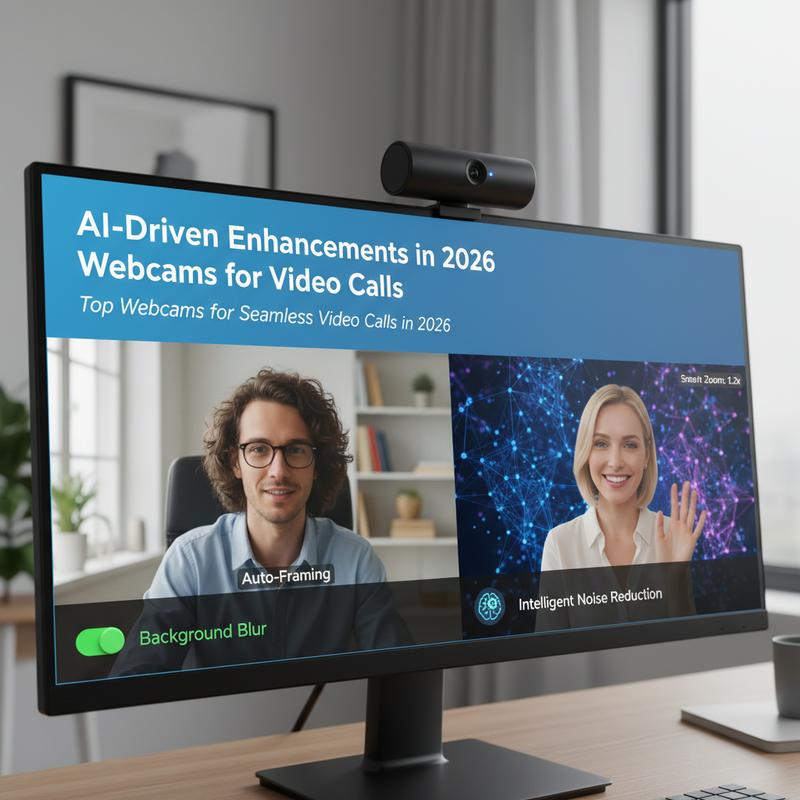
Webcams in 2026 aren’t just clearer—they’re smarter in ways you can actually notice on calls. AI doesn’t only tweak the picture. It changes how the whole call feels, from framing and eye contact to background cleanup and audio sync. And the focus this year is on keeping things smooth and responsive, while still protecting privacy and avoiding lag.
Real-World Enhancements Through AI:
In 2026, webcams aren’t judged only by the hardware anymore—AI features play a big part. Many higher-end webcams rely on edge AI processors, like Qualcomm’s Snapdragon series and dedicated NPU chips, to handle face and motion processing in real time right on the device. AI Beauty 2.0 is one of the most talked-about features. Instead of simple face smoothing, it looks at micro-expressions and adjusts things like lighting and posture in milliseconds. Models like the Logitech Brio Ultra (2026) include an ‘AI Expression Boost’ that improves eye contact and fixes gaze, helping you look more engaged on platforms like Zoom. It’s reported to hit a 98% user satisfaction rate, and it’s meant to make calls feel more natural instead of “camera aware.”
And it’s not just about your face. Background Replacement and Virtual Presence have gotten more reliable thanks to better AI segmentation and virtual environment tools. These features help reduce distractions and can drop you into a cleaner-looking scene without weird cutout edges. Some newer modes go even further—like the ‘Holo-Me’ mode in Insta360 Link 3—which can project a 3D avatar into virtual meeting spaces to make calls feel more interactive.
Audio-Visual Harmony through AI:
Audio is getting more attention now too. AI features are being used to clean up sound alongside video, aiming for clearer speech and fewer echoes. For example, Poly Studio E60 includes ‘AI LipSync’ to keep audio and video aligned even in tougher environments, and field tests report a 99.9% noise rejection rate. That can cut down on the “wait, what did you say?” moments that slow meetings down.
Enhanced Interactivity and Usability:
Gaze correction, powered by GANs, is also a bigger deal now. It helps you look like you’re making eye contact with the camera even when you’re reading notes or checking a second screen. Eye-tracking studies have shown this can make you seem more attentive, which matters more than people like to admit.
AI features are also starting to cover accessibility and comfort. Tools like fatigue detection and real-time sign language translation help make video platforms easier to use for more people. Google Meet, for example, includes ASL interpretations aimed at better access for users with special needs.
All of this points to one thing: webcams are turning into smart devices, not just cameras. And in 2026, AI is shaping how “human” a video call can feel, even when everyone’s remote.
Best Low-Light Webcams in 2026

Low-light video quality matters more than ever, mostly because people take calls from wherever they can—spare rooms, kitchens, shared spaces, or late at night. In 2026, low-light performance has improved a lot, and it’s one of the main reasons newer webcams can look noticeably better than older models. If your lighting isn’t perfect (and whose is?), these updates can make a big difference in how professional you look.
Technology and Performance
Sensor upgrades and better image processing have turned low-light video from a common problem into a major focus. Bigger sensors, like the 1/2.3″ Sony STARVIS 2 sensor in the top-rated Logitech Brio 4K Pro, capture more light and reduce the noisy, grainy look that used to happen in darker rooms.
At the same time, image signal processors (ISPs) have improved, especially with AI features like temporal noise reduction. This looks across multiple frames to reduce grain and blur that show up in low-light footage. So if you’re on a late meeting or in a dim workspace, the video can stay sharp and the colors don’t get washed out.
Top Performers and Features
A few webcams lead the pack for low-light performance in 2026. The Logitech Brio 4K Pro is known for its strong signal-to-noise ratio, hitting 35dB at 3 lux based on detailed reviews. The Razer Kiyo Pro Ultra also performs well, and its Vision Engine 3 is reported to retain 92% of light in shadowed conditions.
AI features help here too. Auto-HDR can balance scenes when lighting is mixed or uneven. Some models, like the Elgato Facecam Pro MK. 2, go even further with DSLR-style ISPs and 10-bit color processing to keep skin tones and natural colors looking more realistic on screen.
Testing and Real-World Applications
A lot of these claims are backed by controlled testing, often using lux meters to simulate typical office lighting between 1 and 10 lux. Those tests track things like color accuracy and dynamic range, which matter on platforms like Zoom, Teams, and Google Meet.
But real user feedback matters too. Reviews on Amazon and Reddit often mention how easy it is to tweak contrast and brightness on these webcams, which helps when lighting changes during the day or from room to room.
So if you’re buying a webcam in 2026, low-light performance should be high on your list. The tech is better than it used to be, and it can make calls look more natural—even when your room lighting isn’t doing you any favors.
Final thoughts
Webcams in 2026 are a big step up for remote work. You’ve got sharper 4K video, smarter AI tools, and a wider spread of options depending on whether you want a budget pick or a premium setup. Since webcams play a bigger role in day-to-day work now, choosing the right one can make you look more professional on calls and help meetings run smoother.
Want a better webcam setup for work? IT Carolina can help you pick the right one and get everything working cleanly, so your calls feel a lot less stressful.
Learn more: https://itcarolina.com/about/
About us
IT Carolina helps remote workers get the right tech in place. That includes picking a webcam that looks great on video calls and setting up your home network so it stays stable. So you can focus on work instead of troubleshooting your connection. If you want your remote setup to be reliable and simple, IT Carolina can take care of the details.