Heading into 2026, online security matters more than ever—especially for home users and small businesses dealing with AI-powered scams and the growing buzz around quantum computing. Password managers have become a must-have, and the good news is you can get solid protection for free. This guide looks at the best free password managers you can use right now, focusing on security, features, device support, and privacy. We’ll break things down by topic so you can pick what fits you best, whether you care most about syncing across devices or strong encryption.
Security: Top Free Password Managers for 2026
In 2026, keeping your accounts safe isn’t optional, and free password managers have stepped up in a big way. Most of the best options rely on industry-standard protection, with AES-256 encryption doing the heavy lifting. That matters because data breaches aren’t slowing down, and more people are starting to think about what future tech (including quantum computing) could mean for today’s security.
One of the strongest picks here is Bitwarden. It’s open-source, which means outside experts can review the code and run security audits—something that helps build confidence in its zero-knowledge setup. It also works across pretty much everything, with browser extensions on all major platforms. Thing is, the free plan skips a few extras like emergency access. Still, you get generous password storage and strong security, which covers what most people actually need.
KeePass goes a different route and leans hard into privacy with an offline-first setup that avoids cloud storage entirely. That’s great if you don’t want your vault online, but it also means you’ll need to handle syncing yourself if you want passwords on multiple devices. And since there’s no account to create, you get an extra layer of anonymity that privacy-focused users tend to love. Meanwhile, Proton Pass ties into the Proton ecosystem and its privacy-first reputation, pairing strong encryption with a clean, simple interface. On the flip side, it’s newer than some longtime options, so it hasn’t had as many years of audit history behind it.
So the “best” choice really comes down to what you care about most: Bitwarden for a strong all-around mix of security and cross-device use, KeePass for offline control and deep customization, or Proton Pass for an easy experience with privacy baked in. Any of these can help lock down your accounts in 2026—just pick the one that matches your habits.
Additional insights into managing device security can be explored in Essential Online Security Tips for Everyone, guiding users in complementing their password management strategy with a broader cybersecurity framework.
Top Features and Ease of Use in Free Password Managers for 2026
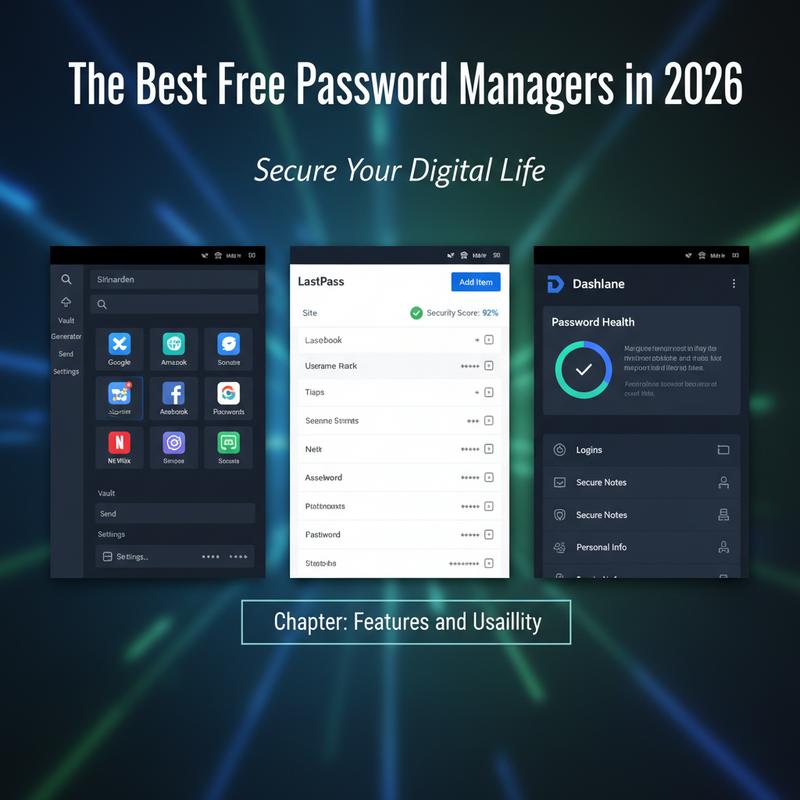
By 2026, free password managers aren’t just “basic” anymore—they’re packed with helpful features and are much easier to use than they used to be. They help protect you from smarter attacks, sure, but they also make everyday stuff like logging in and organizing accounts way less annoying. The big names—Bitwarden, 1Password, KeePass, Dashlane, and NordPass—all bring their own strengths, even on free plans, so it really depends on what you’re after.
Bitwarden is a favorite for people who like transparency. It’s open-source, has a big community behind it, and supports a wide range of devices. With browser extensions and built-in two-factor authentication, it covers the essentials without making things complicated. The layout is straightforward, so you can get your vault set up fast without feeling lost.
1Password has a more limited free tier, but it’s known for smart safety tools like Watchtower, which flags weak or compromised passwords. It also includes emergency access options, which is handy if you’re planning ahead for worst-case scenarios. And the interface feels polished, especially if you care about a smooth experience across devices.
KeePass sticks to its offline-first approach, which is perfect if you want full control and don’t want to rely on cloud syncing. Now, it can take more work to set up, and it’s definitely more hands-on than most. But if you’re comfortable tinkering, the plug-ins and customization options give you a ton of flexibility.
Dashlane’s free plan feels more like a broader safety bundle, with extras like a password strength checker and even limited VPN access, all wrapped in a nice-looking interface. NordPass keeps things simple and quick, with a clean design plus useful basics like breach scanning and biometric login.
Whatever you choose, a couple things still matter most: turn on two-factor authentication and use a strong master password. If you want more ways to stay safe online, check out essential online security tips. The free options in 2026 are strong enough that you don’t have to pay just to get a good, user-friendly password manager.
Cross-Platform Compatibility in 2026’s Best Free Password Managers
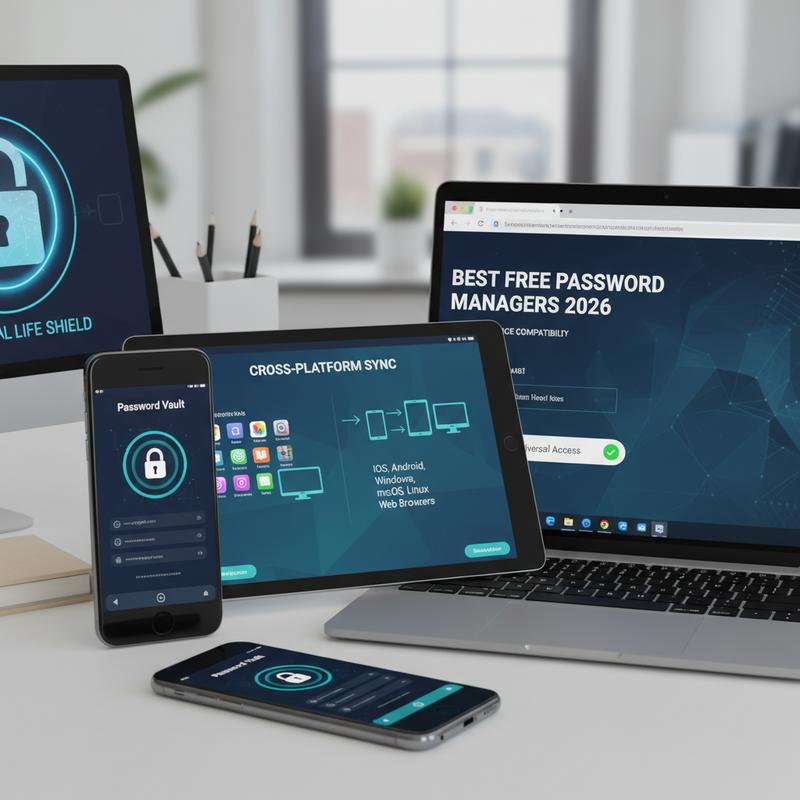
In 2026, people bounce between laptops, phones, tablets, and browsers all day. So if your password manager can’t keep up across devices, it’s going to be a headache fast. The best free password managers handle this well, offering broad support for different operating systems and browsers so you can log in wherever you are.
Bitwarden is one of the best all-around options for device coverage. It has apps for Windows, macOS, Linux, iOS, and Android, so you can get to your vault almost anywhere. It also supports the major browsers—Chrome, Firefox, Safari, Edge, and Opera—and includes a web vault as a backup way in. And because it’s open-source, updates and improvements tend to roll out consistently across platforms.
If you want to keep things offline, KeePass/KeePassXC is a strong fit on desktop (Windows, macOS, and Linux). Mobile support is more pieced together since it relies on third-party apps. And yes, syncing is manual, which can be rough if you’re not comfortable setting that up. But if you’re trying to avoid the cloud and still want strong encryption and flexibility, it’s hard to beat.
Dashlane and 1Password generally aim for a smooth, modern experience on Windows, macOS, and mobile, though their free plans can feel limited. They also have solid browser extension support. The downside is they don’t offer native Linux apps, which is a dealbreaker for some people.
Proton Pass is newer but has been picking up speed. It supports Windows, macOS, Linux, iOS, and Android, and it’s built with privacy front and center. Since it comes from the Proton Mail team, it also benefits from Swiss privacy laws, which some users care a lot about.
Still, compatibility isn’t the only thing to look at. Think about whether you want automatic syncing or you’re okay doing it manually, how well the browser extensions work, and how the mobile apps feel day to day. And since security is the whole point, ensuring optimal security practices matters too—keep apps updated, turn on two-factor authentication, and use device protections like biometrics when available.
Privacy and Encryption in Free Password Managers in 2026
In 2026, free password managers can still give you strong privacy and encryption without making you pay for it. Threats keep getting smarter—AI attacks, talk of quantum computing, all of it—so solid encryption is no longer a “nice to have.” AES-256 is still the go-to standard for most top password managers, and it’s widely trusted because it’s extremely resistant to brute-force attacks. NIST backs it, and the 256-bit key space is so huge that cracking it with today’s tech just isn’t realistic.
Zero-knowledge design is another big deal. It means that even if a company’s servers were breached, your vault data should still be unreadable without your master password. Services like Bitwarden and Proton Pass use this approach, and they back it up with independent audits from well-known firms like Cure53 and Securitum. Audits don’t magically make something perfect, but they do add a real layer of accountability.
Encryption is also starting to shift toward post-quantum cryptography (PQC) in preparation for what might come next. Proton Pass is one of the early services moving in that direction, using PQC algorithms like Kyber to help protect against future quantum-based attacks. If you like planning ahead, that’s worth paying attention to.
Open-source tools like KeePassXC add another trust factor because anyone can inspect the code. That transparency makes it easier to spot problems early, and it gives users more control over what’s happening behind the scenes.
But privacy isn’t always a clear yes/no thing. Google Password Manager uses AES-256 encryption too, but it’s tied into the larger Google ecosystem. That can be convenient, but some users worry that data connected to that ecosystem could be used for ad targeting. So it’s really a trade-off: simplicity and integration versus keeping things more private.
At the end of the day, the right password manager is the one that matches your comfort level. Some people want open-source control, some want post-quantum prep, and others just want an easy tool that works everywhere. If you want more help thinking through personal security habits, this guide on cybersecurity tips for small businesses can also apply to home use in a lot of ways.
Limitations and Best Uses: Free Password Managers in 2026
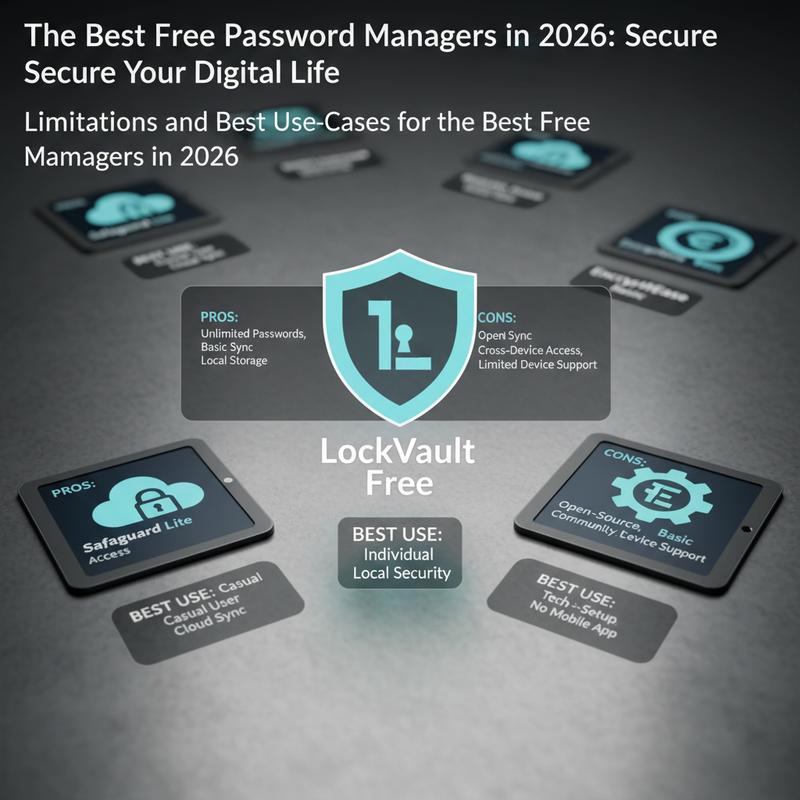
In 2026, free password managers are a go-to for a lot of people. Even without paying, you can get a lot of the same day-to-day functionality as premium plans. But there are usually a few limits that shape what each tool is best at, so it helps to know where each one shines (and where it doesn’t).
Bitwarden is a strong all-around pick thanks to its open-source approach and AES-256 encryption. You get unlimited password storage, syncing across devices, and secure sharing, which makes it great for people who bounce between platforms—or small teams watching the budget. The trade-off is that it doesn’t include built-in dark web monitoring or more advanced autofill AI, so it can feel a bit less “fancy” than some paid tools.
Proton Pass, shaped by Swiss privacy standards, is a good match for people who care a lot about privacy and want a zero-knowledge setup. It also includes email aliasing, which is useful for signing up for services without handing out your real address everywhere. It’s built with mobile in mind and works well on Android and iOS. But you might notice slower syncing at times, and the organization tools can feel limited if you have a huge vault—unless you move up to paid features.
KeePassXC is the pick for people who want offline security and don’t want cloud involvement at all. That makes it appealing for high-sensitivity situations, like journalists or security professionals. It stores everything locally and gives you tons of room to customize. But convenience takes a hit: setup can be confusing at first, the learning curve is real, and mobile support isn’t as smooth.
Still, the “right” one depends on what you need. Bitwarden is great for flexibility, Proton Pass is strong on privacy and email aliases, and KeePassXC is hard to beat for local-first security. Figure out what matters most—multi-device syncing, privacy, or offline control—and the choice usually becomes pretty clear.
For those managing sensitive data and seeking comprehensive strategies beyond password managers, exploring broader cybersecurity tips can bolster overall digital safety.
Wrap-up
In 2026, free password managers are one of the simplest ways to seriously improve your security. The best options cover different needs—some focus on easy syncing, others on strong encryption, and others on broad device support. Once you know what matters most to you (home use, a small business setup, privacy, or convenience), it’s much easier to pick the right tool. Now add the basics—two-factor authentication, a strong master password, and regular updates—and you’ll be in a much safer spot as new threats keep showing up.
Need help picking one and getting it set up the right way for your home or small business? We can help.
Learn more: https://itcarolina.com/about/
About us
At IT Carolina, we make cybersecurity easier for families and small businesses, so you can focus on what you actually need to get done. We help with everything from setting up secure password managers to choosing digital tools you can trust—without the usual tech headaches. Whether you’re protecting personal accounts at home or locking down business data, our hands-on IT support helps keep your systems secure, organized, and running smoothly.