Hopping on public Wi-Fi while you’re traveling or working remotely can turn into a security mess fast. Hackers have plenty of sneaky ways to grab your info on these networks, and they keep getting better at it. From evil twin hotspots to man-in-the-middle interceptions, the tricks don’t stop. This article breaks down how these attacks happen and shares clear, practical ways to keep your logins safe. We’ll cover how fake networks are set up, how packet sniffing works, how MitM attacks play out, and what you can do to protect your data while staying online on the go.
Evil Twin Wi-Fi Attacks
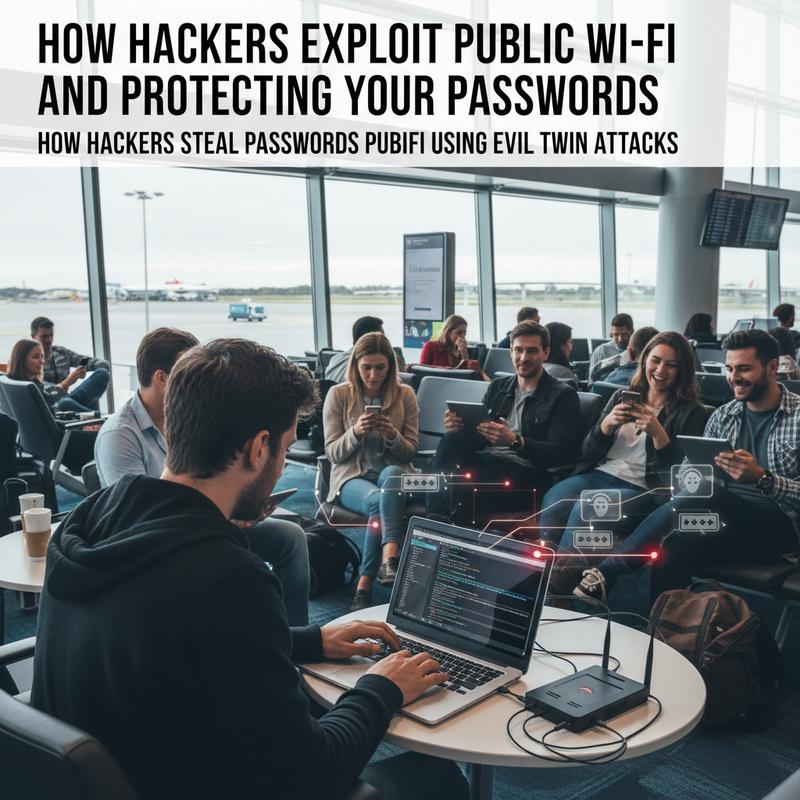
In a busy coffee shop or a packed airport, public Wi-Fi feels like an easy win. But the downside is it can be wide open to abuse. One of the nastier tricks hackers use is the Evil Twin attack. It works when someone sets up a fake access point that copies a real network’s SSID (service set identifier), so it looks legit. If you connect, your data can be watched or grabbed, including login details.
Thing is, Evil Twin attacks don’t have to be complicated to work. A hacker sets up a rogue Wi-Fi network near a popular hotspot and gives it a name that’s almost the same as the real one—like “Free Café Wi-Fi” instead of “Coffee Shop Wi-Fi.” And since devices often jump to the strongest signal, they may connect to the fake one without you thinking twice.
Once you’re connected, your traffic runs through the attacker’s network. That puts them in a great spot to watch what’s being sent, especially anything unencrypted. With packet sniffing tools, they can pull out usernames, passwords, and other personal data passing over the network. And sometimes they’ll go a step further and show you a fake login page that looks real, hoping you’ll type your credentials straight into it.
And it can get worse. Evil Twin setups can lead into Man-in-the-Middle (MitM) attacks too. By sitting between you and the real service you’re trying to reach, the attacker can intercept data, change what’s being sent, or even slip malware into the connection. If they can act as you, they may get into your accounts or hijack your web sessions.
Public Wi-Fi being naturally insecure makes all of this easier. A lot of hotspots don’t use strong encryption, which helps attackers blend in with normal traffic. Statistics show that over 40% of mobile data breaches occur on unsecured Wi-Fi networks, which says a lot about the risk of connecting without taking precautions.
To avoid Evil Twin attacks, you’ve got to stay alert and use a few basic defenses. A Virtual Private Network (VPN) is one of the best options because it encrypts what you send, so even if someone intercepts it, it’s useless to them. It also helps to turn off auto-connect and double-check the network name before joining. And if you can help it, don’t do sensitive stuff like online banking on public Wi-Fi unless you’re using a secure option like a VPN.
Still, good everyday habits help a lot too. Forget networks you don’t use anymore, and turn off file sharing when you don’t need it. And it’s smart to keep up with new risks and consider setting up proactive IT measures so you’re not always playing catch-up.
When you understand how Evil Twin attacks work, it’s much easier to spot the red flags and protect yourself. That way, you can use public Wi-Fi when you need it without handing over your info by mistake.
Packet Sniffing on Public Wi-Fi
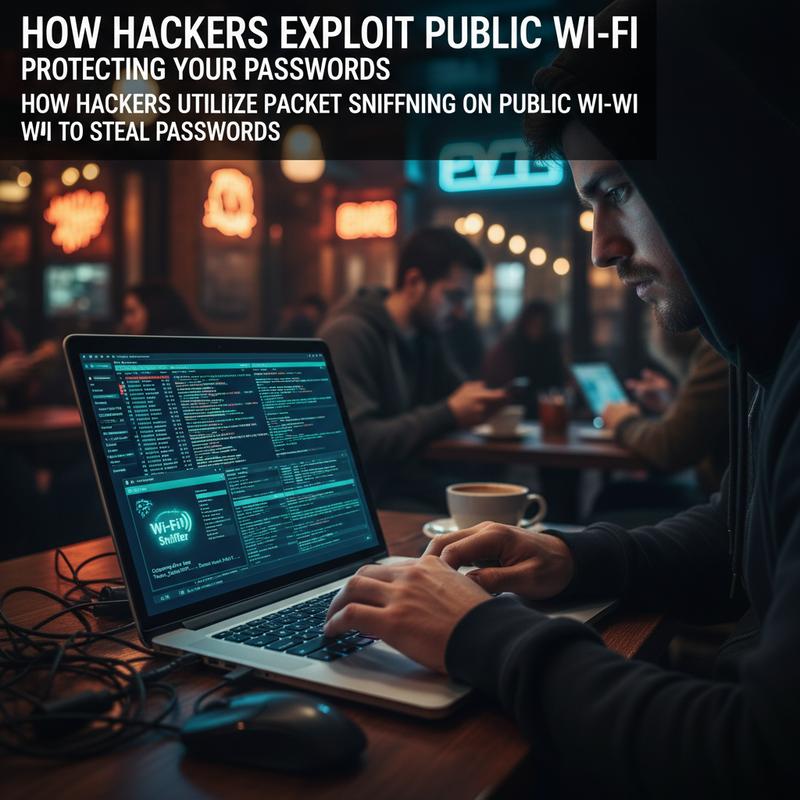
Free Wi-Fi in places like cafés and airports is convenient, no question. But those same networks can be risky, especially when passwords are involved. One of the most common ways hackers steal passwords on unsecured public Wi-Fi is packet sniffing.
Packet sniffing is when an attacker captures data packets moving across an open network. Hackers do this by putting their wireless adapter into promiscuous mode, which lets them collect every packet being broadcast over the 802.11 wireless channel. Think of it like listening in on every conversation in the room—quietly and from the sidelines.
The easiest targets are unencrypted HTTP traffic and networks using weak encryption like WEP. If you visit a site that isn’t using HTTPS, your data can travel in plaintext, including login details. With tools like Wireshark or Tcpdump, attackers can pull usernames, passwords, emails, and even chat logs from those unprotected streams.
Public hotspots are especially easy to snoop on because they often don’t have strong encryption, and anyone nearby can potentially listen. And the attacker doesn’t have to “hack into” your device directly—there’s no big interaction. They just sit in range and collect packets as they travel between you and the network.
Most HTTPS traffic holds up well against basic sniffing because it’s encrypted. But on the flip side, attackers can still take advantage of weak spots. If a site doesn’t fully protect session data, they may try session hijacking. By grabbing session cookies, they can sometimes pretend to be you after you’ve already logged in.
And packet sniffing is often paired with more aggressive methods. For example, an attacker might run a Man-in-the-Middle (MITM) attack at the same time. They can use ARP spoofing or DNS hijacking to wedge themselves between your device and the server, which can help them redirect you to phishing pages or try to mess with encrypted connections.
So packet sniffing usually isn’t the whole story—it’s one tool in a bigger set of tactics used to take advantage of public Wi-Fi. The good news is you can lower the risk a lot by using a VPN, which encrypts your traffic so sniffed packets look like gibberish. And always check that you’re using HTTPS, plus skip sensitive logins on public Wi-Fi when you can.
If you want to tighten up your online safety, learning how HTTPS and VPNs work is a solid start. And if you’re worried about past exposure, you can check out ways to ensure your data hasn’t been leaked for a deeper look.
Man-in-the-Middle Attacks on Public Wi-Fi

Man-in-the-Middle (MitM) attacks are one of the bigger dangers on public Wi-Fi. The idea is simple: a hacker quietly slips in between your device and the internet, then watches what you send—or even changes it—without you noticing.
Connecting to public Wi-Fi is normal, but it can hide what’s really going on behind the scenes. These networks often don’t have strong protections, which makes them easy targets. Now imagine sitting in a busy café or airport: if a malicious person is on the same network, they may be able to intercept your traffic in real time, from basic emails all the way to banking info.
One common setup is an “evil twin” hotspot. The attacker creates a fake network with a name that looks familiar—like “Free Airport WiFi.” If their signal is stronger, people connect. And once you’re on it, your data flows through the attacker’s device, making it easy for them to capture passwords, messages, and other sensitive info.
MitM attacks also include tricks like ARP spoofing and DNS hijacking. These let attackers redirect your traffic, show you fake login pages, or mess with the data itself—like changing bank transfer details. Unlike passive sniffing, MitM is more hands-on and can take advantage of weak points even on WPA/WPA2 encrypted networks.
The damage goes way past “someone listened in.” If your credentials get grabbed, attackers can get into email and social accounts, or cause financial trouble through banking and shopping sites. And sometimes they’ll try to push malware through fake update prompts, installing spyware that tracks keystrokes or opens up access to files on your device.
To protect yourself, you need a few habits that you stick with. A VPN is one of the best defenses against MitM because it encrypts the traffic between your device and the internet, so snooping doesn’t get them much. And don’t skip the basics: make sure sites are HTTPS-protected. That padlock icon can save you from sending data over plain HTTP.
Also, turn off auto-connect and file sharing when you’re out using public Wi-Fi. Avoid banking or shopping on these networks if you can, and use mobile data instead when it makes sense. Keeping devices updated, using WPA3 when available, and sticking to strong, unique passwords all help reduce the odds of getting hit.
Public Wi-Fi threats keep changing, so it helps to stay aware. No single step is perfect, but layering a few protections makes you much harder to target. If you want more on what to do if you suspect exposure, take a look at how to check and react when your data might be leaked.
How to Stay Safe on Public Wi-Fi
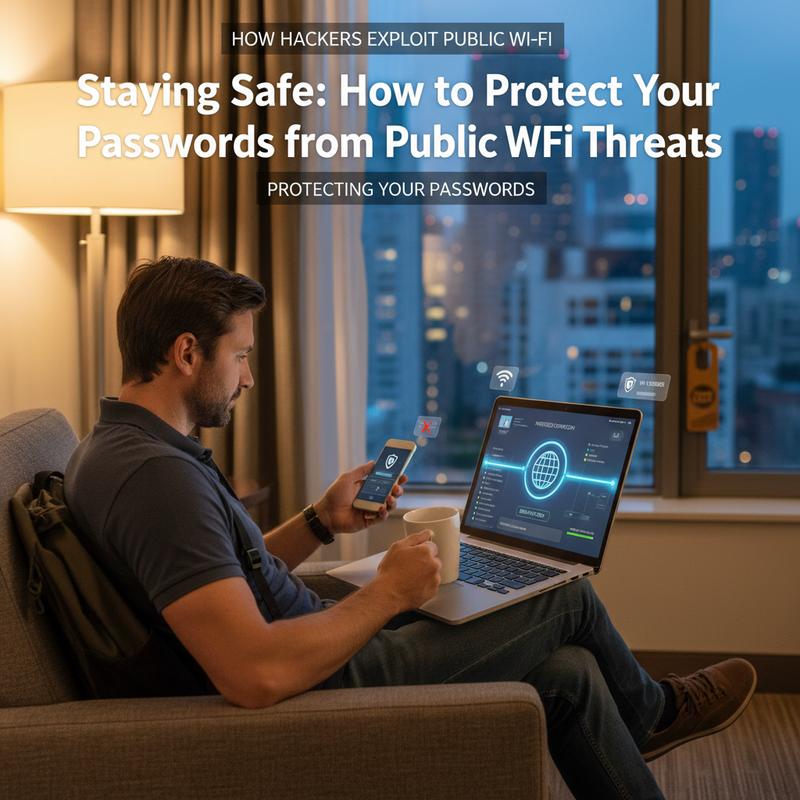
Public Wi-Fi is everywhere—coffee shops, airports, hotels—and it’s easy to rely on it. But keeping your passwords safe on these networks isn’t optional anymore. Hackers use tactics like eavesdropping, man-in-the-middle attacks, and packet sniffing to grab credentials from people who aren’t expecting trouble. If you understand the risks and take a few smart steps, you can cut that risk way down.
A big issue with public Wi-Fi is weak or outdated encryption. Some networks still use WEP or older WPA/WPA2 setups that don’t get updated often, which makes them easier to attack. Hackers can take advantage of these weak points with tools like Aircrack and capture unencrypted data, including passwords. And even though WPA2 and WPA3 are stronger at the network level, they still don’t guarantee forward secrecy if the shared password gets compromised or guessed.
Top Ways to Protect Yourself
Using a VPN on public networks is one of the simplest, most reliable ways to protect your info. It encrypts your traffic so people sniffing the network can’t read it. It’s also worth choosing a VPN with features like a kill switch and auto-connect on unsecured Wi-Fi, so you don’t forget to turn it on. Protocols like WireGuard and built-in malware protection can help too.
But even with a VPN, be careful about password entry on public Wi-Fi. If you’re logging into a bank, handling payroll, or doing anything financial, it’s safer to wait for a trusted connection or use mobile data instead. That one choice can prevent a lot of headaches.
And don’t forget account protections. Multi-factor authentication (MFA) or passkeys add a second check that isn’t tied to your password, which helps if your credentials ever get exposed. Using strong, unique passwords—ideally over twelve characters with a mix of letters, numbers, and symbols—also matters. Password managers make that a lot easier and help you avoid reusing the same password everywhere.
Before you connect, take a second to check the network. Look for WPA2 or WPA3 when possible, and skip open or WEP networks if you have another option. If you manage your own network, reviewing router settings and keeping them updated helps prevent unauthorized access too.
Lastly, tighten up device and browser practices. Look for HTTPS (the padlock icon), disable auto-connect, and forget public networks after you’re done. Keeping your operating system, apps, and VPN up to date also helps close gaps attackers love to use.
Even with WPA3, weak passwords can still be brute-forced, so you still want extra protection like TLS via HTTPS or a VPN. And for home routers that might be reachable from public areas, turning off WPS, using guest networks, and updating firmware regularly can reduce risk. For more on everyday tech issues, visit here. With a few layers of protection, you can work from a crowded café or busy airport without leaving your digital life wide open.
Final thoughts
Public Wi-Fi comes with real risks, but once you know how hackers take advantage of these networks, you can protect yourself a lot better. If you can spot things like evil twin hotspots, packet sniffing, and MitM attacks, you’re already ahead. Pair a little healthy skepticism with practical steps like using a VPN and locking down your device, and you can keep your info safer while still enjoying the convenience of Wi-Fi.
Want a hand setting things up the right way? Schedule a quick consult with IT Carolina and we’ll help you lock down your devices before your next trip.
Learn more: https://itcarolina.com/about/
About us
IT Carolina helps travelers and remote workers stay safe online with on-site and remote IT support. So whether you’re working from a busy café or streaming in a hotel room, we can help you set up devices securely, tune your network settings, and avoid common public Wi-Fi risks. Our team can help you get more out of your mobile workstation, reduce the chance of attacks on public networks, and keep things running smoothly while you’re on the move. With IT Carolina, you can focus on work or downtime, knowing your tech is set up for travel and better protected.