Picking the right cloud storage matters if you want your files to stay safe—at home or at work. The big names—iCloud, Google Drive, and OneDrive—all handle security a little differently, and those differences can really add up depending on what you care about most. Below, we break down encryption, privacy, and compliance so you can choose the option that fits your security and privacy needs.
Encryption: iCloud vs Google Drive vs OneDrive
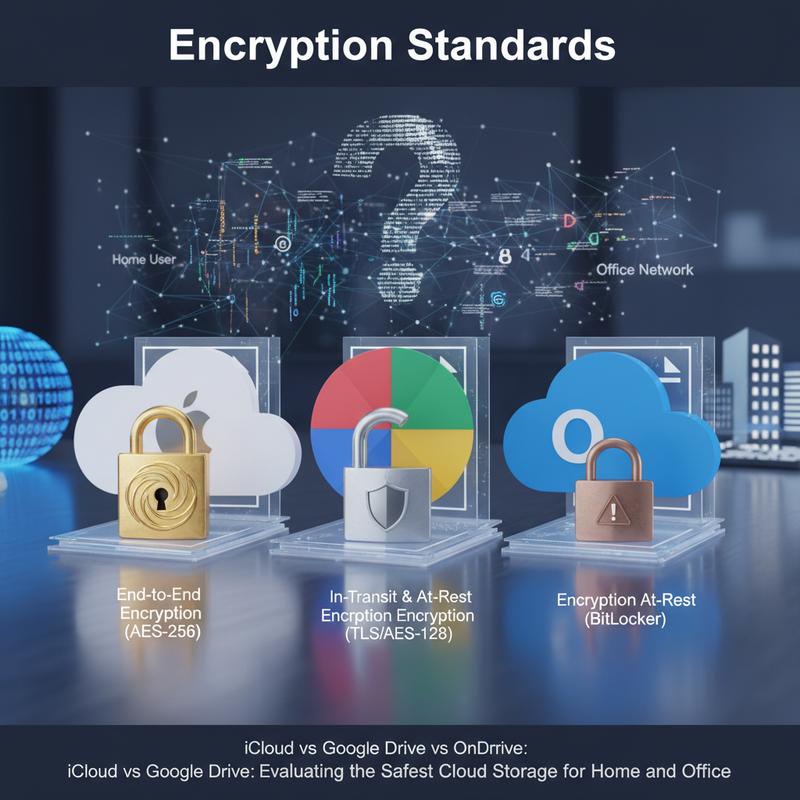
Keeping data safe in the cloud starts with understanding encryption. iCloud, Google Drive, and OneDrive all cover the basics, but they don’t all handle encryption the same way—and that changes how protected (and how private) your data really is.
Most cloud security comes down to two types of encryption: at rest and in transit. Encryption at rest protects files stored on servers, so they can’t be read if someone gets physical access to storage systems. Encryption in transit protects your data as it moves across the internet, helping block snooping or interception.
With iCloud, Apple uses AES-256 for data at rest and TLS 1.3 for data in transit. But the big shift is Advanced Data Protection (ADP). When ADP is turned on, iCloud supports end-to-end encryption (E2EE) for about 80% of its data categories, including Drive, Photos, and Notes. And here’s the key part: the encryption keys stay on your devices, not on Apple’s servers. That means Apple—and anyone pressuring Apple—can’t read that protected data without your device passcode.
Google Drive also uses AES-256 and TLS 1.3, plus hardware security modules (HSMs). Google publishes lots of security documentation, and its infrastructure is strong. Still, Google Drive doesn’t offer native E2EE. Google holds the keys and can scan content for moderation and other purposes. That can help with threat detection, but it also means it’s not zero-knowledge privacy, which may be a dealbreaker if privacy is your top concern.
OneDrive is closely tied to Microsoft 365 and enterprise workflows. It uses AES-256 and BitLocker on Azure servers, with standard encryption in transit and at rest. But like Google, Microsoft keeps key control by default, and E2EE is mostly tied to enterprise-focused Purview options. For businesses, Microsoft’s compliance tools and auditing are a big plus. For personal privacy, it can feel limited.
So, all three cover strong encryption basics. But iCloud (with ADP) is the better fit for privacy-first users, Google Drive is known for hardened infrastructure, and OneDrive is at its best in business setups. If you want a wider view of how cloud storage works in real life, check out storage solutions for beginners. In the end, it’s about what you value most: convenience, privacy, or business controls.
End-to-End Encryption: iCloud vs Google Drive vs OneDrive
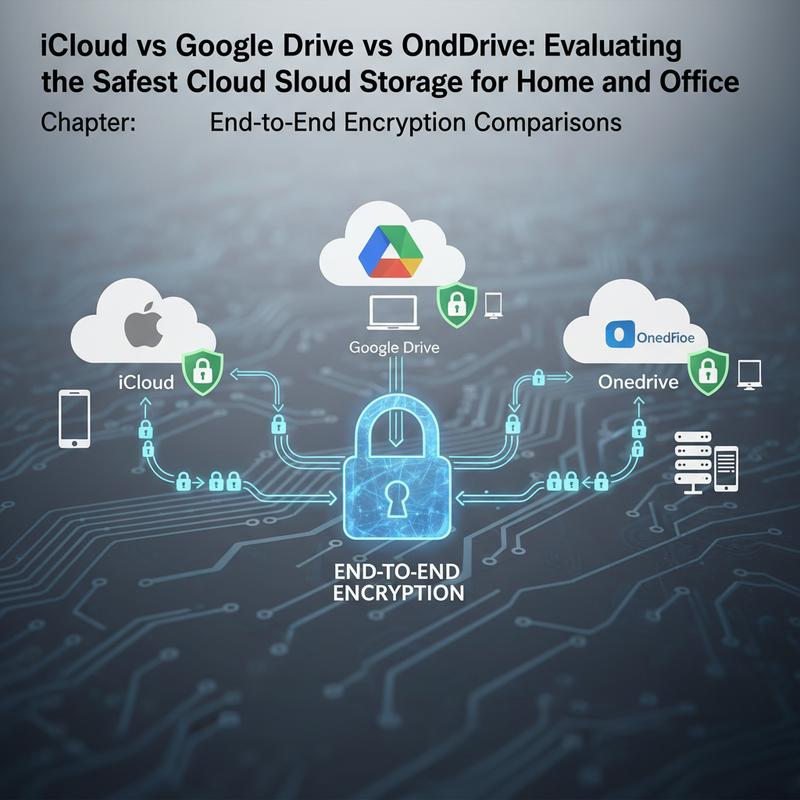
End-to-end encryption (E2EE) is one of the biggest privacy boosts you can get with cloud storage, because it’s designed so even the provider can’t read your files. That also matters when it comes to legal requests—if the company can’t access the data, it can’t hand it over in readable form. When you compare iCloud, Google Drive, and OneDrive, the gap in E2EE support is pretty clear.
iCloud is the standout here, mainly because of Advanced Data Protection (ADP). ADP enables end-to-end encryption for a wide range of data, including backups, photos, and notes. The encryption keys stay only on your devices, which means Apple can’t access the data—even if law enforcement requests it. It’s opt-in (you have to turn it on), and it works best if you’re all-in on Apple devices. Still, there are trade-offs: you’re tied to Apple’s ecosystem, and some sharing features can weaken the end-to-end setup.
Google Drive doesn’t include native E2EE. It uses server-side encryption (AES-256 at rest and TLS in transit), but Google holds the keys. That means Google can access content for compliance and other purposes, which goes against the main point of E2EE. There are client-side encryption options through certain third-party tools and integrations, but they aren’t built into standard Google Drive.
OneDrive lands somewhere in the middle thanks to Personal Vault. If you opt in, files inside the Vault get extra protection using a PIN or biometric sign-in. It can help lock down sensitive documents, but it only applies to that Vault area, not your entire OneDrive account by default. Outside the Vault, it’s server-side encryption, similar to Google.
So, if E2EE is your main priority, iCloud (with ADP enabled) is the strongest option—especially for Apple users. OneDrive is a decent compromise if you only need to protect a small set of files in the Vault. Google Drive offers the least E2EE support out of the box. If you want stronger privacy with any of these, adding a client-side tool like Cryptomator can help reduce how much you have to trust the provider.
Data Privacy: iCloud vs Google Drive vs OneDrive
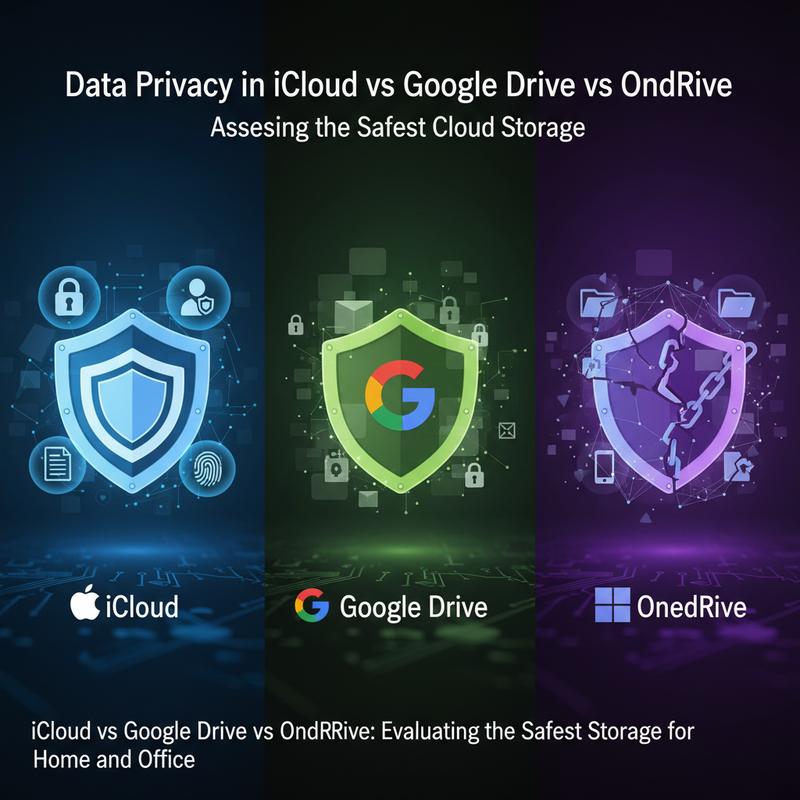
When you’re choosing cloud storage, privacy is a big deal. To compare iCloud, Google Drive, and OneDrive, you have to look at more than encryption—you also need to consider who can access your files and what the company does with your data. They all bring something to the table, but their privacy protections aren’t equal.
Encryption and Privacy Practices
Encryption is the foundation of cloud privacy. iCloud is strongest here when Advanced Data Protection (ADP) is enabled, since it adds end-to-end encryption (E2EE). That means only your devices have the keys, and Apple can’t read the protected data. Before ADP, iCloud’s E2EE coverage was limited to certain data types like Photos and Notes. Still, if ADP isn’t enabled, Apple may be able to access some data for support or legal reasons—so turning it on matters if privacy is the goal.
Google Drive uses AES-256 at rest and TLS 1.3 in transit, which is solid for basic security. But it doesn’t have native end-to-end encryption. Without E2EE, Google can access files for scanning, and that can tie into targeted advertising. Google is fairly transparent about these practices, but the privacy trade-offs are real.
OneDrive is similar to Google in that it relies on AES-256 and TLS 1.3 without standard E2EE. Microsoft’s Personal Vault adds extra protection for sensitive files using device-bound keys, but it’s limited to that Vault area. If you want full privacy, you’ll likely need third-party encryption tools here too.
Company Practices and Legal Compliance
What each company collects—and how they respond to legal requests—also affects privacy. Apple generally collects less data and doesn’t run an ad business built on user profiling. And when ADP is enabled, Apple can hand over far less readable data, even under legal pressure.
Google’s ecosystem is built around scanning and data processing, and that supports its ad model. That’s where a lot of the privacy concerns come from. Google has faced regulatory scrutiny and fines (including from the European Union), and it regularly updates policies and controls, but users still have to accept the trade-off.
Microsoft sits between enterprise compliance and personal privacy. It’s less ad-focused than Google, but it still pulls user data into a broader ecosystem, and privacy can depend heavily on your settings. Like Google, it tends to comply aggressively with legal requests, which can raise concerns if legal exposure is something you worry about.
Verdict: Balancing Privacy Priorities
If you want the strongest privacy protections, iCloud with ADP enabled is the best pick. Google Drive is convenient and clear about many of its practices, but you’re giving up some privacy for that ease and collaboration. OneDrive is a strong fit for workplaces and regulated environments, but it’s not the best option if personal privacy is the top priority.
If you need strong E2EE, using third-party encryption on top of any of these services is still the safest move. And if you want more help sorting through the privacy side of cloud storage, explore additional resources on cloud storage privacy and data protection. Cloud tools keep changing, so your privacy habits should keep up too.
Compliance and Certifications: iCloud, Google Drive, and OneDrive

As privacy rules get stricter and more businesses move sensitive info online, cloud providers like iCloud, Google Drive, and OneDrive get judged heavily on compliance and certifications. These standards are meant to prove the service follows strict security practices. Looking at how each provider stacks up can help you figure out which one fits your requirements.
iCloud is tied into Apple’s broader platform security and data center controls. Apple uses things like secure boot processes and its own silicon to help lock down its environment. Apple’s privacy reputation is strong, but the details on specific compliance certifications (like SOC or ISO) tend to live inside Apple’s documentation, including their certifications guide. Compared to competitors, iCloud’s list may feel less extensive.
Google Drive (as part of Google Workspace) supports a wide range of compliance certifications. That includes ISO 27001, SOC 2 Type II, HIPAA, and alignment with GDPR and CCPA. Google also supports stricter requirements for government and finance with certifications like FedRAMP and PCI DSS. Google leans on a shared responsibility model, meaning Google secures the platform while customers are expected to manage their own access controls and settings. That’s where tools like context-aware access and two-factor authentication come in.
OneDrive doesn’t always make its compliance info as easy to find in one place, but it benefits from Microsoft’s broader Microsoft 365 security and compliance stack. Microsoft supports standards like GDPR, ISO 27001, and HIPAA, and it offers enterprise-friendly controls like audit logs plus certifications like FedRAMP. This is the kind of setup that usually matters most for larger organizations.
The best choice depends on what rules you need to follow. If your priority is meeting lots of regulatory requirements across different industries, you can dig deeper into Google’s list at the Compliance Resource Center. Knowing what each provider can prove on paper helps you avoid surprises later.
Picking the Right One: Security and Privacy
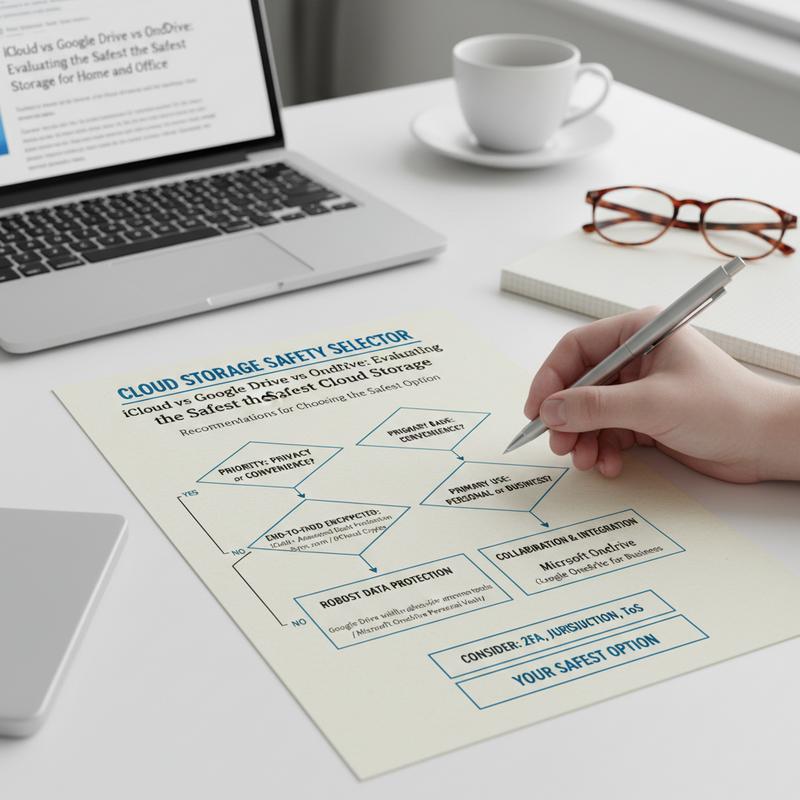
Picking the safest cloud storage comes down to a few things: how much privacy you want, what kind of security features you need, and how you actually use your devices day to day. iCloud, Google Drive, and OneDrive each have strong points—and some clear downsides—depending on what matters most to you.
iCloud is usually the best pick for people who care most about privacy, especially with Advanced Data Protection enabled. With ADP, Apple can’t access your protected encrypted data. Apple has also pushed back against government pressure in the past, including the 2024 court cases where they refused backdoor access requests. Add in strong two-factor options like Passkeys, and the account-level protection is solid. Thing is, iCloud works best if you’re already using iOS and macOS, since that’s where the experience is the smoothest.
If you’re working in a Microsoft-heavy setup, OneDrive can make a lot of sense. Features like Personal Vault and ransomware detection are built for situations where keeping data intact and meeting compliance rules really matters. Microsoft has also invested heavily in AI-driven threat detection, which improves its overall security tools. On the flip side, the default model is still server-side encryption, which means Microsoft can access stored data—so it’s not the first choice for people who want maximum privacy.
Google Drive is popular for collaboration and integrations, but privacy is where it takes the biggest hit. Google’s business model involves content scanning and data processing, and even when it’s described as a security feature, it can still feel like a privacy compromise. Google has also dealt with major incidents, including the 2023 API leak, which makes some users wary if confidentiality is the top goal.
No matter which one you choose, you can make any cloud storage safer by turning on end-to-end encryption when it’s available, using strong sign-in protection like hardware security keys, and adding client-side encryption tools like Cryptomator. And if you’re storing truly sensitive files, keeping some data offline—or using a self-hosted option like Nextcloud—can cut risk even more.
In the end, it depends on what you value most: privacy, business features, or easy sharing across devices. Cloud providers keep changing as laws shift and threats evolve, so staying up to date is part of staying protected.
For more ways to lock down your accounts and files, take a look at this beginner’s guide to cloud storage.
Final thoughts
iCloud, Google Drive, and OneDrive can all be “safe,” but they’re safe in different ways. If you care most about privacy and end-to-end encryption, iCloud (with ADP enabled) is usually the strongest option. If you need Microsoft 365 features and business controls, OneDrive is often the better fit. And if collaboration and integrations matter most, Google Drive is convenient—just know what you’re trading away on privacy. Think about how you’ll use cloud storage day to day, then pick the features that match your expectations.
Need help picking one or setting it up securely for your home or office? Reach out to IT Carolina and we’ll walk you through it.
Learn more: https://itcarolina.com/about/
About us
At IT Carolina, we know choosing cloud storage—whether it’s iCloud, Google Drive, or OneDrive—can affect both your security and how smoothly your day goes. Our team can help you set up, connect, and secure cloud services across home or office devices without the headache. From automatic backups to tightening account security, we tailor the setup to what you actually need so your files stay protected and easy to reach when you need them.