Laptops are an essential part of modern life, accompanying us through work and leisure. As we rely more on these devices, ensuring their longevity becomes crucial. One pervasive concern among users is whether leaving a laptop plugged in constantly can damage the battery. While some theories suggest it might, others argue it’s harmless. Understanding the mechanics of lithium-ion batteries, manufacturers’ insights, and best practices for maintaining battery health will guide us to the truth. Uncover whether keeping your laptop tethered to power is truly a battery breaker or just a misunderstood narrative. Let’s explore the facts and fiction surrounding this prevalent tech issue.
Lithium-Ion Technology: The Backbone of Modern Portable Power
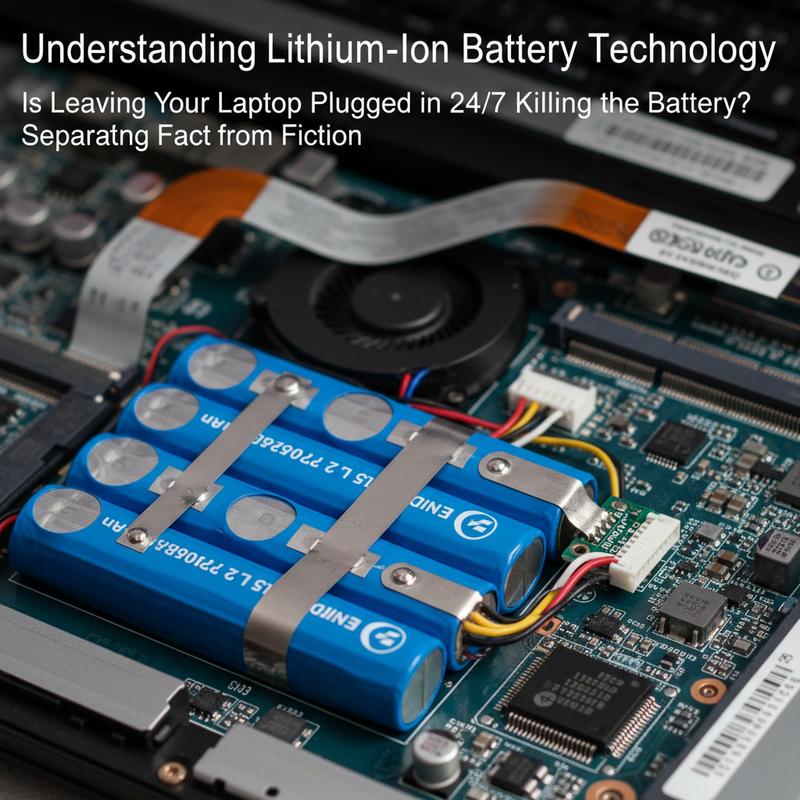
The advent of lithium-ion battery technology has revolutionized energy storage, fundamentally altering how we power our devices. These batteries, found in a wide range of consumer electronics and industrial applications, have become indispensable due to their high energy density, long lifespan, and reliable performance. Understanding the intricacies of lithium-ion technology provides valuable insights into why these devices work so effectively and how they can be managed to maintain optimal efficiency.
At the heart of a lithium-ion battery lies a sophisticated mechanism involving two electrodes—the anode and cathode—separated by an electrolyte. During discharge, lithium ions flow from the anode to the cathode through the electrolyte, generating an electric current that powers electronic devices. When charging, this process reverses, effectively re-energizing the battery. This allows for a high degree of efficiency and quick charging times, outpacing older technologies like lead-acid or nickel-cadmium batteries.
One of the standout features of lithium-ion batteries is their substantial energy density. They can store significantly more energy than lead-acid alternatives of comparable size, making them ideal for modern electronics that demand power without compromising portability. Furthermore, lithium-ion batteries exhibit minimal voltage loss, ensuring consistent performance even under high demand.
The longevity and cycle life of lithium-ion batteries are also noteworthy. Unlike traditional batteries that may struggle to reach a five-year lifespan, lithium-ion variants can sustain thousands of charge-discharge cycles, extending their usability far beyond what previous technologies offered. Certain formulations even boast cycle lives exceeding 15,000 cycles, a testament to their robust design.
Lithium-ion technology does not just excel in energy density and lifespan; it is also adaptable to extreme environments. In cold climates, for instance, these batteries maintain performance levels that far outshine other battery types, making them suitable for a variety of applications.
One prominent variant of this technology is the lithium iron phosphate (LFP) battery, known for its safety and stability. LFP batteries utilize a phosphate-based cathode material, which maintains structural integrity and thermal stability under extreme conditions. This makes them less prone to the overheating issues that can affect other lithium-ion formulations.
Moreover, ongoing advancements are continually pushing the boundaries of what lithium-ion batteries can achieve. Innovations in thermal management have significantly enhanced their durability by maintaining optimal operating temperatures, while new high-capacity cells promise longer runtimes without adding bulk.
Lastly, the burgeoning field of solid-state batteries is set to redefine energy storage once again, promising even greater safety and efficiency. By replacing liquid electrolytes with solid ones, these batteries aim to improve upon the already impressive offerings of lithium-ion technology.
In essence, understanding lithium-ion battery technology sheds light not only on its current role in powering our devices but also on its potential future capabilities. As the backbone of portable power, these batteries stand as a pivotal element in the quest for more sustainable and efficient energy solutions.
Deciphering the Ideal Practices: Insights from Laptop Manufacturers

The continued evolution of laptop battery management technologies has brought a significant alleviation in worries about keeping devices plugged in 24/7. Modern laptops, embracing intelligent battery management systems, have transcended the limitations of past technologies, such as the outdated nickel-cadmium cells. It’s pivotal to appreciate the insights and recommendations provided by manufacturers to maintain your laptop’s battery health optimally.
Smart Charging Technology
Modern laptops come equipped with advanced battery management chips that not only protect against the historical problem of overcharging but enhance the overall longevity of the battery. These chips automatically halt the charging process at 100%, directing the power flow to the system itself, which sidesteps undue stress on the battery. Tech giants like Apple have spearheaded this movement with features like “Optimized Battery Charging” on macOS. This feature intelligently delays the battery’s full charge until it’s predicted that the power will be needed, hence minimizing time spent at full capacity. Other manufacturers like Lenovo, Dell, ASUS, and HP have integrated similar capabilities, allowing users to limit the charge to around 80%, thus reducing potential degradation associated with high charge levels.
Heat: The Concealed Adversary
While constant charging has been rendered less hazardous, heat remains a formidable adversary to battery longevity. Elevated temperatures catalyze detrimental chemical reactions within lithium-ion batteries, particularly when these are at full capacity. Prolonged exposure to heat, often a byproduct of intensive tasks like gaming or rendering, can markedly expedite battery deterioration. Laptops engaged in such demanding activities should ensure efficient cooling systems are in place, avoiding any obstruction to ventilation which might otherwise compound heat-related issues.
Taking Manufacturer Advice Seriously
Manufacturers’ recommendations regarding battery maintenance cannot be understated. It’s advisable to utilize built-in battery management tools such as Lenovo Vantage or Dell Power Manager to optimize battery health actively. Regular updates to firmware and battery management software help maintain alignment with the latest standards, offering incremental improvements in battery protection algorithms. It is also vital to maintain laptop positioning that doesn’t obstruct cooling vents to manage heat efficiently.
Engaging with these practices not only aligns with keeping your laptop operationally effective but also ensures you leverage the full reliable lifespan of your battery. By adhering to manufacturer guidelines and being cognizant of these insights, users can maximize their batteries’ life and functionality, proving that the key lies in balance—balancing convenience with care, and modern technology use with timeless prudence for battery management.
Extending Battery Lifespan: Balancing Use and Conservation
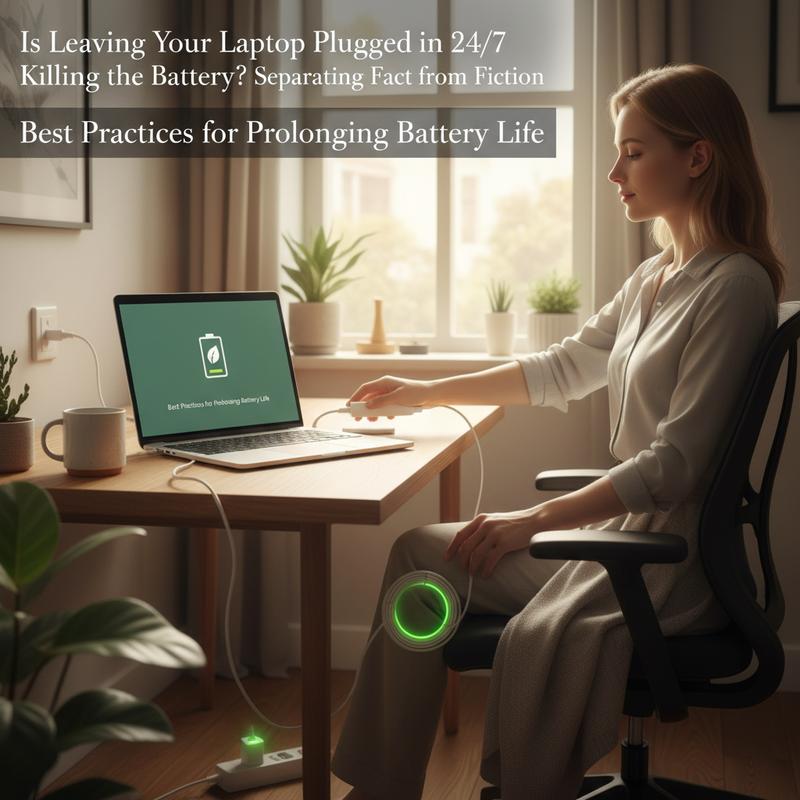
In today’s technology-driven environment, extending the lifespan of a laptop’s battery involves more than simply unplugging the device when it’s fully charged. Thanks to modern innovations, certain myths about battery care can be dispelled while emphasizing effective practices rooted in science. Understanding these strategies helps in maintaining optimal battery performance over the years.
One of the most crucial practices for prolonging battery life is managing the charging range. The ideal charging methodology recommends maintaining the battery level between 20% and 80%. Modern lithium-ion batteries are sensitive to high voltage stress, which can occur when consistently charged to 100%. Research indicates that every reduction of 0.1 volts in cell voltage can potentially double the cycle life of a battery, underscoring the importance of avoiding full charges habitually. Instead of full 0%-100% cycles, partial charges offer a more battery-friendly solution. By opting for regular top-ups once the charge drops to about 20-30% and unplugging at around 80-85%, the battery is kept within a comforting range that minimizes both thermal and electrical stress.
It’s also important to avoid deep discharges, which can destabilize battery chemistry and potentially impair its ability to hold a charge. Thus, avoiding draining the battery completely to 0% is vital. Common habits such as overnight charging, where devices stay at a high-stress voltage of 100%, should also be minimized. If overnight charging is inevitable, using a top-up scheduler can help keep the battery in the optimal 50-70% range during the night and charge fully just before usage in the morning.
Temperature management plays an equally significant role in battery longevity. High temperatures above 40°C (104°F) during charging can drastically reduce a battery’s life cycle, while maintaining temperatures between 25-40°C (77-86°F) is recommended. It’s crucial to avoid charging in direct sunlight or hot environments and to remove any obstructions like cases that might trap heat. Intensive tasks such as gaming should be minimized during charging as they generate additional heat.
While convenience often leads users to fast-charging options, these can create additional heat and stress on battery components. Slower, more consistent charging is preferable when time allows, minimizing the physical and thermal stress involved. Some advanced devices feature temperature-aware charging systems that pause the charge until the device cools, further optimizing the charging process.
For those storing their laptops for long periods, keeping the battery charge around 40-50% is optimal to prevent degradation. Implementing these simple yet effective strategies ensures that the battery remains robust and long-lasting, allowing for seamless and reliable device performance. Adopting these best practices makes it evident that battery care is primarily about striking a balance between regular usage and long-term conservation. For further insights and detailed guides on enhancing your tech experience, explore IT Carolina’s blog.
Final thoughts
While leaving your laptop constantly plugged in doesn’t immediately doom its battery, understanding lithium-ion technology, adhering to manufacturers’ guidance, and implementing good practices are key. Knowledge empowers users to extend their devices’ lifespan effectively, reducing frustration and enhancing device reliability. Balance power connection needs with autonomy, and adjust settings where possible to keep your laptop—and its battery—functioning optimally.
Worried about damaging your laptop battery by keeping it plugged in? Let IT Carolina clear up the confusion and help you get the best performance from your tech!
Learn more: https://itcarolina.com/about/
About us
At IT Carolina, we help everyday users get the most out of their laptops and devices by providing expert advice and hands-on technical support. Whether you’re optimizing your system’s battery health or setting up a new device, we make technology simple and frustration-free. Count on our knowledgeable team to ensure your devices perform at their best—so you can focus on enjoying them, not managing them.