Have you ever felt overwhelmed by routine tasks stealing your evenings? AI assistants like ChatGPT and Claude are not just for tech experts—they are practical tools for homemakers and office workers to reclaim their time. Instead of vaguely discussing “potential,” this guide provides exact instructions and copy-paste prompts you can use today. Imagine drafting a legal complaint in 30 seconds, planning a week of meals with a grocery list in one minute, or turning a messy meeting transcript into a clean to-do list instantly. Dive in for actionable steps to regain your Friday nights.
Effortless Formal Complaints: The AI Advantage for Homemakers and Office Workers

Writing a formal complaint usually requires emotional energy and “legal-sounding” language that many find intimidating. AI tools remove the emotion and add the professional polish instantly. You do not need a law degree; you just need to tell the AI the facts.
How to do it:
Whether you are a homemaker dealing with a contractor who didn’t finish the job, or an office worker reporting a policy violation, the key is to provide the “Who, What, Where, and Desired Outcome.”
Copy-Paste Prompt Example:
“Act as a professional legal assistant. Write a formal complaint letter to [Company Name].
Context: I purchased a washing machine on [Date] that stopped working after 3 days. I have called support twice with no resolution.
Goal: I want a full refund or an immediate replacement unit.
Tone: Firm, professional, serious, but polite. Cite consumer protection principles generally.”
The Result:
The AI will generate a structured letter with placeholders for your order number. It removes the anger from your draft and replaces it with objective, firm language that companies take seriously. While tools like Practice AI exist for complex legal matters, a simple prompt in ChatGPT is usually sufficient for consumer disputes and HR complaints. Always review the final text to ensure the facts are accurate before sending.
By using this method, you turn a 2-hour stress headache into a 2-minute task, enhancing your personal efficiency immediately.
Weekly Menus Simplified: Unleashing Free AI for Your Culinary Freedom
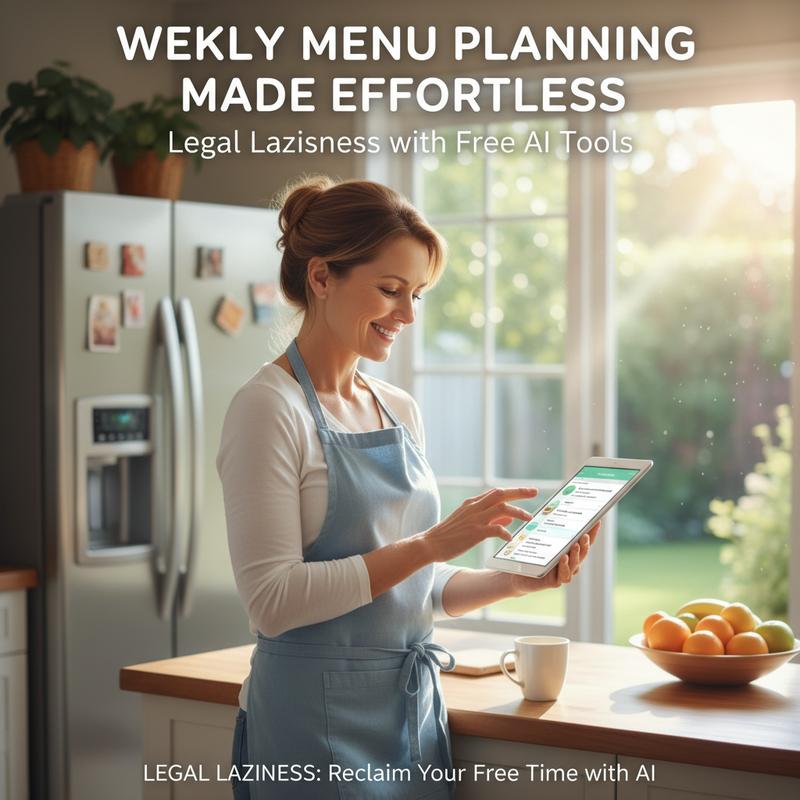
Stop browsing recipe sites for hours.
Most meal planning apps require you to manually select recipes. Generative AI allows you to plan backwards: you tell it what you have or what you need, and it does the logic for you. This is the ultimate “lazy” hack for healthy eating.
How to do it:
Be specific about your constraints. If you have picky eaters or a tight budget, tell the AI upfront. You can also ask it to organize the output to save time at the store.
Copy-Paste Prompt Example:
“Create a Monday-Friday dinner meal plan for a family of 4.
Constraint 1: Total budget under $150.
Constraint 2: One child hates mushrooms. We want to eat low-carb.
Constraint 3: 30 minutes max prep time per meal.
Output: Give me the menu, the recipes, and a grocery list categorized by supermarket aisle (Produce, Dairy, Meats).”
The Result:
In seconds, you have a complete plan. If you don’t like a suggestion (e.g., “I don’t like salmon”), simply reply: “Swap the Tuesday salmon for a chicken dish,” and it updates the grocery list automatically. Tools like PlanEat are great, but a direct prompt gives you more control over the format. You can even paste a list of leftovers in your fridge and ask: “What can I make with these ingredients so I don’t have to shop?”
For more insights on leveraging AI tools for everyday tasks, explore IT Carolina.
Reclaim Time with AI: Effortless Meeting Note Organization
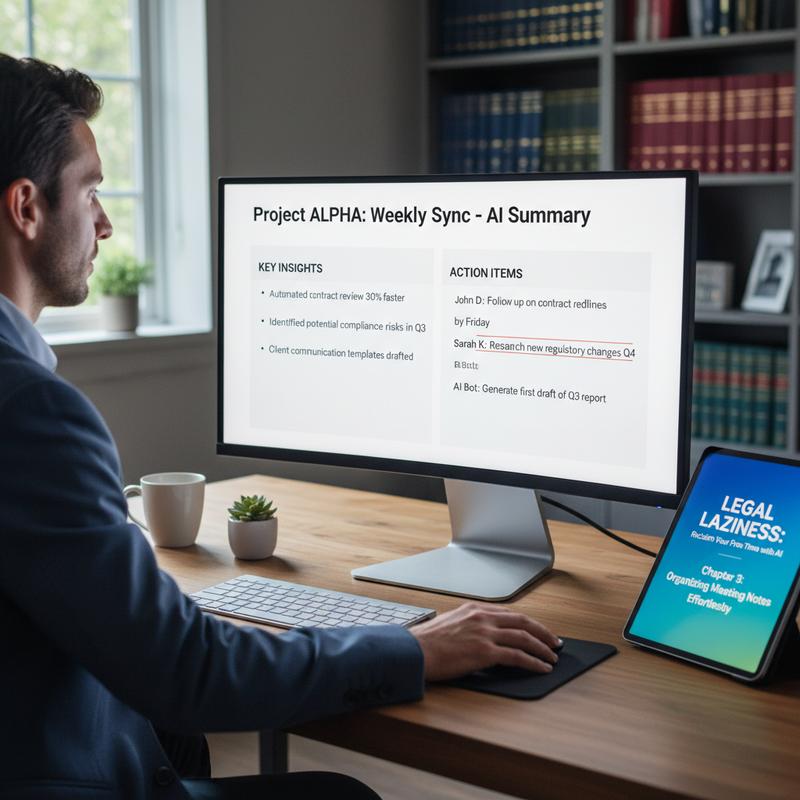
Don’t transcribe. Summarize.
The old way of working involved frantically typing everything someone said. The new way uses AI to extract meaning from the noise. Whether you use a dedicated tool like Fireflies.ai or simply paste a rough transcript into a chatbot, the goal is to identify “Who does what next?”
How to do it:
If you have a rough transcript (even a messy one generated by Teams, Zoom, or your phone’s voice memo app), AI can clean it up. Never send raw notes to a boss; use AI to polish them first.
Copy-Paste Prompt Example:
“I am pasting a rough transcript of a team meeting below. Please process this text and output the following:
1. A 3-sentence executive summary of the meeting.
2. A bulleted list of decisions made.
3. A table of Action Items with columns: [Task], [Person Responsible], [Deadline].[PASTE TRANSCRIPT HERE]”
The Result:
You instantly get a professional meeting follow-up email. This ensures nothing slips through the cracks. If the transcript is very long, you can ask the AI: “Did we discuss the marketing budget? If so, what was the conclusion?” and it will search the text for you.
This method allows you to pay attention to the conversation rather than your notepad. Discover more solutions on AI Tools.
Maximized Family Fun: AI as Your Vacation Planner for More Leisure Time

Your Personal Travel Agent
Planning a trip involves juggling budgets, opening hours, and differing energy levels. Instead of opening 20 browser tabs, treat the AI as a travel agent that knows your specific family dynamic.
How to do it:
Focus on “pacing.” AI is excellent at estimating travel times and grouping activities geographically so you aren’t running back and forth across a city.
Copy-Paste Prompt Example:
“Act as a travel planner. Plan a 3-day itinerary for Tokyo, Japan.
Group: 2 adults, 2 teenagers (who love anime and video games).
Pacing: Moderate. We don’t want to wake up before 9 AM.
Requirements: Include travel times between locations. Suggest lunch spots near the activities rated 4.5 stars or higher.
Budget: Mid-range.
Output: A day-by-day schedule with a ‘Plan B’ for each day in case of rain.”
The Result:
You receive a logistical roadmap. The “Plan B” request is crucial—it saves your vacation if the weather turns bad. You can refine this by asking: “This looks too expensive, find cheaper dinner options for Day 2,” or “Remove the museum and add a theme park.”
For more help with efficient planning, explore this resourceful guide.
AI and Employee Feedback: From Data Collection to Meaningful Engagement
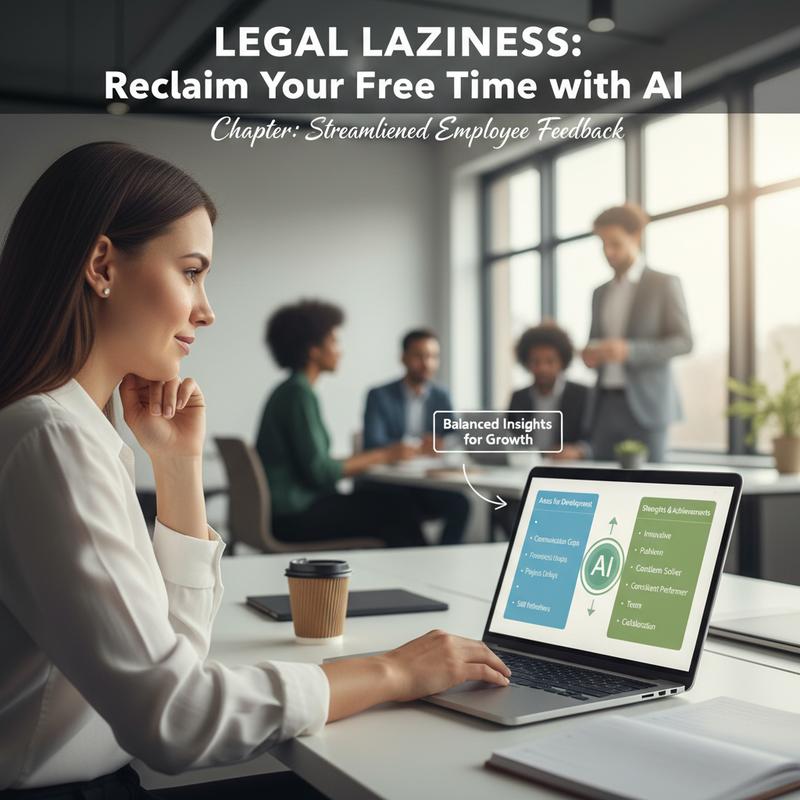
Analyzing Sentiment without the Bias
If you manage a team, reading through dozens of feedback forms is draining, and it is easy to focus only on the negatives. AI excels at analyzing large amounts of text to find the “average” sentiment and hidden patterns that a human might miss due to fatigue.
How to do it:
Take the open-ended comments from your surveys (ensure they are anonymized) and ask the AI to categorize them. This turns raw complaining into strategic data.
Copy-Paste Prompt Example:
“I have 50 anonymous feedback comments from my employees regarding our ‘Return to Office’ policy. Analyze the text below and provide:
1. The top 3 recurring pain points.
2. The overall sentiment score (Positive/Neutral/Negative).
3. Three actionable, low-cost suggestions to address the main concerns.[PASTE ANONYMIZED COMMENTS HERE]”
The Result:
Instead of a list of complaints, you get a strategy. The AI might tell you: “80% of staff are worried about parking costs, not the office itself.” This insight allows you to solve the actual problem. This shifts your role from “data reader” to “problem solver,” minimizing your administrative load.
Final thoughts
AI is only as good as the instructions you give it. By using the specific prompts provided in this guide, you move from “playing with tech” to actually solving problems. Whether it is a formal letter, a meal plan, or a meeting summary, the goal is the same: reduce the time you spend on the process so you can enjoy the result. Stop writing from scratch—start editing what the AI builds for you.
Take back your free time—let smart AI tools and expert tech support handle the routine. Start your stress-free setup with IT Carolina today!
Learn more: https://itcarolina.com/about/
About us
IT Carolina isn’t just for gamers—we’re here for busy professionals and households too. From setting up AI assistants to integrating smart devices, our team helps home and office users simplify technology so they can focus on what truly matters. Whether you’re automating daily tasks or optimizing your digital workspace, IT Carolina offers personalized, hands-on support to make your tech work for you—effortlessly and efficiently.