Nothing’s worse than watching your phone battery drop fast. A bunch of things can cause it, and it always seems to happen when you need your phone most. This guide breaks down the common reasons—like power-hungry apps and sneaky background activity—and shows you what to do about them. You’ll learn how a few setting tweaks, better app habits, and small changes to how you use your phone can help it last a lot longer. Each section has clear tips you can actually use, so your phone makes it through the day without constantly hunting for a charger. Keep reading if you want steadier battery life and fewer low-battery surprises.
How Bad Settings Drain Your Phone Battery
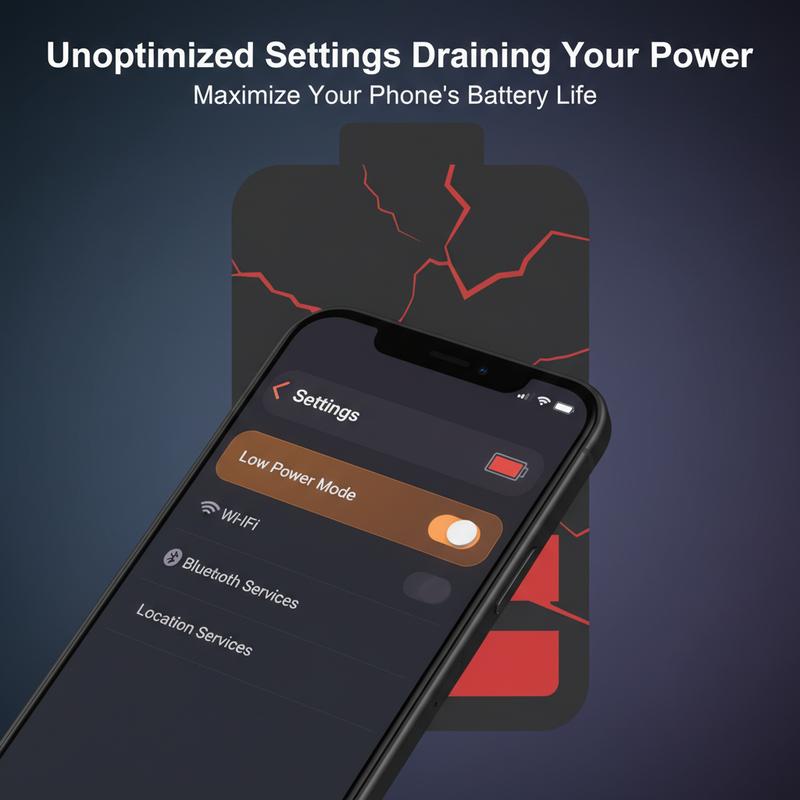
Trying to make your phone last all day can feel like a daily battle. Thing is, a lot of battery drain comes from settings you don’t even think about. Bright screens, constant refreshes, and always-on features are nice to have, but they cost power. Once you understand what’s doing the damage, it’s much easier to turn your phone into something that lasts longer instead of burning through charge nonstop.
Your phone also runs a bunch of background services, kind of like the extra stuff that slows down a Windows PC. Some of those services—like telemetry and other system processes—keep running quietly and eating CPU and battery. And if your software is old or your storage is packed with “digital junk,” it gets worse. Temporary files and messy app caches can hog resources and drag down both battery life and overall speed.
Apps share some of the blame too. For example, some popular design apps leave heavy analytics turned on unless you switch them off yourself. That can lead to freezes and fast battery loss. Games are another big one. A lot of them look great, but they’re not always tuned well, so they push the GPU hard and drain your battery quickly—even on high-end phones.
What helps is doing a simple, step-by-step check of your settings. Turn off background activity you don’t need, and disable telemetry where you can. Regular upkeep matters too—clearing temporary files and keeping software updated can make your phone feel snappier and waste less power. And if you use special apps (like graphics tools), it’s worth checking their settings to turn off data collection you don’t want or adjust options that reduce load.
Gaming needs its own approach. If battery life matters, pick games that run well instead of just looking flashy. And when you can, drop the graphics settings a bit. It usually makes a bigger difference than people expect, and you’ll get longer play time before you have to plug in.
A lot of these ideas aren’t just for phones either—they line up with the same “trim the waste” approach you’ll see in useful computer tips. In many cases, small software tweaks do more than buying new hardware. Over time, that can also help you avoid the cost of early battery replacements or repairs.
At the end of the day, dialing in your settings doesn’t just stretch your battery—it can make your whole phone run better. And once you get ahead of it, you won’t need to rely on last-minute fixes like power banks as often. Now, you don’t need to “micro-manage” your phone like a spaceship, but paying attention to the key settings really does add up.
Hidden Battery Drain: Apps and Background Processes
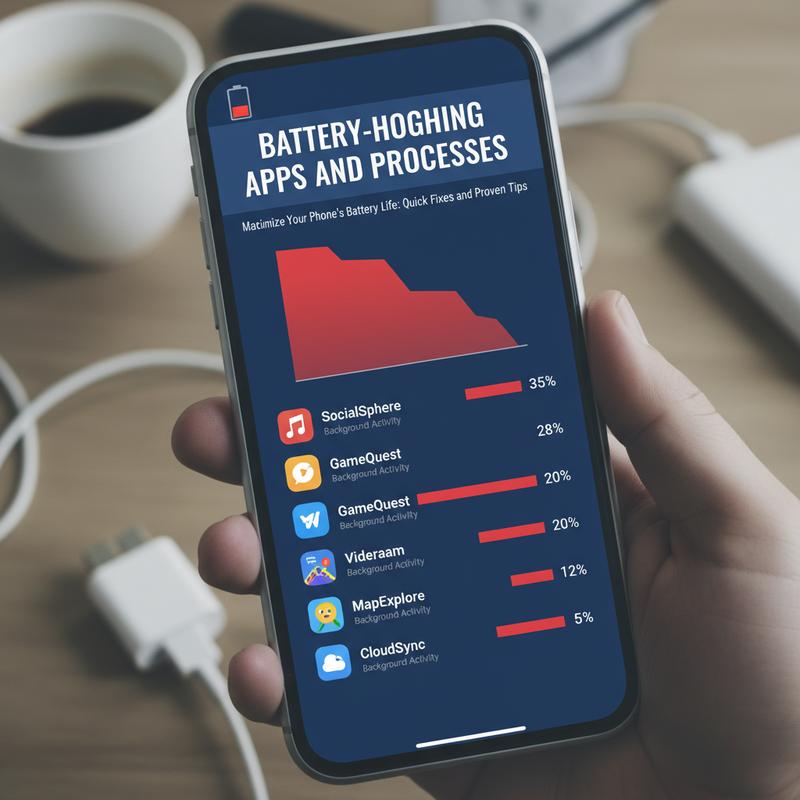
Lots of people miss this, but apps that look “idle” can still chew through battery in the background. Those battery-hogging apps and processes are a big reason your phone dies sooner than you expect. Once you know what to look for, it’s much easier to rein them in and keep more charge for when you actually need it.
Many apps keep working even when you’re not actively using them. That background work can include syncing data, checking for updates, and handling push alerts. Social apps—Facebook, Instagram, and TikTok—are well-known for this. They keep refreshing content, which means constant network activity that drains the battery faster, especially when your signal is weak. Streaming apps like YouTube and Netflix can also play a role since they may stay partly active so they open faster the next time.
Location services are another huge drain, especially for navigation, fitness, and ride-sharing apps. If they’re set to “always allow,” they can keep tracking you with GPS even when you’re not using them. And GPS is one of the biggest power users on most phones.
And then there are push notifications. Every buzz or banner can wake the screen and kick off background work. Widgets can do something similar. Since they’re always trying to stay “fresh” with real-time info—weather, stocks, news—they often update more than you’d think.
Apps that handle frequent data syncing and advertisements also add up. Email apps and cloud storage services can sync constantly, and many free apps run analytics or load ads in the background, which quietly drains power.
Modern AI applications can be heavy on battery too. Apps like ChatGPT rely on internet access and processing on your device, and if you’re using them for long sessions or constant tasks, that extra workload can hit battery life hard.
On the flip side, sometimes it’s not the app category—it’s just a bad app version. Poor optimization, bugs, memory leaks, or other coding issues can cause apps to run in loops or burn resources for no good reason. This can be even more noticeable on older phones or batteries that aren’t in great shape, and it can lead to unexpected shutdowns.
Most phones include a battery saver mode that limits background activity, and it’s a good start. But the real wins come from a few manual changes: check app permissions, cut back on notifications, and turn off location access you don’t need. Still, the best place to start is your battery settings—look for what’s using the most power, restrict the worst offenders, force-stop anything acting weird, and keep apps updated so you’re running the most efficient version.
So, if you want longer battery life, don’t just blame the battery itself. These hidden processes can make a huge difference. Once you get them under control, your phone stays reliable longer—and you’ll take fewer surprise trips to the nearest outlet.
How Heat and Other Outside Factors Drain Your Battery
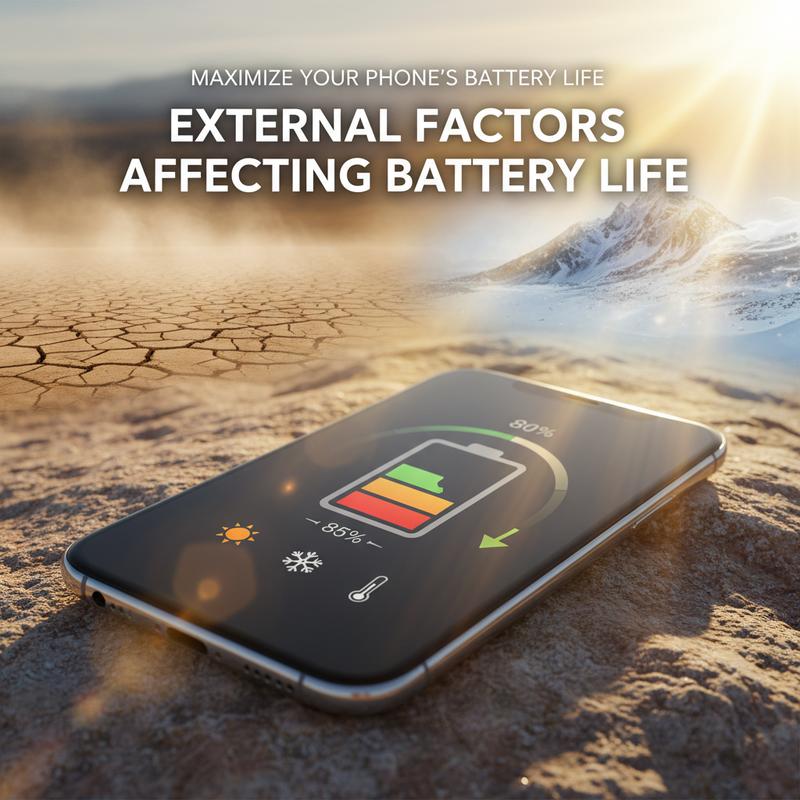
When you’re trying to figure out why your phone battery dies so fast, it’s easy to focus only on apps and settings. But outside conditions matter too. Temperature, charging habits, and how hard you push your phone can all change how well the battery holds a charge, often without you noticing right away.
Heat is one of the biggest problems. Higher temps speed up the chemistry inside the battery, which makes it wear out faster. It’s similar to what happens with electric vehicle batteries in hot climates, even though phones have gotten better at managing heat. For example, days above 25°C can speed up battery aging. So keep your phone out of direct sun when you can, and don’t leave it baking on a dashboard—especially if it’s charging.
Charging habits matter as well. Just like EV batteries take more stress from high-power DC fast charging (>100 kW), phone batteries can also take a hit from lots of fast charging. Phone chargers aren’t anywhere near EV levels, but fast charging still creates extra heat, and that can speed up wear. When you’ve got time, slower charging is usually easier on the battery.
Now, think about how hard you use your phone. Heavy daily use—where you run through full charge cycles a lot—wears down the battery faster because it’s going through more charge and discharge activity. Breaking things up with lighter-use stretches can help the battery last longer over the years.
The battery’s charge level also counts. Try not to keep it at the extremes all the time. Similar to the common EV advice of staying between 20% and 80%, phones generally do better when you avoid sitting at 100% for long periods or dropping to near-zero over and over.
These outside factors can vary a lot depending on where you live and how you work. Hot climates and demanding schedules can quietly speed up battery aging. But small changes—cooler charging, less heat exposure, and better charging habits—can help offset it and keep your phone running longer.
For more tips on keeping devices running smoothly, take a look at stop force-closing apps, which also covers ways to reduce slowdowns and odd behavior.
Better Charging Habits for Longer Battery Life
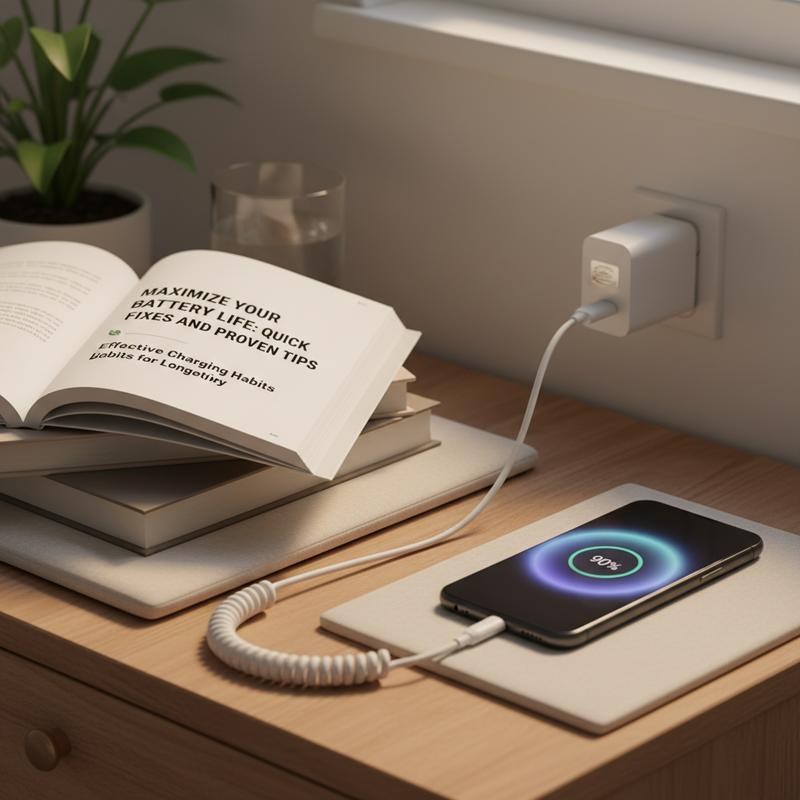
If you want better battery life, charging habits matter more than most people think. A few simple changes can help your phone battery stay healthier over time and feel more dependable day to day. Since most phones use lithium-ion batteries, the goal is to reduce stress and heat as much as you reasonably can.
A good rule is to keep your battery somewhere around 20% to 80% most of the time. Running it from 0 to 100% over and over puts more voltage stress on the battery and can wear it out faster. Instead, try topping up during the day—plug in when you’re around 40% and unplug around 80%. It’s a small habit, but it can make a real difference over the long run.
Heat is the other big one. Fast charging, direct sunlight, and hot places (like a car) can all raise battery temperature. So charge in a cool spot when you can, and try not to do heavy stuff—like gaming or video calls—while it’s charging, since that adds even more heat. Fast chargers are handy, but it’s better not to rely on them every single time.
It can also help to calibrate your battery once in a while so the battery percentage reading stays accurate. That means letting it drop to 0% and charging back to 100% one time. But don’t do this often—doing full cycles regularly adds extra wear.
Many phones also have built-in features to reduce charging stress. Apple’s ‘Optimized Battery Charging’ and Android’s ‘Adaptive Charging’ are meant to keep your phone from sitting at 100% overnight. They usually pause around 80% and finish charging closer to when you wake up. If you charge overnight, turning these on is worth it.
Stick with certified chargers and cables. Cheap, uncertified chargers can deliver power inconsistently, which isn’t great for battery health—and can be unsafe. And here’s a simple one: if you’ve got a few heavy apps running, closing them while charging can cut down on extra heat and background drain.
If you want more general battery-care advice, our expert tips on laptop charging and maintenance cover the same core ideas, and many of them carry over to phones.
With better charging habits, your battery should hold up longer, and you’ll see that low-battery warning less often. Still, the goal isn’t perfection—it’s just making choices that keep your phone ready when you need it.
Final thoughts
Once you know what’s draining your battery so fast, it’s a lot easier to fix. Tweak a few settings, keep an eye on the apps that eat power, factor in heat and other outside conditions, and charge in a way that’s easier on the battery. Do that, and you won’t be stuck searching for a charger (or hauling a backup battery) nearly as much—and your phone will be ready when you need it.
Don’t let a dying battery keep messing up your day—reach out to IT Carolina and we’ll help you sort it out.
Learn more: https://itcarolina.com/about/
About us
At IT Carolina, we know how annoying it is when your phone battery drops way too fast. Our team can track down the cause—whether it’s background apps, settings that are working against you, or charging habits that are wearing the battery down. If you’re busy, traveling, or just rely on your phone all day, we’ll help you get it running better and lasting longer. Count on IT Carolina for quick, on-site tech support that keeps your devices working when it matters.