Many users assume that ‘incognito mode’ provides complete privacy, but this is far from the truth. While private browsing helps shield your activity on a local device, it falls short when it comes to external observers like Internet Service Providers (ISPs) or employers. For remote workers and small business owners, understanding these limits is crucial to safeguarding their online privacy. This article will delve into the ‘incognito’ illusion, revealing the technical constraints that prevent private browsing from fully protecting your privacy and offering practical solutions like VPNs that can hide your digital footprint from prying eyes.
Unveiling ‘The Incognito Illusion’: The Limitations of Privacy in Shared Digital Spaces
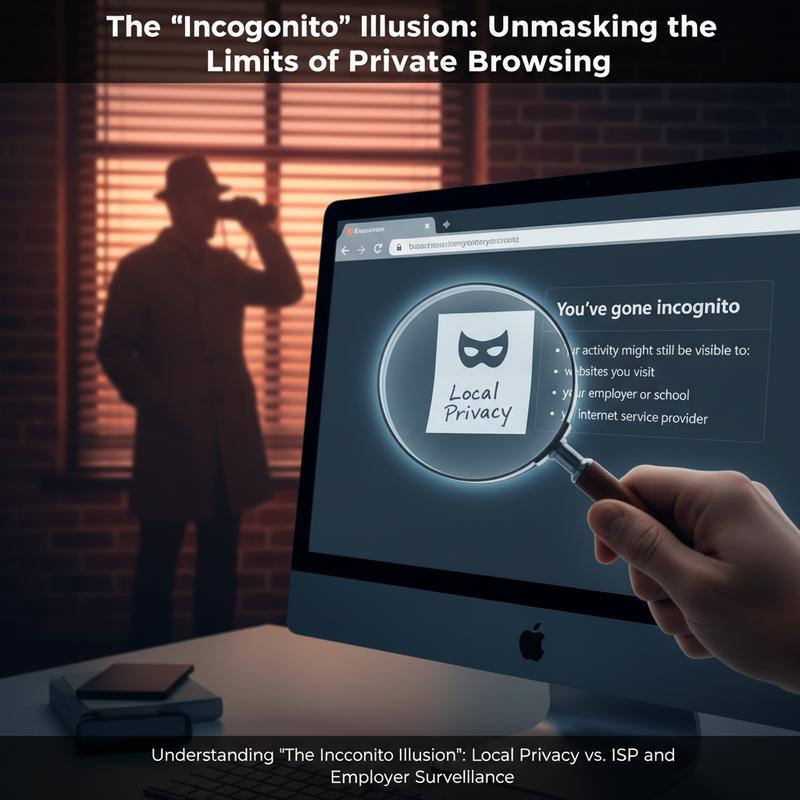
The promise of privacy that incognito mode offers users is alluring yet fundamentally misunderstood. The notion of being able to browse the web without leaving traces seduces many, creating a false sense of security that one’s digital footprint is somehow erased, not just from their device, but from the world. ‘The Incognito Illusion’ arises from this misunderstanding, misrepresenting the true scope of what private browsing modes can actually provide.
In essence, incognito mode caters to local privacy. This means it stops your browser from saving your history, downloads, cookies, and form entries after you exit a session. This is useful in preventing others who might share your device from snooping on your recent activity, giving an edge in local security. However, it does not extend beyond the boundaries of the device itself, leaving users vulnerable to external observers like Internet Service Providers (ISPs) and employers.
ISPs act as the gateways to the internet, routing your data traffic to and from the broader web. As such, your online activities, even in incognito mode, are visible to them. They log metadata that can reveal which websites you visit, for how long, and how often. This is particularly concerning in regions where ISPs can sell this data to advertisers or when they are subject to government surveillance. Similarly, employers who manage corporate networks can monitor employee activities. Even while using incognito mode, the absence of IP address masking makes it straightforward for them to track which computers are visiting which websites.
The core issue here is that incognito mode does not include critical privacy protections such as encryption or IP masking. While encryption protects the content of internet traffic, IP masking would conceal the origins of that traffic. Users seeking to truly obscure their online behavior from third parties often turn to VPNs, which provide both features. VPNs encrypt all data traveling out of your device, rendering it unreadable to ISPs and any intermediaries. Additionally, they reroute the data through remote servers, effectively masking your actual IP address.
For those who primarily need to safeguard against prying eyes on shared devices, incognito mode is a fitting tool. Yet, it is insufficient for complete digital privacy. Understanding this distinction is crucial for individuals wanting to protect sensitive data from rigorous surveillance. Anyone serious about keeping their online activities private must go beyond the limits of incognito mode.
Given these limitations, relying solely on incognito mode can leave you exposed to technical constraints and potential privacy breaches. A broader approach, integrating tools like VPNs, is essential for comprehensive digital privacy. In a connected world where data privacy is increasingly under threat, this understanding can empower individuals to make informed decisions about their online security.
The Illusion of Privacy: The Technical Limits of Incognito Mode
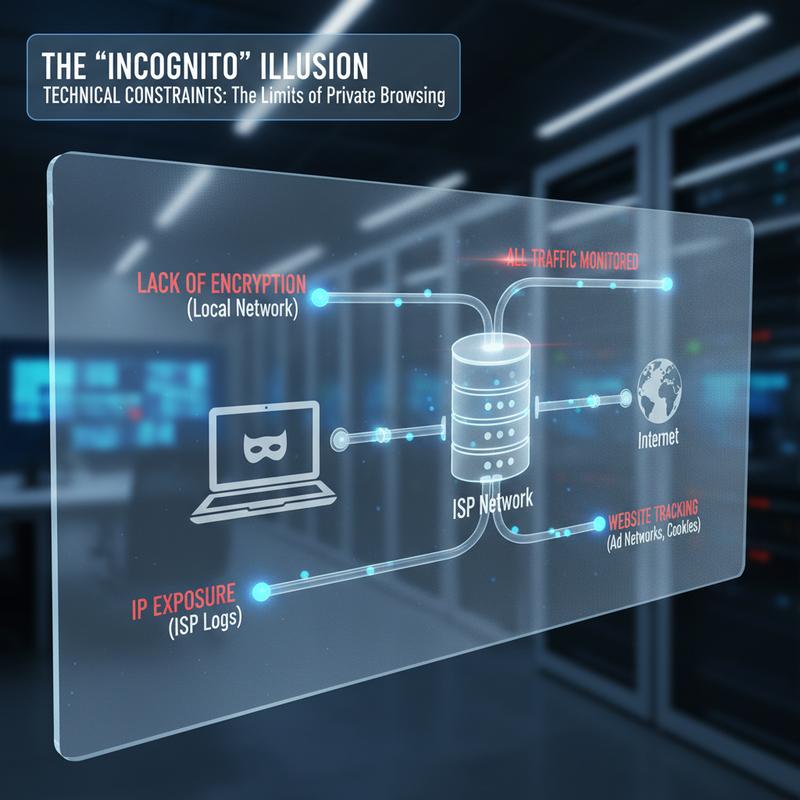
Private browsing modes in popular web browsers like Chrome’s Incognito, Firefox’s Private Windows, and Safari’s Private Browsing often promise a sense of anonymity and discretion. However, beneath their compelling claims lies a facade that masks several technical constraints. These modes primarily excel at isolating session data on your local device, offering a false comfort in scenarios where genuine privacy is paramount. Understanding what private browsing truly accomplishes—and, more importantly, what it does not—can enlighten users about the real boundaries of digital privacy.
While private browsing is effective at preventing local data retention, its scope is tightly limited. It ensures that upon closing a session, your recent browsing history, cookies, cache, autofill forms, and download records vanish from your device’s volatile memory. This feature is incredibly useful when managing local privacy levels on shared computers. Whether you’re shopping for gifts or checking sensitive accounts on public or shared systems, private browsing guarantees that the local machine retains no record post-session. However, the illusion of privacy ends here.
One critical gap lies in the visibility of your IP address. Private browsing doesn’t conceal this unique identifier from the websites you visit or the internet services you use. Your IP address can be used to trace your physical location, undoing any assumption of anonymity. Network-level entities, notably your Internet Service Provider (ISP) and corporate networks, can monitor your online actions because private browsing cannot encrypt traffic or obscure packet headers. This metadata exposure through DNS lookups remains vulnerable to prying eyes.
Moreover, private browsing does not protect against sophisticated tracking techniques such as browser fingerprinting. As identified by the Electronic Frontier Foundation, a staggering number of browsers—over 80%—are uniquely identifiable through methods such as canvas rendering and WebGL fingerprinting. These techniques, alongside device-specific identifiers, operate independently of cookies and can persist beyond private sessions, creating consistent identifiers that undermine the privacy assumed.
Equally concerning are the vulnerabilities posed by supercookies and browser extensions. These elements bypass normal deletion processes. For instance, Flash Local Shared Objects, or LSOs, are notorious for their persistence across sessions. Browser extensions possess elevated privileges that often ignore private mode settings entirely. These extensions, if malicious or flawed, can exploit and leak sensitive browsing data.
Understanding these constraints unveils the stark difference between local-device privacy and genuine online anonymity. While the former might offer peace of mind on a shared device, it should never be misconstrued as protection from ISPs, employers, or other network-level monitors. True online privacy requires layered defenses, such as VPNs, anti-fingerprinting tools, and session rotation strategies. For those seeking to secure their digital footprint beyond mere local safeguarding, these solutions provide a stronger shield against the comprehensive surveillance web thrives in today.
For more insights into safeguarding your digital privacy, including tools to enhance online security, explore our comprehensive guide on internet troubleshooting.
Venturing Beyond Incognito: Leveraging VPNs for Unseen Browsing
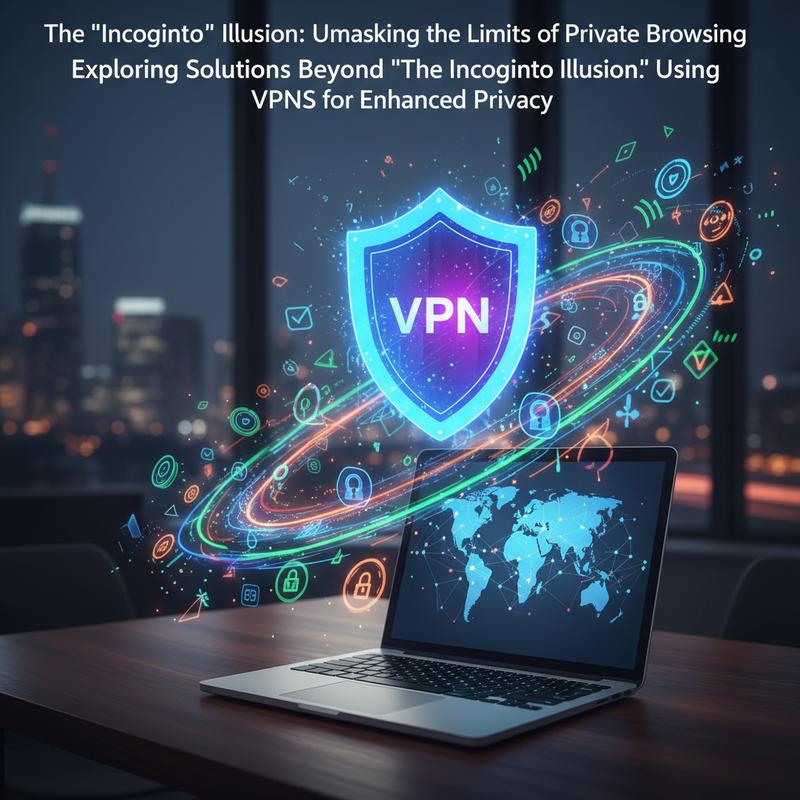
For many users, the thought of their online activities being exposed to prying eyes—whether it be the ISP, an employer, or a potential intruder—is enough to leave them feeling vulnerable. Although browsing in incognito mode offers some protection by not storing local data, it leaves a wider avenue open for observation from external sources. To truly protect one’s online privacy, it is essential to explore and adopt solutions that extend beyond the simple incognito illusion. In this respect, Virtual Private Networks (VPNs) emerge as a powerful tool for users who demand more comprehensive privacy safeguards.
VPNs fundamentally change how data flows across the internet by enveloping your web traffic in a virtual shield. Unlike incognito mode, which merely prevents browser history from being stored locally, a VPN reroutes internet traffic through an encrypted tunnel to a remote server. This process effectively masks the user’s IP address, making it obscure to ISPs and other network monitors. Thus, when you access the internet via a VPN, any entity attempting to intercept the traffic will only perceive the VPN server’s IP address—not yours.
This transformation from public to private browsing ensures that your ISP cannot log your browsing activities. It renders futile any attempt by them to collect it for sale to advertisers or even to throttle your internet speeds based on specific types of traffic. Similarly, in employer-monitored networks, VPNs provide a means for employees to navigate the web without their browsing habits being recorded or scrutinized by network administrators. This is particularly significant in professional environments where privacy is paramount, aligned with company policies on secure data management.
Moreover, a VPN adds an extra layer of security against cyber threats, particularly when accessing unsecured networks such as public Wi-Fi. These networks are often playgrounds for malicious entities aiming to intercept data exchanges. A VPN enforces secure encryption protocols that shield your personal data even on open networks, effectively minimizing the risk of data breaches—something incognito sessions can never guarantee.
The growing dependency on digital connectivity underscores the need for robust protective measures. As the landscape of internet security becomes more complex, the importance of understanding and employing advanced privacy tools like VPNs cannot be overstated. With a VPN activated, your IP is masked and your data encrypted, gifting you a cloak of invisibility that the mere use of incognito cannot hope to match. This level of privacy embraces the modern internet user’s desire for safety while respecting the genuine need for discretion and confidentiality.
As businesses and individuals alike strive to safeguard their online identities, a VPN represents a critical part of a broader strategy to maintain internet privacy. For those new to such technology or looking for professional support, exploring resources and finding reliable service providers can be essential steps in enriching your cybersecurity framework. Connecting with experts through relevant channels, such as IT Carolina, can further empower users with the knowledge and tools to enhance their online experience.
In a world increasingly defined by its digital presence, adopting a VPN isn’t just about safeguarding privacy—it’s a vital move towards asserting control over your digital narrative, well beyond the constraints of incognito mode.
Final thoughts
Relying solely on incognito mode could leave your online activities exposed to prying eyes, such as ISPs and employers. Understanding the limitations of private browsing is the first step in safeguarding your digital privacy. For truly comprehensive protection, consider using a VPN to encrypt your online activity and mask your IP address. Whether you’re working remotely or managing a small business, reinforcing your network security is crucial to maintaining your privacy and professionalism. Equip yourself with the right tools to keep your digital environment safe and secure.
Think you’re private online? Think again. Secure your network today with expert support from IT Carolina.
Learn more: https://itcarolina.com/about/
About us
IT Carolina isn’t just for gamers—we’re your go-to tech partner for remote work security and office network reliability. Our expert team helps small business owners, remote employees, and office staff secure their digital environments with advanced network diagnostics and performance tuning. From shielding your activity from prying eyes to optimizing your connection for maximum productivity, we make sure your technology works for you, not against you. Let us handle the complexity of IT so you can focus on what matters most—getting things done securely and efficiently.