QR codes are everywhere now, and that’s opened the door to a newer scam: quishing. It’s basically phishing done through QR codes, and it turns something handy into something risky. A lot of people scan without thinking twice, especially on their phones, which makes them easy targets. Here’s what quishing is, how it works, why it tricks so many people, and what you can do to stay safe. First, we’ll walk through how scammers set these QR traps. Then we’ll cover the mind games they use to get people to act fast. Finally, you’ll get practical steps to protect yourself. Once you know what to look for, scanning QR codes doesn’t have to feel like a gamble.
Quishing Explained
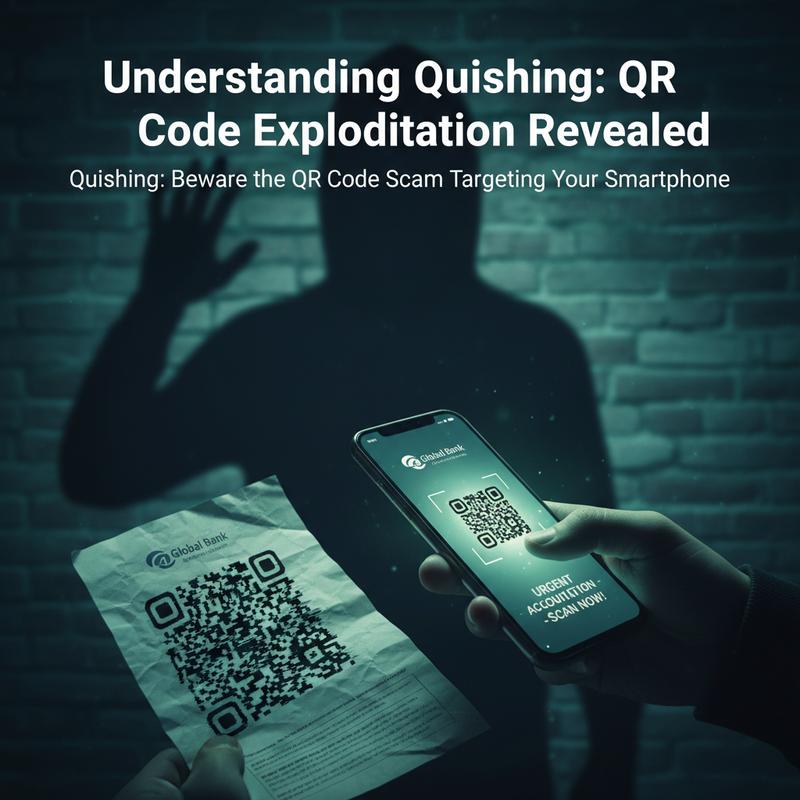
QR codes have gone from a “nice-to-have” to something we use all the time—menus, payments, posters, emails, you name it. But there’s a downside to all that convenience: quishing. Scammers abuse the trust people place in QR codes and use them to trick you online.
Quishing uses QR code exploitation to run phishing attacks. And the big problem is simple: when you scan a QR code, you can’t instantly tell where it’s sending you. A normal text link at least gives you something to read and question. A QR code hides the destination, so you’re basically trusting it blindly. It can send you to a harmful site or kick off a download that puts your personal data at risk.
So what makes quishing different from regular phishing? It’s all about the delivery method—the QR code does the hiding for them. That little square can contain a URL that sends you to a fake page designed to collect logins or personal details. Real examples range from fake payment QR codes at restaurants leading to unauthorized charges, to workplace logins being stolen through lookalike sign-in pages.
A quishing attack usually follows a pretty standard pattern. First, attackers create a malicious QR code and point it at a fake site. Then they spread it through email, social media, or even stickers placed on real-world items. And since most people scan on their phones, scammers focus heavily on smartphones—devices that often aren’t set up with much security in mind.
After you scan, you might land on a page that looks like your bank’s login screen or a normal payment page. That’s where the trap snaps shut. The page asks for usernames, passwords, or card details, and that info goes straight to the scammer. Some attacks go a step further and try to install malware—software that looks legit but, once installed, can pull data off your device.
Thing is, quishing works because people trust QR codes. Picture a QR code stuck on a clean-looking flyer for a local event. Scanning feels harmless, like you’re just getting details. But once you’re redirected to a bad page, it’s hard to tell you’ve crossed into danger. That trust gets even harder to manage with dynamic QR codes, which can change their destination URL without swapping out the printed code.
And it’s not just individuals who get hit. Businesses use QR codes for ads, shipping, internal processes, and more—which gives scammers a lot of chances to slip in an attack and trigger a data breach. For organizations, building real protection plans matters. Steps like using strong email filters that can spot tampered QR images and setting up mobile device management can help cut the risk.
Staying safe takes effort on two fronts. For everyday users: inspect before you scan. For organizations: keep tight control over how QR codes are created, shared, and audited. If you want more background on related cybersecurity misconceptions and threats, check out this resource, which clears up common myths about more “traditional” risks in the digital world.
Quishing: Why These QR Scams Work
Quishing doesn’t just rely on tech tricks—it also leans hard on how people think and react. QR codes feel safe and familiar, so scammers use them to lower your guard. If you understand the mental hooks behind these scams, it’s a lot easier to spot them before you get pulled in.
At the center of quishing is our default trust in systems and “official-looking” stuff. A QR code doesn’t feel like a person asking you for something—it feels neutral. Put it on a menu, a bill, a notice with a logo, or a form that looks legit, and many people assume it’s safe. Scammers know that, and they count on it.
Another big factor is cognitive load. People are busy, distracted, and trying to move fast. When a QR code pops up during a routine moment—paying a bill, ordering food, checking a delivery—most folks take the quick path instead of stopping to question it. And if you’re distracted, you’re even more likely to scan first and think later.
These scams also copy “authority” signals. They mimic the look of trusted brands—fonts, colors, layouts—so the page feels real. And by pairing professional designs with tactics like caller-ID spoofing, scammers make the whole situation feel more official, which makes people less likely to question what’s happening after they scan.
Still, urgency and fear are often what push someone over the edge. Messages like “Immediate payment required” are designed to make you panic. When you think something bad will happen if you don’t act now, you’re more likely to skip basic checks.
Curiosity and rewards work too. “Free gift,” “exclusive offer,” or “track your package” pulls people in with the promise of something good. On the flip side, most QR scans people do day to day are harmless—menus, shopping, event pages—so scanning becomes a habit. Over time, that habit creates a false sense of safety, which is exactly what scammers want.
Some quishing attempts also feel personal on purpose. By using public info or details from a recent purchase, scammers can make a message seem relevant, which boosts trust and gets more clicks (or scans). When something feels like it was meant for you, you’re less likely to doubt it.
And then there’s the emotional pressure. Some scammers flatter you to keep you engaged, while others use threats or shame to stop you from backing out or reporting the scam. Even people who know better can get caught, because these tactics target normal human behavior, not ignorance.
Beating these scams means slowing down. Treat random or unexpected QR codes with suspicion. Ask where it came from, and don’t scan just because you feel rushed. If a code is pushing payment or urgent action, manually type the site address or use the official app instead. Now, even a short pause can make a big difference—because it breaks the “react first” pattern that quishing depends on.
How to Stay Safe From Quishing Scams
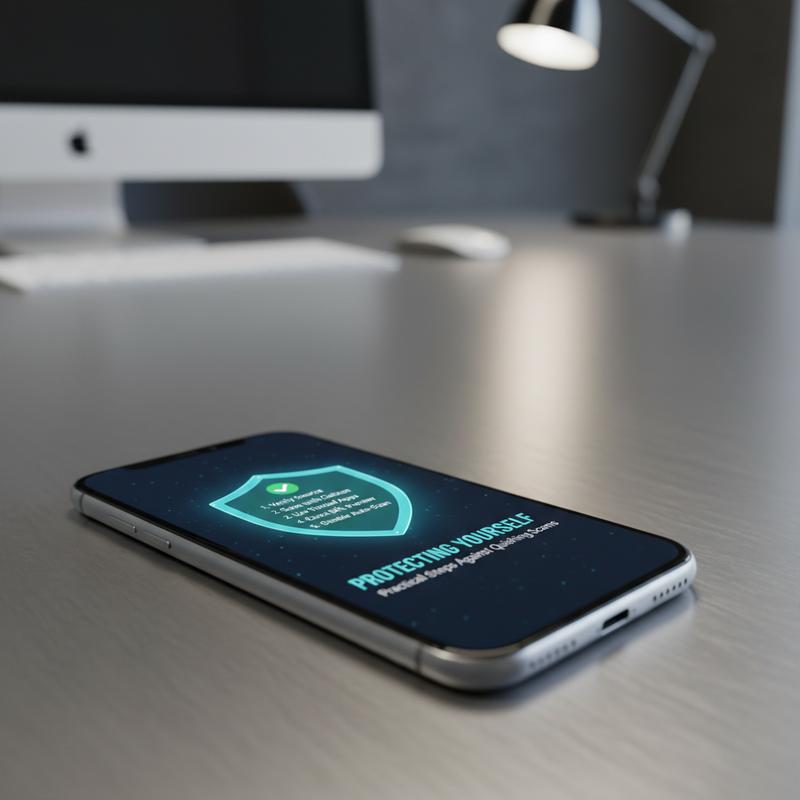
Quishing works because it looks normal. The QR code seems harmless, and that’s the whole trick. As codes keep showing up on posters, packages, menus, and in emails, a few simple habits can help you avoid handing your data to the wrong person.
Understanding the Threat Landscape
Start by assuming any QR code could be risky until you’ve checked it. A code on a public poster or even a restaurant table might be fine—but it might not. Codes that are pasted over another code, or anything sent through an unexpected email or message, should put you on alert right away. And if the message is trying to rush you with threats or “limited time” pressure, slow down and look closer before you scan.
Accuracy in Inspection and Verification
First, look at the QR code itself and where it’s placed. If it’s crooked, slapped on as a sticker, or covering part of the original design or branding, that’s a bad sign. This matters even more when the code claims to be from a bank or government agency, since those names get copied all the time in phishing attempts.
After that, let your phone help you. Most devices show a preview of the URL before opening it. Read it carefully. Look for misspellings, weird extra words, or a domain that doesn’t match the company name. Shortened or masked URLs are another warning sign—it’s harder to tell where they really go. And if you can, set your device so it asks for confirmation before opening any scanned link.
Guarding Sensitive Information
If a QR code takes you to a page asking for sensitive info, stop. Think. Scam pages often copy real login screens and payment portals to steal credentials or card details. Instead of entering anything, open the official website or app yourself and check there. And turn on multifactor authentication (MFA) where you can—it won’t fix everything, but it makes stolen passwords much less useful.
Device and Browser Fortifications
Keep your phone, apps, and browsers updated. Updates often include security fixes that block known attack methods. Also, check your QR scanning app settings—turn off automatic actions that trigger without asking, like auto-joining networks or starting payments.
Most modern browsers also have phishing warnings and malware protection. Make sure those features are on, because they can stop you before you land on a dangerous page.
Resisting Manipulative Tactics
Quishing depends on getting you to act fast—either through fear or a “too good to pass up” offer. If a message makes you feel rushed, that’s your cue to pause. If you’re unsure, use a trusted method to confirm, like calling or emailing the company directly using contact info you look up yourself (not what’s in the message).
Reporting and Rapid Response
Protecting yourself is step one, but reporting helps others too. If you find a suspicious code or link, capture the URL or take a screenshot (only if it’s safe) and report it to your security team or the organization being impersonated. If you shared financial details, contact your bank or card provider immediately.
Businesses can cut risk a lot by building these habits into security training, and by keeping their QR codes consistent in design and distribution so fakes stand out faster.
Make these steps part of your normal routine. Scammers change tactics all the time, but staying alert and prepared goes a long way.
Final thoughts
Quishing takes the trust people have in QR codes and uses it against them. Once you understand how these scams work—and the mental tricks behind them—it’s much easier to avoid getting caught. A few basic habits can seriously lower your risk and keep your online activity safer. Stay informed, be cautious with QR codes, and share what you know so others don’t get tricked, either.
Want help tightening up your security against quishing and other QR code scams? IT Carolina can point you in the right direction.
Learn more: https://itcarolina.com/about/
About us
IT Carolina helps people and businesses stay protected from newer threats like quishing scams. Our team secures and tunes up devices like smartphones and gaming consoles so you can use your tech with fewer headaches and more peace of mind.