Routers are what connect all your devices to the internet, so they’re a favorite target for cybercriminals. If your firmware is old, your passwords are weak, or you’ve basically set it and forgotten it, you could be opening the door to a serious security issue. Here are seven clear signs your router may be exposed. We’ll cover things like changing the default admin login, keeping firmware current, tightening up encryption, and looking at your router’s age and brand. Each section includes practical steps to help lock things down against threats like CVE-2024-47148 and the Mirai botnet, so home and office users can feel a lot safer.
Default Admin Passwords: Easy Way In
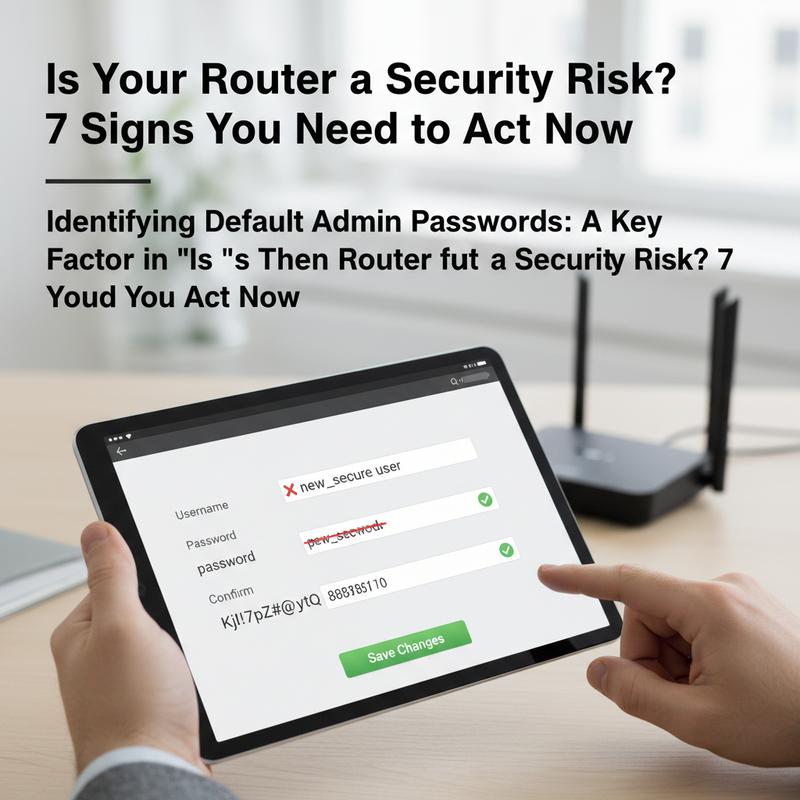
Routers do a lot of work in the background, quietly moving all your internet traffic where it needs to go. But because almost everyone has one, they’re also a common target. And one of the easiest ways attackers get in is shockingly simple: the default admin password.
Most routers ship with a preset username and password, often something like \”admin/admin.\” It makes setup quicker, sure—but if you never change it, you’re leaving the front door unlocked. Attackers know this, and they use automated scanners to check huge numbers of devices, looking for the ones still using those default logins.
This isn’t just a \”maybe\” problem. The Mirai botnet attack of 2023-2024, documented by Cloudflare, used default credentials across 1.5 million devices to fuel one of the largest DDoS (Distributed Denial of Service) attacks ever recorded, peaking at 3.8 Tbps. That’s the kind of damage that can start with something as basic as not changing a default password.
Want to check if your router is still using the default admin login? Start by opening your router’s admin panel in a browser using the router’s IP address—common ones are 192.168.0.1 or 192.168.1.1. Then try logging in. If the default credentials work, change them right away to something strong and unique.
You can also look up your router’s model number (usually printed on the router) and compare it with online lists of default logins. Sites like routerpasswords.com make it pretty easy to check. Once you confirm it, don’t just leave it on your to-do list—update it. Use a password with a mix of letters, numbers, and symbols.
If you want a little extra guidance, the IT Carolina blog has practical tips for securing home networks without making it complicated. Locking down your router protects your personal data and helps keep your network from being dragged into bigger attacks without your knowledge.
And yes, attackers are getting smarter, including state-sponsored campaigns reported by global cybersecurity agencies. Still, fixing this one basic issue goes a long way. Stay aware, keep learning, and you’ll make your network a much harder target.
Firmware Updates: Don’t Skip Them
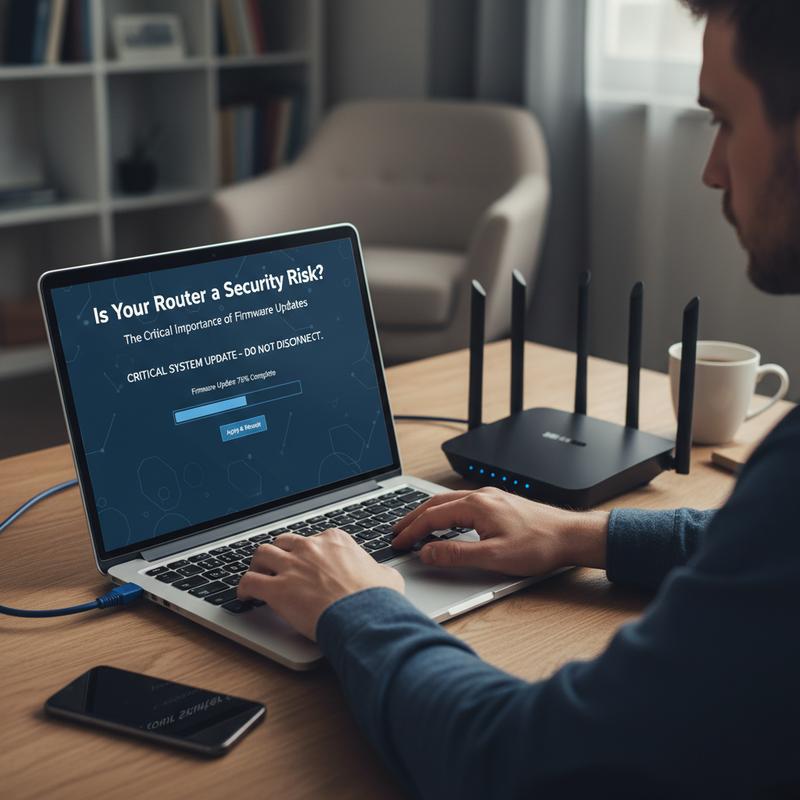
Firmware updates don’t get much attention, but they matter a lot. They’re one of the main ways router makers fix security holes as they’re found. If you ignore updates for too long, your router can turn into an easy entry point for attackers. So if you’re wondering whether your router might be risky, checking firmware updates is a must.
Router firmware is basically the software that tells the hardware how to run—how it handles network traffic, connections, and security features. When companies find weaknesses (anything from small bugs to major exploits), they release updates to patch them. If you don’t install those patches, you’re stuck with known problems that attackers already know how to use.
Thing is, updates aren’t only about old bugs. They also add newer security improvements, updated encryption standards, and fixes for zero-day vulnerabilities. Keeping firmware current gives you a much better shot at staying ahead of the methods hackers rely on.
Some signs your router probably needs an update: it’s been more than six months since the last one, you aren’t seeing any update notices anymore, or you can’t even find update info for your model. That can mean the router is no longer supported. And if your network suddenly feels slow or you notice odd traffic patterns, outdated firmware could be part of the problem.
Updating firmware is usually pretty simple. Log into your admin panel, check your current version, run the update if it’s available, and make sure the router restarts properly when it’s done. It’s a small task that can cut down your risk by a lot.
Still, firmware updates aren’t the only step. Pair them with strong passwords and solid encryption settings for better protection. If you want more tips, check out CES 2026 Security Tech Innovations. Keeping up with firmware is one of the easiest ways to protect your day-to-day online life.
Encryption: Check What You’re Using
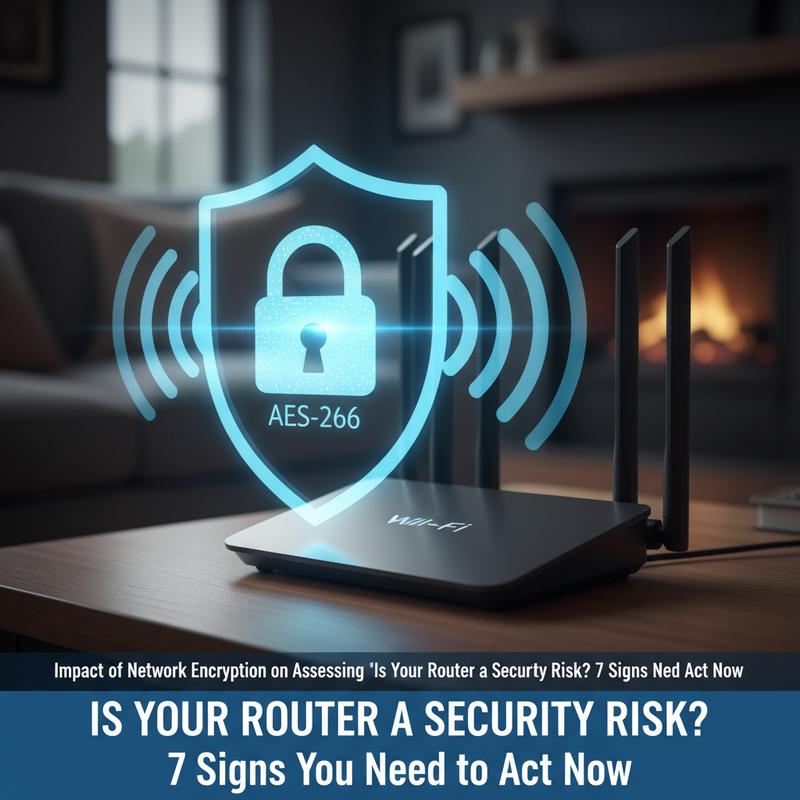
If you’re trying to keep a home or office network safe, Wi-Fi encryption is a big deal. It’s one of the main things that decides whether your router is an easy target. WPA2 and WPA3 help protect your data from people trying to intercept it. Without strong encryption, even normal online activity can expose sensitive info, which is why your encryption setting is such an important security signal.
Encryption scrambles the data sent over Wi-Fi, which makes it much harder for someone to grab logins, emails, or other private information. Weak or outdated encryption—like WEP—or running an open network is basically an invitation. WPA3 is a stronger option, with better protection against brute-force attempts and features like forward secrecy that help reduce the damage even if something gets compromised later.
Now, encryption only helps if your router is kept updated. Outdated firmware can leave your router exposed even if you’re trying to use safer settings. Attackers often go after known weaknesses in older setups, especially when patches haven’t been installed. For example, tools like Wireshark can be used to highlight weak spots through deauthentication attacks, which is one more reason updates should be routine.
Your settings matter here too. UPnP and WPS are convenient, but they can open paths around your security if you’re not careful. Guest networks should also use strong encryption and isolation so they can’t access your main network. If the guest network is weaker, it can become a backdoor into everything else.
At the end of the day, your encryption choice affects both your overall risk and how hard it is to recover if something goes wrong. As basic good practice, moving to WPA3 is a smart step—it cuts the success rate of many common attacks by over 90%. If you want more guidance, you can find more resources here. If your encryption settings are outdated, don’t wait around—fix it sooner rather than later.
Router Age and Brand: When It’s Time to Replace
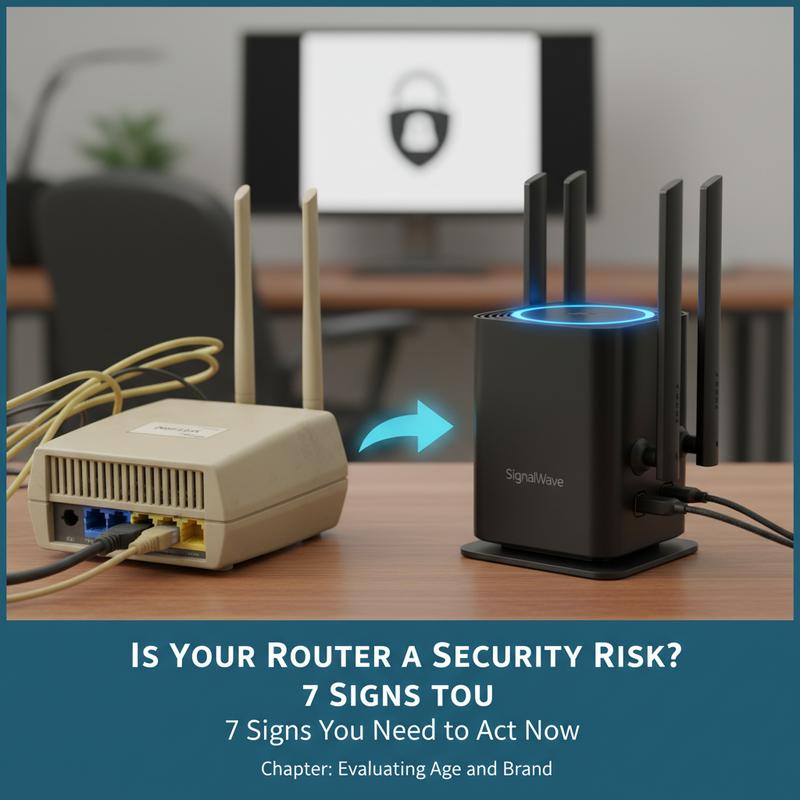
Router security changes fast, and the age and brand of your router can make a real difference. If you’re trying to figure out your risk level, these two details are worth looking at first. Routers older than five years—typically bought before 2021—can be much easier to attack because they’ve had more time to rack up unpatched issues.
Firmware and Support Lifespan
Most routers only get firmware updates for around three to five years. During that window, known issues get patched. After support ends, though, the router can become an easy target. Routers under three years old are usually lower risk since they still receive updates, including many newer Wi-Fi 6E/7 models. Between three and five years, you’ll want to pay closer attention because support may be slowing down. Once you’re past five years, the risk jumps, and older vulnerabilities like the KRACK exploit can become a serious problem without vendor fixes.
High-Risk Brands and Their Shortcomings
Some brands show up again and again in vulnerability reports, often because updates are slow or security features are dated. D-Link, TP-Link, and Netgear tend to get called out the most. D-Link, for example, has over 100 documented vulnerabilities since 2014. TP-Link devices have faced bans tied to concerns about state-sponsored backdoors, and older Netgear models have even been involved in lawsuits over security flaws that weren’t resolved. When updates aren’t consistent, users end up exposed.
On the flip side, brands like Asus and Ubiquiti tend to offer stronger security options and longer support, which makes them better picks if security is your top priority.
Steps to Mitigate Risks
If your router is old or from a brand with a rough security track record, don’t wait. Change the default admin password and turn off risky features like UPnP. And if you’re shopping for a replacement, aim for routers released after 2024 that offer longer firmware support and strong encryption, ideally with support for open-source firmware like DD-WRT. According to the Verizon DBIR 2025, about a quarter of home cyber incidents are tied to aging network hardware, which is a pretty good reason to take this seriously.
Final thoughts
Cyber threats keep getting smarter, and your router is still one of the most common ways attackers try to get in. If you handle the main warning signs—changing default passwords, staying on top of firmware updates, using strong encryption, and being honest about your router’s age and brand—you can cut your risk a lot. Stay on top of it, protect your data, and keep your network in good shape so you’re not an easy target.
Worried your router’s outdated or misconfigured? Reach out to IT Carolina and get a quick professional network check.
Learn more: https://itcarolina.com/about/
About us
IT Carolina provides on-site and remote IT support for home and office setups. We focus on network troubleshooting and security tuning, so your router doesn’t end up being the weak spot in your setup. Whether you’re streaming, gaming, or working from home, we’ll help you get better performance and a safer connection. With IT Carolina, you get internet that’s fast, secure, and far less stressful—on every device you use.