Are you experiencing slow internet speeds at night and wondering if your neighbor is tapping into your Wi-Fi? This issue could be due not only to unauthorized access but also energy-draining devices, affectionately dubbed ‘Socket Vampires.’ These devices contribute to bandwidth congestion by drawing power and remaining connected to your network. In this article, we will delve into the hidden impacts of these energy vampires, provide actionable steps to detect unauthorized devices on your network, and share effective strategies to reorganize your router setup for optimal performance. Learn how to safeguard your home network and reduce unnecessary load to improve both energy efficiency and internet speed.
Unmasking the Secrets of Socket Vampires: How They Clog Your Home Wi-Fi
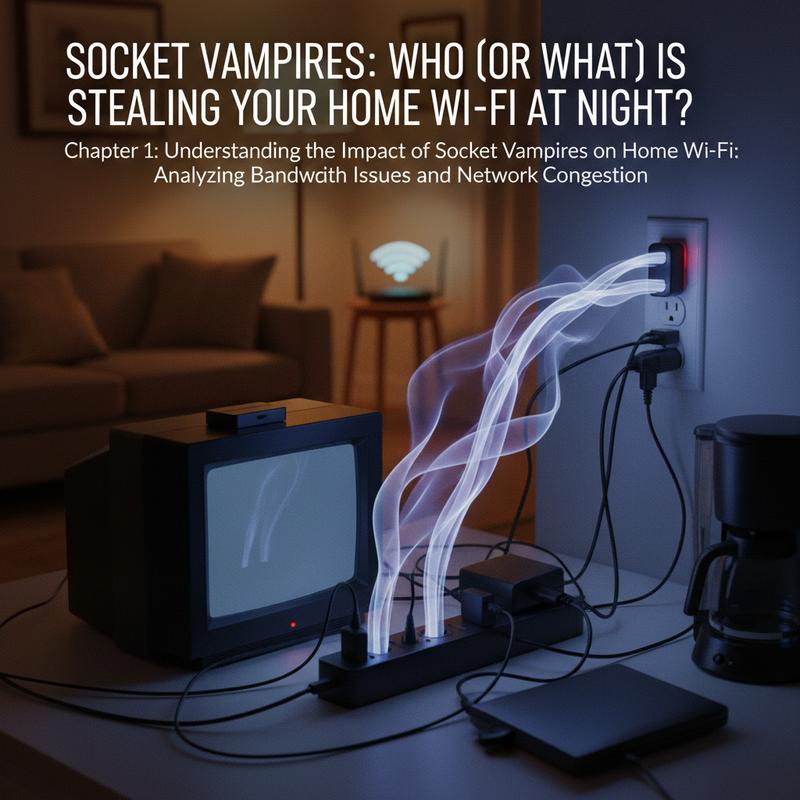
In modern households where connectivity is king, the phenomenon of ‘socket vampires’ might just be the stealthy culprits behind the evening slowdowns in your Wi-Fi network. These data guzzlers are not just a figment of the imagination, but rather an intricate web of plugged-in devices that stealthily draw power even when seemingly turned off. Understanding how these silent energy thieves operate is crucial in identifying their indirect impact on your home’s digital landscape.
Though the term vampire power was originally coined to describe energy wasted by electronic devices on standby, it subtly interacts with your digital environment. Most modern devices, from smart speakers and televisions to gaming consoles, are equipped with Wi-Fi modules. These components maintain continuous network activity even in standby mode, ensuring updates are installed, or command receptions are instantaneous. This constant chatter, although minor in individual cases, accumulates significantly across multiple devices, potentially occupying bandwidth much like a swarm of tiny insects nibbling away at the network pie.
Consider the typical household scenario: it’s nighttime, and your family has retired to bed. But in the digital realm, your home’s smart bulbs, smart TV, and connected appliances come alive, whispering to each other through the web. Each device checks for updates, syncs data, or awaits distant instructions, contributing to an invisible bandwidth traffic jam. While this may not constitute direct ‘stealing’ of your Wi-Fi, the collective bandwidth consumption by these socket vampires can mimic the effects of a sluggish connection, especially if compounded by already high usage from active devices.
Addressing these invisible orchestrators of minor digital havoc begins with understanding what constitutes a socket vampire. Smart Appliances play a significant role. Modern appliances such as ovens, refrigerators, and even laundry machines come with network capabilities that keep them alert and consuming energy to stay connected. Entertainment Devices contribute heavily as well, particularly video game consoles like the Xbox Series X, which consume approximately 13 watts in standby. In a standard U.S. home, the plethora of electronics, from chargers to routers, add up to a considerable power drain, not to mention their potential to hog network lanes.
The impact of vampire power is twofold: on one hand, a persisting draw from the power grid, and on the other, a surprising burden on network efficiency. While many of these devices only use minimal data in their standby states, the prevailing issue arises when several devices ‘wake up’ simultaneously, causing a bottleneck. The consequence? Diminished speeds during peak family streaming or browsing times.
Fortunately, there are ways to shed light on these vampires of the digital night. Deploy Smart Plugs and Advanced Power Strips to control device power usage effectively, turning off potential vampires when not needed. Schedule your Wi-Fi-connected smart bulbs to dim or disconnect during periods of inactivity, thus alleviating bandwidth constraints. Unplugging devices not in use or in seldom-used spaces can make a noticeable difference in reducing network clutter.
While socket vampires mainly affect the electric meter rather than the bandwidth meter, their presence highlights the interconnected nature of modern home ecosystems. By shedding unwanted standby power and regulating network activity, a more optimized and less congested home network can be achieved. Such initiatives ensure that the only thing leeching off your connection late at night is the occasional pre-midnight movie binge, and nothing more ominous.
The Secret Thief: Methods to Reveal If a Neighbor is Hijacking Your Network
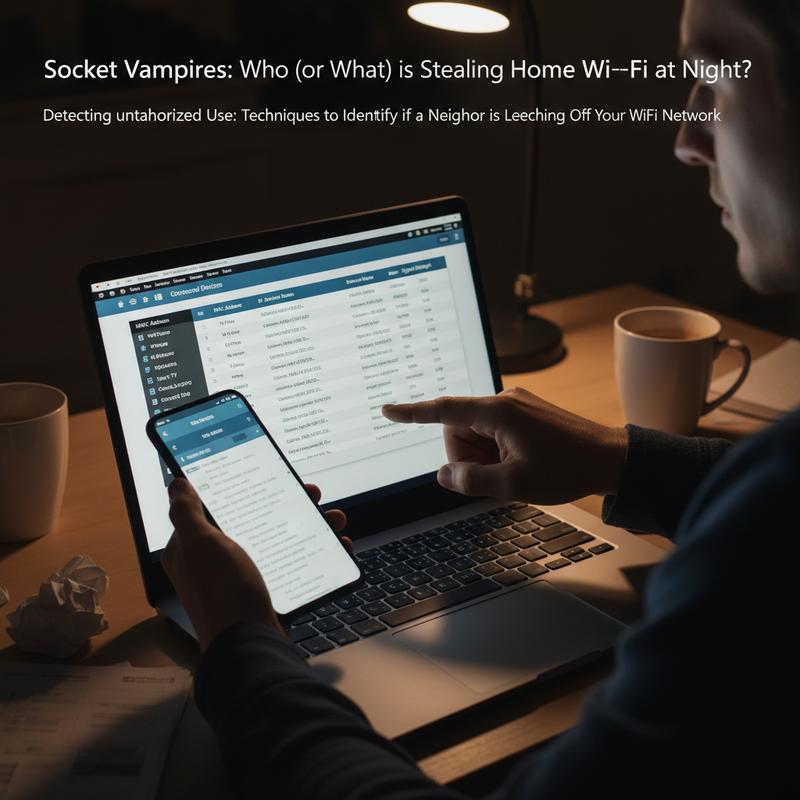
In the realm of modern technology, having a stable and secure Wi-Fi connection is essential for smooth online experiences. Yet, there might come a time when your internet seems sluggish, and you suspect that a digital interloper is siphoning your bandwidth. Such unauthorized use can intensify during nighttime, when socket vampires—devices consuming bandwidth while in standby—also contribute to congestion. Unmasking these network marauders requires a meticulous approach, employing both simple and sophisticated methods.
One of the most straightforward tactics for detecting unauthorized access involves the physical and visual inspection of your router. Begin by disconnecting all your devices, including phones, tablets, and computers, from the network. Once you’re sure that nothing should be accessing your Wi-Fi, focus on your router’s activity lights. If they continue flickering despite your devices being offline, it serves as an unmistakable indicator that someone is connected illicitly. This technique works best in environments with a minimal number of devices typically connected.
However, subtle flickers are not the only sign of unauthorised network usage. Sudden drops in speed during peak times when your devices are inactive, or unusual spikes in activity logs, should raise alarms. To confirm suspicions, delve into your router’s admin panel—a more reliable method for unveiling unknown connections. This requires accessing the admin dashboard using specific steps based on your operating system. For Windows users, open the Command Prompt with cmd and type ipconfig to unveil your IPv4 Address. Mac users should navigate to System Preferences, then to Network, where they can retrieve this information from the TCP/IP tab.
Armed with your local IP address, log into your router through a web browser using the default credentials, usually found on the router itself or in its manual. Once inside, scrutinize the list of connected devices meticulously. They typically appear under labels like “Attached Devices” or “DHCP Client List.” A quick scan for unfamiliar device names, MAC addresses, or types will help flag unwanted guests. The discovery of any unknown details necessitates an immediate response—quite literally blowing the whistle on potential thieves.
Beyond the surface-level device list, a deep dive into your router’s activity logs can reveal patterns that are atypical or unwarranted. Many routers support detailed logs that document IP assignments, bandwidth usage, and connection timestamps. Investigating these records allows you to track persistent offenders whose intrusions are disguised as everyday traffic. It might seem tedious, but the effort pays off in peace of mind and preserved bandwidth.
Not everyone is adept with technical configurations, which is where third-party applications come to the rescue. Utilities like Wi-Fi Guard are invaluable for users seeking a more intuitive approach. These apps typically offer clear overviews of connected devices, alongside their IPs and vendor information, mapping out who truly belongs on your network at a glance.
Once an unauthorized device has been identified, swift action is paramount. Block or remove the interloper via the router’s admin settings, making sure to note their MAC address beforehand. Changing your Wi-Fi password post-eviction is crucial. This moral reset prevents unauthorized users from resurrecting their access with old credentials. As a preventative measure, adopt robust combinations for your new network name and password to fortify against future attempts.
For those craving proactive security, there are additional measures to consider. Enable remote management alerts if supported by your router to receive early warnings of suspicious behavior. Ensuring that your router’s firmware is up-to-date bolsters its defenses against known vulnerabilities. Regularly reviewing your network’s connected devices makes sure that your digital fort remains unbreached. In densely populated areas, where temptation for neighbors to piggyback on your service is high, such vigilance is not only wise but essential.
In summary, ensuring your home network remains exclusive to your household involves both perceptive observation and strategic management. From scrutinizing router lights to employing apps for network audits, these methods collectively safeguard against unauthorized access. Remaining vigilant about network health means less worry over leeching neighbors and more control over your digital ecosystem. Living in harmony with socket vampires and potential band-stealers requires commitment to these practices—an investment in maintaining your network’s integrity.
Taming the Socket Vampires: Enhancing Wi-Fi Coverage and Energy Efficiency
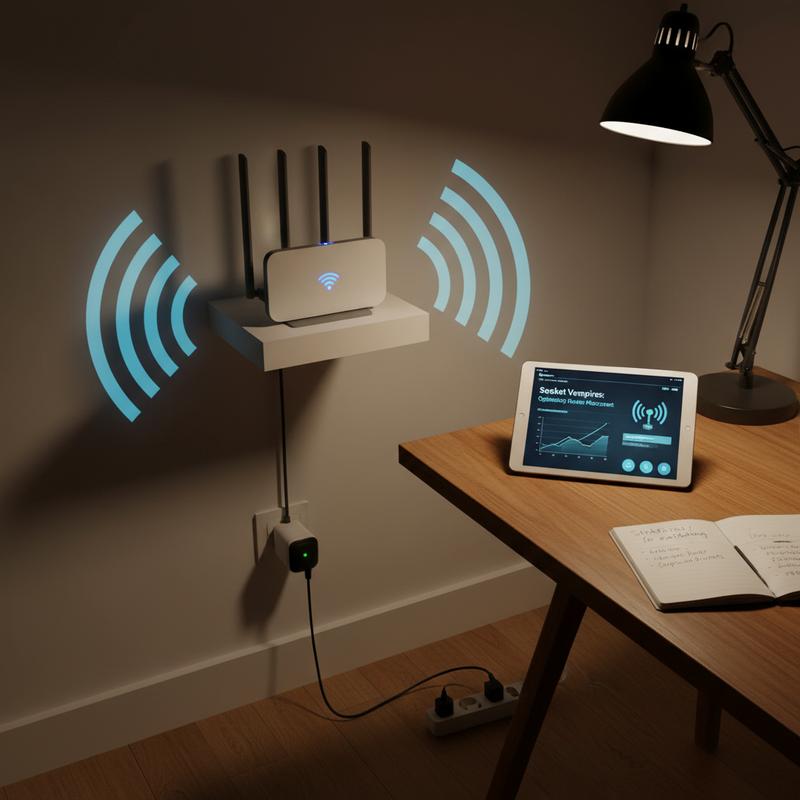
In the pursuit of faster internet speeds and energy efficiency, understanding and mitigating the phenomenon of “socket vampires” is crucial. These energy-draining devices, often lurking unnoticed in our homes, silently siphon electricity and bandwidth, impacting both our utility bills and Wi-Fi performance. By adopting strategic router placement and energy-saving practices, you can effectively battle these socket vampires, ensuring a robust network and a greener footprint.
Centralize and Elevate Your Router
The heart of an effective Wi-Fi network lies in optimal router placement. Positioning your router centrally and at an elevation, such as waist height or higher, can dramatically enhance signal strength and coverage. This simple adjustment can lead to a significant speed increase, often improving connectivity by 15-40%. Avoid placing your router in corners or hiding it within cabinets; these locations obstruct the signal, creating dead zones and necessitating additional power-hungry hardware like repeaters.
Walls made of concrete, brick, or any heat-emitting sources such as direct sunlight can further weaken signals and even increase the router’s operational temperature, potentially leading to energy inefficiencies. By minimizing such obstructions, you contribute to both better connectivity and reduced power consumption.
Fine-Tuning Antenna Orientation
Antenna configuration is another critical component. For routers equipped with multiple antennas, orientating them for maximum efficiency involves strategic angling. For instance, a 2×2 MIMO setup benefits from one antenna being vertical and the other at a 45-degree angle. In more complex 3×3 or 4×4 MIMO systems, distributing antennas in varied patterns ensures optimum polarization balance, enhancing multi-floor coverage and spatial diversity. Regularly reviewing and adjusting these settings as your household layout evolves can maintain peak network performance.
Energy Waste Reduction
A well-placed router not only boosts Wi-Fi but also cuts down on unnecessary retransmissions, which can spike energy usage. To optimize this further, keep your router’s firmware updated and utilize the 5 GHz band for higher speeds when possible. Disabling unused features such as guest networks also helps reduce idle power draw.
Modern routers are impressively energy-efficient compared to older models, utilizing substantially less energy per speed unit. If your router is outdated, consider an upgrade as part of your energy-saving strategy. Additionally, integrating smart plugs and timers to manage “off-hours” power usage can prevent energy wastage without sacrificing connectivity.
Keeping your router cool by placing it in shaded, elevated spots prevents overheating, thereby stabilizing performance without the need for extra cooling mechanisms like fans, which further consume power.
Reassess and Adapt
The battle against socket vampires doesn’t end with initial setup. Regularly reassessing your network’s configuration in response to new devices or layout changes in your home ensures continued efficiency. By limiting the number of always-on devices through better router placement, you reduce the network’s power demands. This proactive approach not only curtails energy consumption but also enhances your Wi-Fi’s speed and reliability.
Harnessing these strategies will enable you to tame the socket vampires that stealthily leech your energy and bandwidth. With thoughtful router placement and a focus on energy efficiency, you can enjoy faster internet speeds and contribute to a more sustainable environment. For more insights on energy-efficient home configurations, explore innovative solutions that suit your specific needs.
Final thoughts
By understanding and addressing the root causes of slow internet, from energy-draining socket vampires to neighbors leeching Wi-Fi, you can improve your network’s performance significantly. Smart management of your digital ecosystem involves vigilantly detecting unauthorized access and optimizing your router’s placement to minimize interference and signal dead zones. Implementing these strategies not only enhances your online experience but also contributes to household energy savings. Use smart plugs to control energy vampires, and anticipate better, uninterrupted connectivity throughout your home.
Stop slow internet dead in its tracks—call IT Carolina to secure your Wi-Fi and boost your home network performance today!
Learn more: https://itcarolina.com/about/
About us
At IT Carolina, we specialize in eliminating network slowdowns and digital intrusions with expert on-site support tailored for families and entertainment enthusiasts. Whether you’re dealing with mystery devices on your Wi-Fi or struggling with streaming lags, our team will diagnose, secure, and optimize your home network for peak performance. Let us help you reposition your router, lock down your connection, and keep bandwidth vampires at bay. With IT Carolina, your digital home stays fast, safe, and frustration-free.