Ever search for ‘tech support near me’ and worry you might land on a scam? You’re not alone. Fake tech support is getting better at tricking people, especially seniors. The good news is you can avoid a lot of trouble by knowing the usual tricks and spotting the warning signs before you share info or pay anyone.
Common Tech Support Scam Tricks
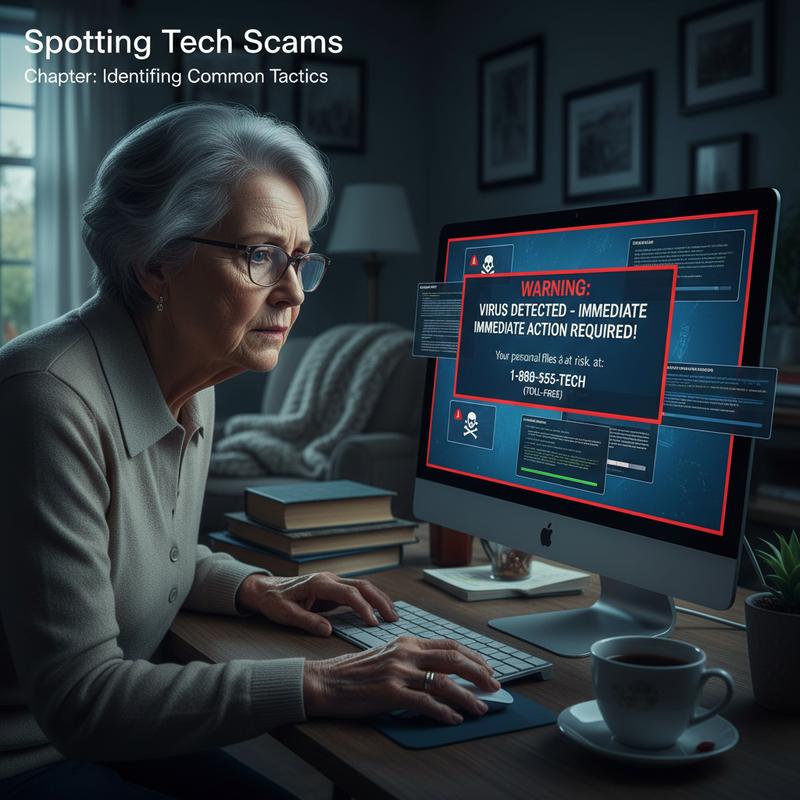
Tech support scams go after people who don’t see it coming. The goal is to convince you something is seriously wrong with your computer so you’ll hand over access or money. Knowing the most common approaches makes it much easier to shut them down fast.
Common Tactics Used by Scammers:
- Unsolicited Communication:
- Phone Calls: Scammers make cold calls or use robocalls to claim there’s an urgent issue with your device.
- Pop-up Warnings: Random pop-ups that look like system alerts can show up after clicking an ad or visiting a sketchy site.
- Fake Online Ads: Scam ads pretend to be real tech support and can show up in search results, social media, or forums.
-
Impersonation of Legitimate Companies:
They’ll claim they’re from Microsoft, Apple, or “Windows Support,” and say things like your warranty is expired or your system files are damaged. -
Requests for Remote Access:
Once they’ve got you on the hook, they’ll push you to install remote access tools like TeamViewer or AnyDesk. Then they can mess with settings, run scary-looking “tests,” install malware, or grab personal info. -
Demanding Payment via Unconventional Methods:
They’ll pressure you to pay big amounts—FBI reports show average losses around $25,000, and some cases go much higher. They often ask for gift cards, crypto, or payment portals that are hard to trace or reverse. -
Using Real Personal Information to Gain Trust:
Some scammers use bits of personal info (like an old warranty detail) to sound believable and get you to comply.
| Tactic | What to Watch For | Why It’s Suspicious |
|---|---|---|
| Unsolicited Phone Calls | Calls claiming urgent tech issues | Legitimate companies do not cold-call first |
| Pop-up Error Messages | Sudden warnings with alarming language on your device | Genuine alerts rarely appear as pop-ups |
| Fake Support Ads | Ads offering tech help, often with typos or poor design | Real services maintain professional standards |
| Requests for Remote Access | Unexpected asks to install remote control apps | Legitimate support requires your request |
| Unusual Payment Demands | Requests for gift cards or cryptocurrency | Legitimate billing uses standard methods |
Warning signs include:
- High-pressure language that says you have to act right now
- Spelling and grammar mistakes in emails or ads
- Phone numbers or URLs that don’t match the company’s real contact info
- Payment demanded before any real help is provided
At IT Carolina, we tell people one thing up front: don’t turn off your antivirus unless a trusted technician tells you to—and only after you reached out first. Real computer troubleshooting help doesn’t come chasing you down. You contact them through official channels, not the other way around.
For more on common computer issues and practical troubleshooting tips, see our article on common computer problems and solutions every user should know.
To protect yourself:
- Ignore random calls or messages claiming your computer has problems.
- Don’t give remote access unless you contacted a reputable support provider first.
- Double-check claims by reaching out to the company through its official support page.
- Use trusted antivirus and malware scanners to check your device.
- Report suspicious calls or websites to agencies like the FTC or FBI.
For further information on how these scams operate, see resources from the U.S. Cybersecurity and Infrastructure Security Agency (CISA), which provides guidance on avoiding tech support fraud (CISA Tech Support Scams). Microsoft’s official support pages also clarify how they handle customer contacts and security alerts (Microsoft Support Contact).
Spot these tactics early, and you can avoid getting pulled into a scam while still finding legitimate computer support near me without worrying about fraud or stolen data.
Tech Support Scam Red Flags
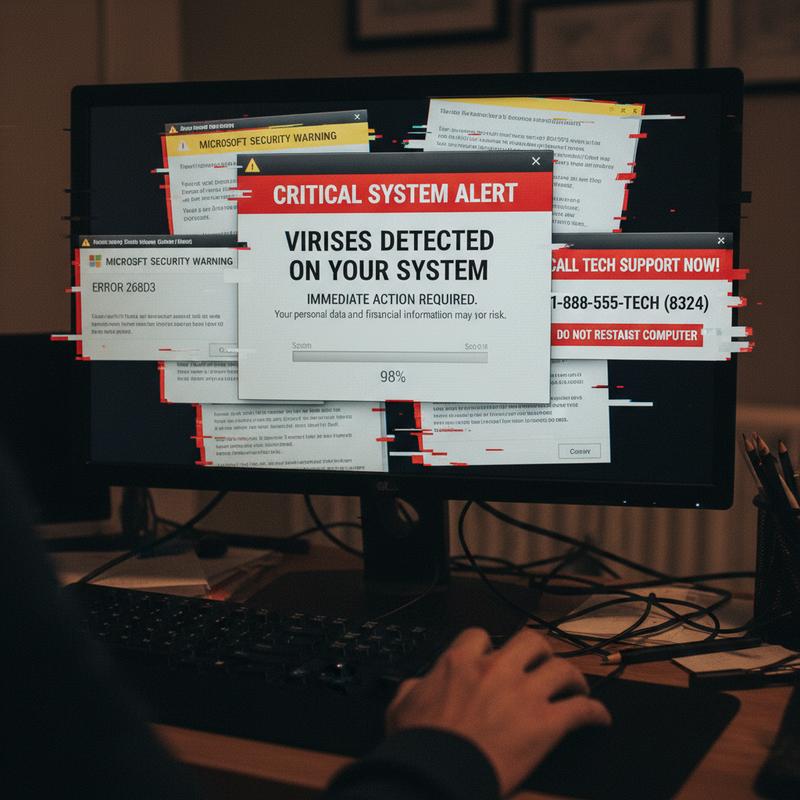
Tech support scams work by making you panic—fast. They try to create a fake emergency so you act before you think. Catching the red flags early can save you from money loss, identity theft, or a bigger data mess.
How These Scams Typically Start
Scammers usually kick things off with something that looks official, but there are often obvious cracks if you slow down and look:
- Fake pop-up alerts: These can mimic serious system errors, like a frozen browser with a fake Blue Screen of Death, or warnings that claim you’re infected. They usually shove a phone number in your face and push you to call immediately.
- Unsolicited calls and robocalls: They pretend to be Microsoft, Apple, or another major name and say your warranty expired or your device has a virus. Real companies don’t call out of the blue to “fix” your computer.
- Misleading search ads and fake websites: When you search computer troubleshooting or IT support near me, scam ads can show up first and send you to fake “support” pages with bogus numbers.
- Unexpected emails: You might get messages about account problems, unknown purchases, or billing issues that demand immediate action.
Key Warning Signs During Your Interaction
Once you engage, they’ll try to “prove” your computer is in trouble and steer you into doing what they want. Watch for these:
| Warning Sign | What It Looks Like | Why It’s Suspicious |
|---|---|---|
| Requests for remote access | Asking you to install software like TeamViewer or AnyDesk | Legitimate support won’t seek unsolicited remote control |
| Fake diagnostics | Showing fake error logs or using built-in tools to display irrelevant info as “evidence” | Scammers manipulate logs or run meaningless commands to scare you |
| Pressure tactics | Urgent claims of system corruption or impending hacks demanding immediate payment | Genuine support never rushes clients or demands instant payment |
| Unusual payment demands | Requests for payment via gift cards, cryptocurrency, or wire transfers | These untraceable methods are typical scam tools |
| Screen blocking or spying | Blocking your screen or accessing webcam/files without consent | This invades privacy and risks personal data theft |
Communication Clues That Indicate Scams
Scam messages also tend to look sloppy or off-brand:
- Generic greetings like “Dear User” instead of your name
- Spelling and grammar mistakes
- Logos that look slightly wrong, or URLs that don’t match the real domain
- Sketchy attachments, shortened links, or QR codes that send you somewhere else
- Over-the-top urgency about “account issues,” “refunds,” or “security problems”
Summary Table of Red Flags
| Red Flag Category | Examples | Why It Is A Scam |
|---|---|---|
| Contact Initiation | Pop-ups, robocalls, fake ads | Legitimate companies don’t initiate unsolicited support calls or alerts |
| Technical Deceptions | Remote access, fake logs | Fake diagnostics made to sell unnecessary services |
| Payment & Info Requests | Gift cards, passwords | Requests for untraceable payments or sensitive info are fraudulent |
| Message Quality | Typos, generic sender, urgency | Reflect lack of professionalism and scammer behavior |
How We Handle This at IT Carolina
Working with clients in Charlotte, we see a pattern: nearly 40% of suspicious calls mention “urgent Windows security alerts.” Don’t give remote access unless you contacted a verified technician first. And if you’re unsure, run your own scan with trusted tools like Malwarebytes or Microsoft Defender instead of trusting a stranger’s “diagnosis.”
Proactive Steps to Avoid Becoming a Victim
- Avoid calling numbers shown on error pop-ups.
- Never install remote access tools from unverified or unsolicited sources.
- Verify all contacts through official company websites or customer service channels.
- Use reputable antivirus software to scan and troubleshoot issues independently.
- Report scam attempts to authorities such as the Federal Trade Commission (FTC) or FBI Internet Crime Complaint Center.
For guidance on safeguarding small business data, see Cybersecurity Tips for Small Businesses.
For further information on recognizing and preventing scams, consult resources from the Cybersecurity & Infrastructure Security Agency (CISA) and Microsoft’s official support pages:
- Microsoft Support – Avoid Tech Support Scams
- CISA – Understanding Tech Support Scams
Stay alert for these signs, and you’ll cut your risk of getting scammed way down.
How These Scams Work (and Who They Hurt)
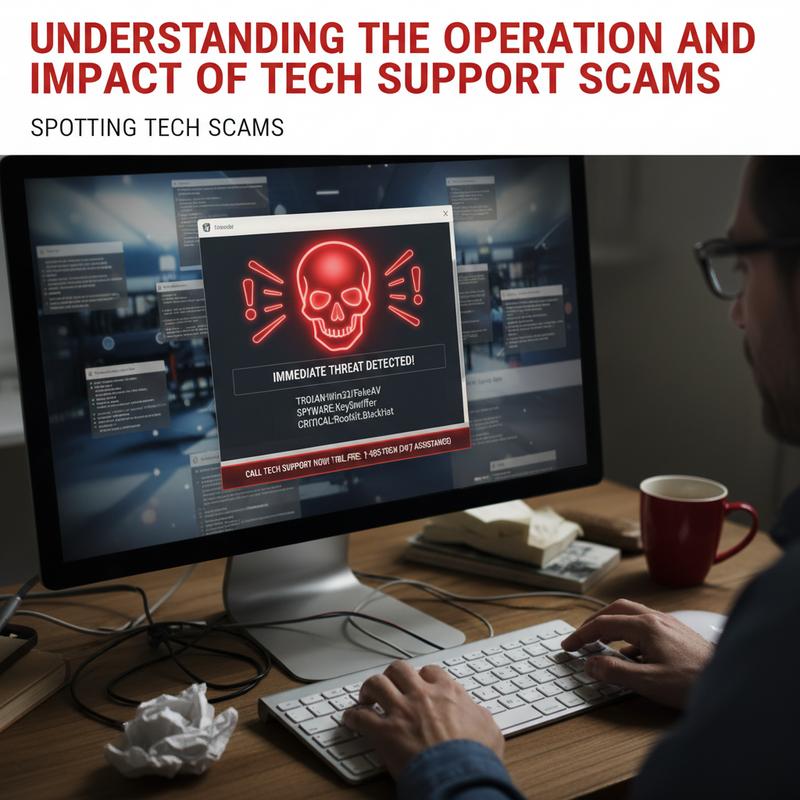
Tech support scams are basically people tricks. Scammers pretend to be technicians from brands you trust, like Microsoft or Apple. They reach out without you asking—through pop-ups, texts, or robocalls—and claim your device has a virus, a security breach, or some other serious problem. Then they push you to call their number or click a link.
How Tech Support Scams Operate
Sometimes it starts with a smishing (SMS phishing) text about an “urgent” issue. The whole point is to scare you into moving quickly—calling a number, clicking a link, or installing an app. Common approaches include:
- Link-based attacks: Sending you to fake sites that steal logins and payment info or try to download malware.
- Phone-based scams (vishing): Talking you into remote access using tools like TeamViewer or AnyDesk while pretending to be a certified tech.
- Advanced deception: Browser lock screens, full-screen fake antivirus warnings, or scripts that look like “live diagnostics” to make it feel real.
Thing is, a lot of these scams aren’t one-off attempts. Many are run like call centers overseas, using caller ID spoofing to look legitimate. And with automated tools, they can hit a huge number of people quickly.
Impact on Individuals and Organizations
The damage can be serious:
| Impact Category | Examples |
|---|---|
| Personal | Identity theft, data breaches, direct monetary losses (average victim loss around $25,000) |
| Financial | Unauthorized bank transactions, payments for fake services |
| Organizational | Employee credential leaks enabling network intrusions and operational disruptions |
| Systemic | Large-scale fraud rings laundering money through cryptocurrency mixers |
People lose money by paying for fake repairs, or they lose control of accounts after handing over private info. For businesses, even one compromised employee login can lead to bigger breaches, downtime, and expensive cleanup.
Recognizing and Mitigating Risks
- Don’t respond to random calls or messages claiming there’s an urgent tech issue.
- Look up support contacts through the company’s official website or support portal.
- Don’t allow remote access unless you set it up with someone you trust.
- Run reputable antivirus/malware scans regularly.
- Report suspected scams to the FTC or the FBI.
At IT Carolina, we tell users to close suspicious tabs right away and don’t click around on pop-ups. Some of them are designed to keep re-triggering or push more downloads. We also recommend checking hard drive health every quarter with the free tool CrystalDiskInfo, since real hardware issues are common—and scammers love to use that confusion.
For more insights on protecting your devices and data, consider reviewing cybersecurity foundations for small businesses to build stronger defenses against scams and intrusions.
To understand the broader context of online fraud, Microsoft offers detailed guidance on spotting and reporting tech support scams in its security documentation: Microsoft Support on Tech Support Scams.
Additionally, the Cybersecurity and Infrastructure Security Agency (CISA) provides warnings and advice to stay safe from social engineering attacks.
Once you know how these scams play out, it’s much easier to spot them early and avoid the mess.
How to Avoid (and Handle) Tech Support Scams
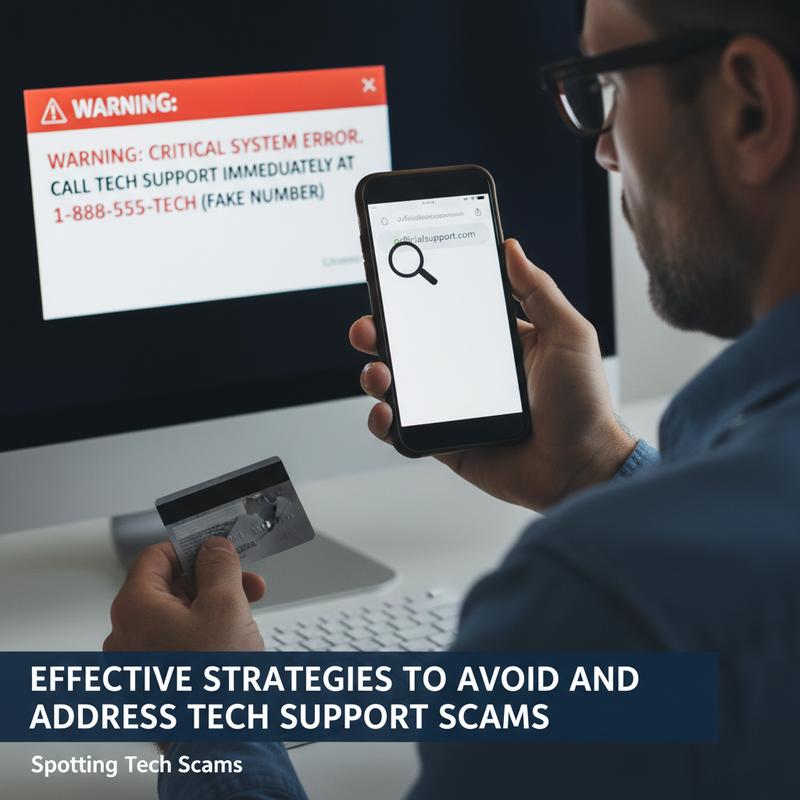
Tech support scams work because they get people to share private info or hand over remote access. If you know what to do—and what not to do—you can stop most attempts before they go anywhere.
Proactive Steps to Avoid Tech Support Scams
- Independently Verify Unsolicited Contacts
- If you get a call or message claiming to be from Microsoft or Apple, hang up.
- Then look up the real support number on the company’s official website and contact them directly.
- And remember: caller ID can be faked.
- Never Share Credentials or Grant Remote Access
- Real support won’t ask for passwords, verification codes, or remote control access unless you requested help first.
- Only use tools like TeamViewer or AnyDesk when you start the support session.
- Avoid Interacting with Suspicious Communications
- Don’t click links, open attachments, or reply to random emails, texts, or pop-ups.
- They can lead to phishing pages or malware installs.
- Keep Security Software and Systems Updated
- Use reputable antivirus software and keep automatic updates on.
- Turn on spam filters and multi-factor authentication (MFA).
- Keep your OS and apps updated so known security holes get patched.
- Maintain Healthy Skepticism Toward Urgency
- Be wary of messages that try to scare you into immediate action or payment.
- Scams often rely on generic greetings and fake “critical” warnings.
- For Businesses: Train and Empower Employees
- Train employees on the most common scam patterns.
- Make it easy to report suspicious calls and emails.
- Limit who can act on requests from unknown “tech support” contacts.
| Protection Layer | Key Actions | Benefits |
|---|---|---|
| Technical | Antivirus, MFA, auto-updates, spam filters | Blocks malware, secures accounts, filters spam |
| Behavioral | Hang up, ignore, verify independently | Prevents social engineering |
| Organizational | Policies on info sharing, reporting protocols | Minimizes company-wide exposure |
How to Respond if Targeted by a Tech Support Scam
If you think you’re dealing with a scam:
- End the Interaction Immediately
- Don’t share info, and don’t install anything they recommend.
- Document the Incident
- Write down the number, caller ID, time, and what they said.
- Report to Authorities and Companies
- Notify the company the scammer claimed to represent.
- Forward scam emails to government phishing centers like the FTC or [email protected].
- Use official fraud reporting channels and hotlines.
- If this happened at work, notify IT and follow your internal process.
- Secure Your Devices
- Run a full antivirus scan right away.
- Change passwords for any accounts you think were exposed.
- Keep an eye on bank accounts and online logins for weird activity.
- Consider Tools for Continuous Protection
- Dark web monitoring and data removal services can help lower risk if your info gets exposed.
From IT Carolina’s work with small business clients, nearly 40% of unsolicited “tech support” calls rely on urgency and threats, like claiming your service will be disconnected. Pause and verify independently, and most scams stop right there.
We also see better results when businesses use consistent employee awareness training and clear IT rules, so no one’s guessing what to do under pressure.
For more guidance on building strong cybersecurity habits that support scam avoidance, see our article on 5 cybersecurity habits every small business must adopt.
For authoritative advice on preventing scams and securing devices, refer to resources from the Cybersecurity & Infrastructure Security Agency (CISA) and Microsoft’s official security guidance such as Microsoft’s advice on avoiding tech support scams.
Avoiding tech support scams comes down to awareness, checking things for yourself, and keeping a few layers of security in place. Do that, and you’ll protect your devices and your data from expensive headaches.
Quick Recap
Avoiding tech support scams starts with slowing down and being careful with ‘tech support near me’ searches. When you know the common tricks and the red flags, it’s a lot harder for scammers to push you around. And remember: real IT support near you won’t pressure you to act immediately or ask for weird payment methods like gift cards or crypto.
Frequently Asked Questions
How can I verify if tech support is legitimate?
Use the company’s official website to find the real support phone number or contact page, then reach out that way. Don’t trust numbers from pop-ups, ads, or random calls.
What should I do if I suspect a tech support scam?
Stop the conversation right away and close any pop-ups or browser tabs. Then run a security scan and report the attempt to the FTC.
Why are elderly individuals targeted by tech support scams?
Scammers often assume seniors are less comfortable with fast-changing tech and security warnings. They use that uncertainty to push fear and urgency.
12