Modern smartphones are engineered to efficiently manage background apps, yet many consumers still believe force-closing will save battery life. This misconception can actually worsen battery performance, wasting energy reloading apps from scratch. It’s crucial to grasp how your device’s operating system optimally suspends apps instead of keeping them running. This article will tackle the myth of force-closing apps and explore operating system efficiency. We’ll also share practical strategies for effective battery management that outperform outdated habits.
Debunking the Force-Closing Myth: How Background Apps Really Affect Battery Life

In the realm of smartphone myths, perhaps none is as pervasive—and as misunderstood—as the practice of force-closing apps to save battery life. At first glance, the logic seems sound: fewer running apps should equate to less battery consumed. However, this belief overlooks the sophisticated power management capabilities designed into modern operating systems like iOS and Android. In truth, force-closing apps not only fails to preserve battery life, but actually accelerates its depletion.
When you force-close an app, the operating system, in this case iOS, must expend significant resources to terminate the app’s processes and remove it from memory. The real inefficiency, though, comes when you reopen the app. Instead of simply resuming from a suspended state, your phone must reload the entire application from scratch—a process which consumes more processing power and, consequently, more battery. This counterproductive cycle consumes significantly more energy than allowing apps to remain suspended, where they consume negligible resources.
Many users confuse the multitasking switcher with running apps. In reality, apps in this space are suspended until they’re needed again. During suspension, these apps utilize virtually no system resources. The memory management of modern devices is designed to keep frequently used apps readily available, thus striking a balance between performance and power efficiency. If memory becomes constrained, the operating system automatically clears less prioritized apps, ensuring that system resources are optimally allocated without manual intervention.
That said, there are legitimate scenarios where force-closing is warranted. For instance, if an app becomes unresponsive or starts behaving erratically, force-quitting can offer a fresh start. Similarly, if you discover that a specific app is disproportionally draining your battery due to unusual background activity, temporarily closing it can help regain control over power usage. However, such actions should be reserved for exceptions rather than routine practice.
A more effective approach to prolonging battery life involves identifying and mitigating the true power culprits. Location Services, for example, regularly ping your location, a process that is notably energy-intensive. By adjusting location settings to either “Never” or “While Using the App” for non-essential applications, substantial battery savings can be achieved. Another notorious battery drainer is the Background App Refresh feature, which can account for 15-20% of total daily battery use. By disabling this for apps that don’t require constant updates, users can achieve notable improvements in battery endurance. Anecdotally, disabling Background App Refresh has been shown to reduce overnight battery consumption from as much as 25% to just 5-7%.
By shifting focus from force-closing apps to addressing these genuine battery drains, users can enhance their device’s performance and longevity. This paradigm shift not only aligns with best practices in device management but also maximizes the technological advancements embedded in modern operating systems. For more on optimizing your smartphone use, consider exploring additional technology insights here.
Unveiling the Invisible Engine: How Operating Systems Master App Management

Modern smartphones and tablets are marvels of technological innovation, acting as the gateway to myriad applications and functionalities. Yet behind the seamless interface lies the sophisticated choreography performed by the operating system (OS), which plays an indispensable role in maintaining the efficiency and functionality of these devices. This chapter delves into how operating systems manage apps, optimizing both performance and energy use, and why understanding this can change how we perceive the practice of force-closing apps.
An operating system acts as the central manager of your device’s ecosystem, ensuring that apps can effectively access hardware resources. Whether it allocates memory, manages CPU cycles, or coordinates with hardware components, the OS’s efficiency in app management is crucial to overall system performance. The orchestration provided by the OS determines how smoothly an application can run without wasting precious resources.
What sets modern operating systems like iOS and Android apart is their ability to suspend unused apps rather than keeping them actively running, which might falsely give the impression of energy consumption. Suspended apps exist in memory at a minimal energy cost, using essentially no CPU or power. Instead of these apps draining your battery, they are poised for swift reactivation, allowing for a seamless user experience. Importantly, this approach should deter users from the habitual force-closing of apps under the misconception that this saves battery life.
The role of the OS is not limited to memory management. It performs a balancing act, maximizing CPU utilization through multiprogramming—where several programs execute concurrently by switching during input/output wait times. This ensures optimal resource utilization and responsiveness, which contributes to better battery performance. Therefore, when you force-close an app, you’re actually disturbing this efficient balance by requiring the OS to reload the app completely next time you want to use it, which in turn drains more power.
Operating systems continuously improve through updates, adding new functionalities and optimizations that enhance app stability and performance. Therefore, keeping your operating system updated is vital for ensuring compatibility with the latest app developments and maintaining system efficiency. Developers design apps to align with OS version-specific APIs, and an outdated operating system can lead to friction, resulting in crashes or inefficient performance. Therefore, maintaining your device’s software not only aids in smoother app interactions but also fortifies against vulnerabilities that might otherwise compromise performance.
In enterprise settings, the implementation of a Standardized Operating Environment (SOE) showcases the importance of consistent OS configurations across devices. Such standardization simplifies the deployment and management of applications, something that can also be beneficial for regular users who frequently manage multiple devices or services. The combination of system roles and automation tools provided by standardized platforms enables users to maintain efficient workflows, enhance scalability, and ensure security through consistent patch management.
While it might seem intuitive to close apps running in the background to conserve battery, this is akin to closing a door that automatically shuts; the device already knows how to handle it more efficiently than manual intervention can achieve. Focus should instead be on identifying truly problematic apps or rogue processes via built-in battery monitoring tools, as mentioned in the article. Moreover, opting for a tailored OS environment such as Linux for specific tasks can be beneficial for certain applications, as it offers native support for container orchestration and efficient network stack tuning.
App management is far more intricate than most users realize, and understanding the invisible engine—the operating system—can lead to better device stewardship. By respecting the designed processes rather than disrupting them through force-closing, users can enjoy improved device longevity and performance. For further insights into optimizing device efficiency and app management, consider checking resources such as IT Carolina’s guide.
From Charging Habits to Software Updates: Comprehensive Battery-Saving Approaches
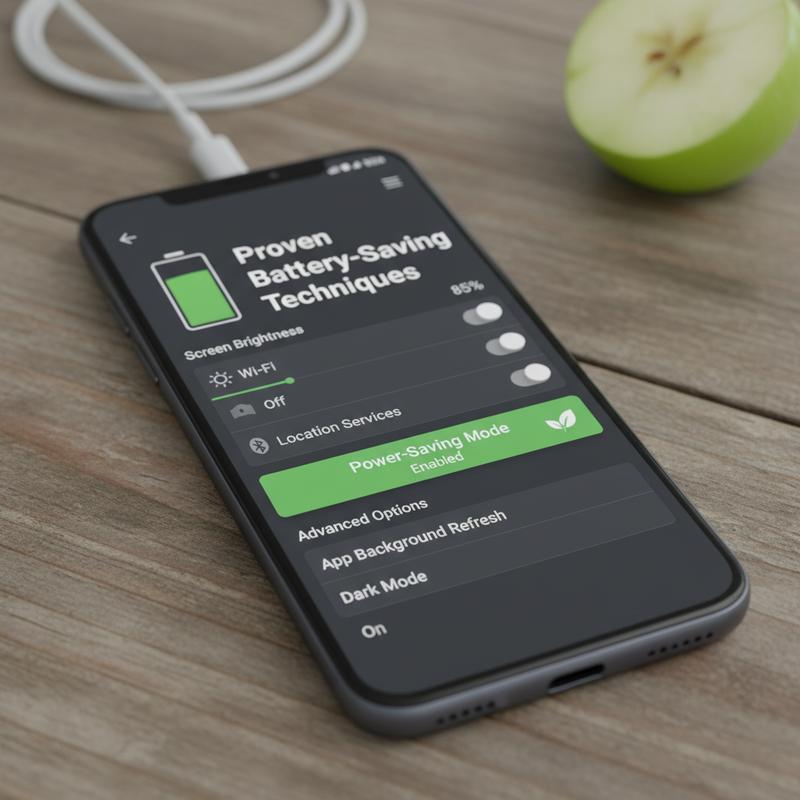
A common misconception surrounding smartphone battery longevity is that force-closing apps conserves energy. However, modern operating systems inherently manage app suspension efficiently, leaving this method largely ineffective. Instead, various established battery-saving strategies hold promise for those eager to maximize their devices’ performance. Understanding and implementing these techniques can significantly enhance both daily battery life and long-term battery health.
Optimize Charging Habits: For lithium-ion batteries, maintaining a charge within the 30% to 80% range significantly reduces the rate of degradation. Continuously charging to 100% or allowing the battery to plummet to 0% stresses the battery, shortening its lifespan. Frequent, small top-ups are preferable over complete charge cycles. Fast charging, while convenient, generates excess heat—a known adversary to battery health. Thus, it should be sparingly used, particularly when the device is already warm. Furthermore, charging phones in cooler environments can help mitigate heat-induced damages, maximizing battery efficiency.
Adjust Display Settings: One of the most effective means of conserving battery power is through the optimization of display settings. High screen brightness is a notorious battery drain. Reducing brightness or enabling auto-brightness can provide immediate power savings. On OLED screens, dark mode offers additional energy efficiency by turning off black pixels. Adjusting the screen timeout to a shorter duration ensures that the device is not unwittingly sapping battery life during idle moments. Turning off features like the always-on display can further prolong battery life, particularly during nighttime hours.
Manage Connectivity and Background Activity: Connectivity settings can unwittingly contribute to battery drain if left unchecked. For instance, disabling 5G in favor of LTE can conserve power, especially in areas with low signal strength. Location services, GPS, and constant push notifications all demand substantial power resources. Thus, turning off location tracking when unnecessary and limiting notifications can drastically reduce background activity. Opting for Wi-Fi over mobile data where possible is another power-saving approach as Wi-Fi is generally more efficient.
Use Built-in Power-Saving Features: Leveraging built-in features such as battery saver mode can effectively extend battery life by limiting background processes and reducing screen brightness, offering a holistic approach to battery management. On many Android devices, adaptive battery features dynamically adjust app activity based on usage patterns, further enhancing efficiency.
Keep Software Updated: Regularly updating your device’s operating system and applications can yield incremental battery life improvements. Manufacturers routinely incorporate power-saving enhancements and rectify software bugs that may impair battery performance, ensuring devices operate at peak efficiency.
Clear App Cache and Uninstall Unused Apps: Over time, app caches accumulate temporary files that can strain system resources and increase power consumption. Periodically clearing app caches can free up memory and reduce unnecessary background processes. Simultaneously, uninstalling apps that no longer serve a purpose prevents them from running in the background and consuming power.
Employing these techniques not only preserves the device’s daily functionality but also extends the overall lifespan of the phone’s battery. For further insights and tips on optimizing your tech usage, feel free to explore various resources that provide relevant guidance tailored to your needs.
Implementing these comprehensive strategies ensures that the age-old myth of force-closing apps becomes obsolete, replacing it with proven methodology for maintaining both immediate and enduring battery health.
Final thoughts
Force-closing apps is not the battery-saving strategy many believe it to be. Instead, leveraging your device’s built-in app management and focusing on effective settings and updates can significantly improve performance. Understanding these system intricacies allows for optimized usage and less frequent charging. Embrace smarter techniques like connectivity management and using power-saving modes. This holistic approach effectively reduces battery strain and extends your device’s functionality.
Stop draining your battery and start optimizing your tech—let IT Carolina help you get the most out of your devices today!
Learn more: https://itcarolina.com/about/
About us
IT Carolina helps you understand the real impact of technology myths—like force-closing apps to save battery—so you can get the best performance from your phone or tablet. Our team offers expert, hands-on support to optimize device settings, extend battery life, and eliminate common frustrations. Whether you’re syncing devices, configuring smart apps, or just want your tech to work better, IT Carolina brings clarity and performance to your fingertips. Trust us to keep your digital experience smooth, efficient, and stress-free.