Email security matters more than ever because cyber threats keep getting smarter. So it pays to stay alert and protect your personal info. This guide walks you through the key steps to figure out whether your email has been hacked. You’ll learn how to spot suspicious activity, check if your login details have been exposed, review recent sign-ins, and lock your account down. Each section builds on the last, so by the end you’ll have a clear, practical way to keep your email safe from unwanted access.
Red Flags in Your Email Account
Email is tied to so much of your life, so keeping an eye out for weird behavior is a big deal. Spotting suspicious activity often comes down to watching for patterns that don’t look like you. Catching those early can help stop someone from getting in and reduce the risk of money loss or identity theft.
Machine Learning and Pattern Recognition are commonly used to catch suspicious email activity. The basic idea is simple: the system learns what “normal” looks like for you, then flags anything outside that routine. For instance, if it sees logins happening at the same time from far-apart locations, that can be a sign someone else is in your account. These tools can also spot new malware by recognizing patterns that look like past attacks, even if there isn’t an exact match yet.
Another important piece is Behavioral Analytics. Companies build models of what trusted user behavior looks like, then watch for anything that doesn’t fit. If you usually sign in from Silicon Valley but suddenly there’s a login from Seoul, that can get flagged. And if someone tries to use so-called ‘honeypot credentials’—fake logins meant to catch intruders—it can trigger an immediate alert to security teams and warn you that something’s up.
Multi-Dimensional Analysis can make detection stronger by checking several factors at the same time, including:
- Velocity of actions, like how fast a bunch of emails are sent or deleted
- Geolocation, to see whether logins are coming from trusted places
- Device Intelligence, to look for signs of device tampering or emulation
When these checks run together, they can catch smaller, harder-to-notice issues that basic security tools might miss.
Time-Based Analysis is another helpful method. It focuses on timing details, like how often login attempts happen or how quickly someone is typing in data. Thing is, those small timing clues can sometimes reveal bots or suspicious behavior that older tools don’t catch.
Real-time systems rely on Continuous Monitoring to watch network activity, including processes, file systems, and network connections on endpoints. They can scan millions of events a day in milliseconds and label risks as low, medium, or high. In many cases, suspicious activity is spotted in under 20 minutes, which helps teams respond fast.
Some advanced setups use Knowledge Graphs to connect large amounts of related data. That makes it easier to spot inconsistencies—for example, someone using fake identity details to open an account while their IP address lines up with areas known for fraud. Knowledge graphs help connect scattered clues and show patterns that point to fraud.
If you want to strengthen your email security, it helps to understand what these tools look for and how they work. By combining machine learning with real-time monitoring, you’ve got a better shot at stopping email hacks early. For more tips on protecting your personal data online, you might find this guide helpful.
Using these detection methods helps protect your personal information and makes your online life less stressful.
How to Check if Your Email Login Details Were Exposed
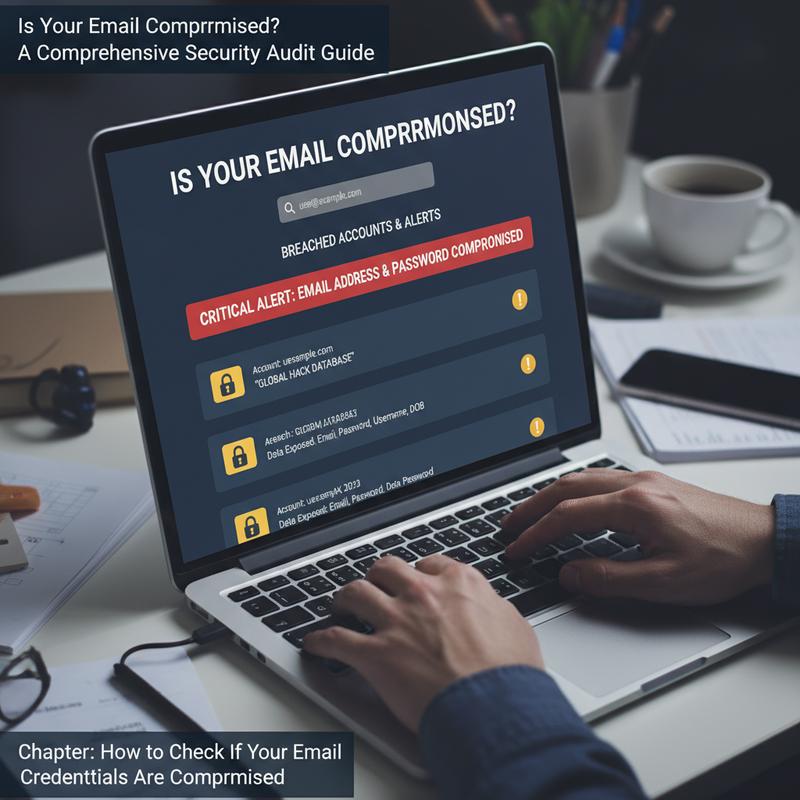
Email is at the center of both personal and work communication, so keeping your login details safe really matters. Figuring out whether your credentials were exposed can feel intimidating. But with the right steps, you can confirm what’s going on and cut down the damage quickly.
A good first move is checking breach databases like Have I Been Pwned. You enter your email address, and it checks it against billions of records from known breaches. These services pull from thousands of leaked datasets, and they don’t store your searches. That means you can look things up quickly without creating extra risk. And if you sign up for alerts, you’ll get a heads-up if your info shows up in future breaches.
Another option is watching places many people never think about, like the dark web. Some services scan those sources and notify you if your email address or passwords show up where they shouldn’t. Some organizations also offer enterprise tools that send real-time alerts through their security teams.
Once you know your credentials may be exposed, review your email account activity carefully. Most providers let you see login history, which can show unfamiliar devices or locations. Also check your settings for changes you didn’t make, like new forwarding rules or unexpected password reset requests. And take a quick look through your sent and deleted folders—messages you don’t recognize can be a sign someone’s been using your account.
If your credentials are compromised, act fast to limit the fallout. Start by changing your email password right away to a strong, unique one. Then update passwords on any linked accounts to reduce the risk of credential stuffing. Still, the biggest habit to break is reusing passwords across sites—it makes everything easier for attackers.
Turn on two-factor authentication (2FA) wherever you can. It adds protection even if someone has your password. App-based codes or hardware keys are usually safer than SMS-based 2FA.
It’s also smart to make sure your devices aren’t the problem. Run a full scan with updated antivirus software and remove anything it finds. And keep your operating system and browser updated so you’re not exposed to known security holes.
Finally, sign out of all sessions in your account settings to kick out anyone who’s logged in. Double-check your recovery options too, and make sure your backup email and phone number are current and secure.
These steps can help you avoid the worst outcomes of exposed credentials. A password manager with built-in breach alerts can also help you stay on top of future leaks. Put it all together—good habits plus steady awareness—and you’ll be in a much safer spot as threats keep evolving. For more tips, visit How to check if your data has been leaked.
Check Your Recent Sign-ins for Signs of a Breach
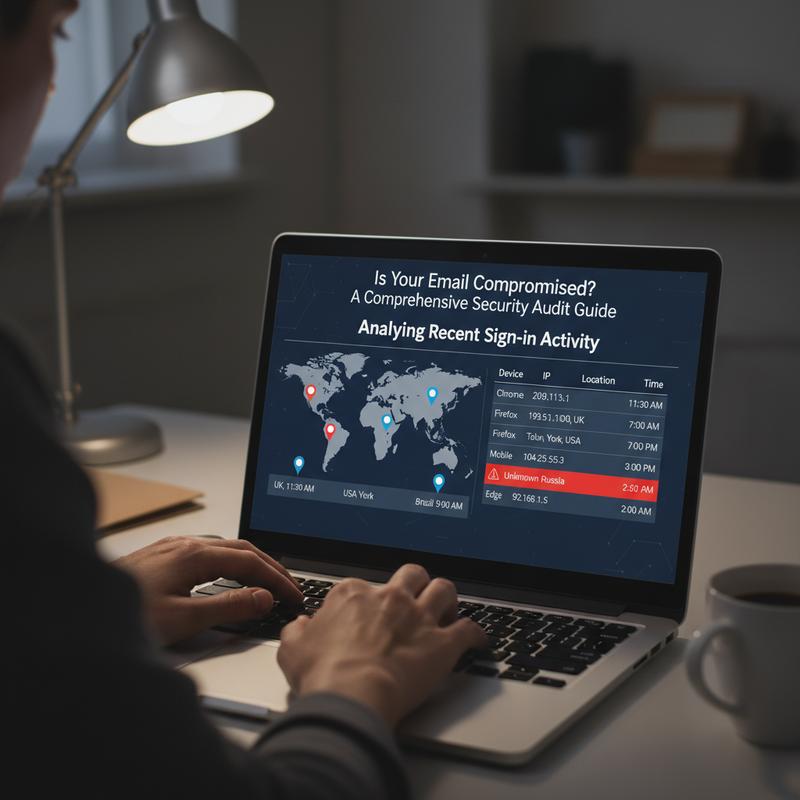
With more people worried about online security, knowing how to review sign-in activity is a must. It can tell you whether someone got into your email and help you act before things get worse.
The best way to do this is to review your sign-in logs in an organized way. Look at details like IP address, location, user agent strings, applications, devices, protocols, and login timing or frequency. Taken together, these clues can point to access that isn’t yours.
Start with your email provider’s dashboard and review your recent activity. Those charts and summaries can make it easier to spot spikes in logins or other odd trends. Many services also show risk reports that highlight suspicious sign-ins. If you see entries marked as risky, focus there first.
Now compare everything to your normal routine. Do the apps, devices, and locations match what you usually use? If something’s off, it could be a break-in attempt. Pay close attention to signs of password spraying, where the same user agents, apps, protocols, or IP ranges show up across multiple users.
To dig deeper, cross-check logs for related activity. Log analysis tools—something like CloudWatch Logs Insights, for example—can help you filter and group data by IP or time. This makes it easier to spot unusual downloads, unexpected admin changes, or behavior that could suggest compromise or even an insider issue.
You can also zoom out and look for known attacker patterns. Tools like the MITRE ATT&CK framework help map alerts to common techniques, which can make the situation clearer. And you may run into references to groups like Muddled Libra, which can have recognizable alert patterns that match what you see in logs.
When you do find suspicious activity, move straight into cleanup steps. That can include Conditional Access rules to block risky IPs or locations, forcing password resets, turning on multi-factor authentication, or revoking suspicious session tokens. Some setups also let users handle parts of the recovery themselves through self-remediation options.
If your review matches your normal behavior and nothing looks off, you’re probably okay. But if you see patterns that line up with known threats, don’t wait—take action right away. It also helps to regularly check tools like Have I Been Pwned for leaks. And if you want more guidance, here’s a helpful resource on how to assess if your data has been leaked.
When you keep an eye on sign-in activity and alerts, you’re much more likely to catch problems early and protect both your personal and work accounts.
Steps to Lock Down Your Email Account
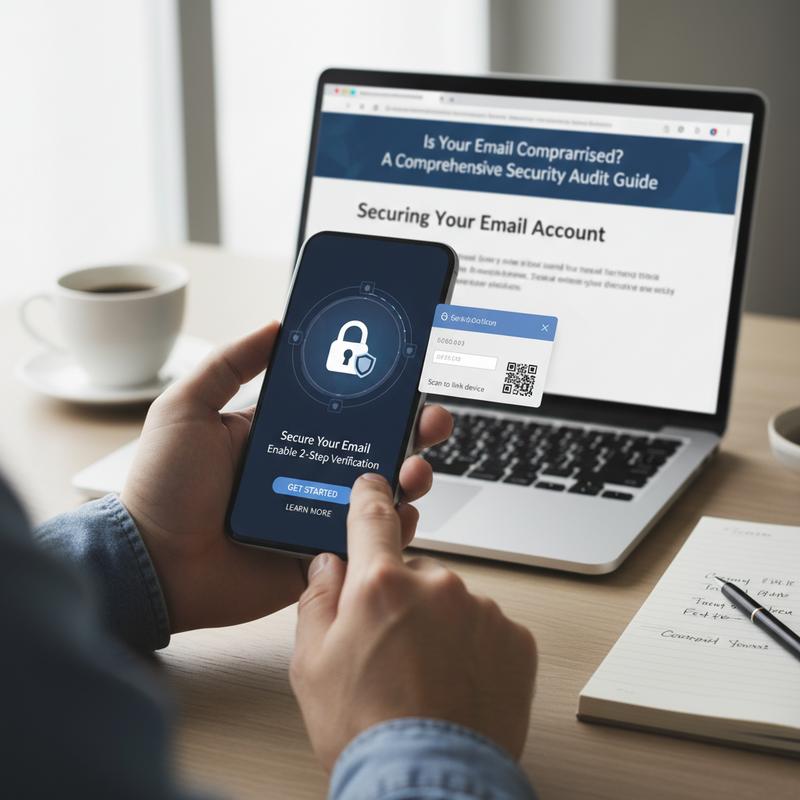
Online threats aren’t going away, so locking down your email is worth the effort. The big starting point is Multi-Factor Authentication (MFA). With MFA on, a stolen password usually isn’t enough to get in, because there’s another check—like a code, prompt, or biometric step.
Strong, unique passwords matter just as much. Your password is still the first barrier, so make it count. Go for at least 12 characters with a mix of letters, numbers, and symbols. Don’t reuse old passwords, and consider a password manager to create and store them safely.
Adding email authentication protocols like SPF, DKIM, and DMARC can also help. They verify real senders and cut down on impersonation attempts, which lowers the odds of phishing and spoofed emails.
Advanced filtering and threat detection systems can catch problems before they hit your inbox. Many filters can spot phishing and malware early, using tools like URL rewriting and attachment scanning to reduce the risk before you click anything.
To protect what you send and receive, encrypt emails both in transit and at rest. Using TLS 1.2 or higher helps protect data moving across networks. And tools like S/MIME or PGP can add end-to-end encryption so your messages stay private.
Security isn’t a one-and-done setup. Do regular audits and access reviews to check permissions and shared mailboxes, and make sure access is limited to what’s actually needed. Alerts for unusual login attempts can also give you an early warning before things spiral.
And don’t ignore day-to-day habits. Adopt safe email habits like avoiding links and attachments from unknown senders. Turn off automatic image loading and block macros when possible, since attackers use both. Report and delete suspicious messages instead of “just checking” them.
You can tighten things up even more with better device rules. Use screen locks, full-device encryption, and keep software updated. Conditional access policies can also block devices that don’t meet security requirements from accessing your email.
On top of all that, consider extra protections like data loss prevention tools to stop sensitive info from being sent outside your organization. Keep up with trusted security updates, and if you’re part of a company, set clear rules around AI tools and use client portals for sharing sensitive files.
Email security is really an ongoing habit. If you want more help keeping your tech safe at home, check out tech support resources for home.
Final thoughts
Email security isn’t only about reacting after something goes wrong—it’s about preventing problems before they start. When you regularly watch for suspicious activity, check for exposed credentials, review sign-in history, and tighten your account settings, you make it much harder for hackers to get in. Stick with these basics and you’ll protect your info and feel a lot more confident online.
Think your email might be compromised? If you want a second set of eyes, schedule a quick check-up with IT Carolina’s support team.
Learn more: https://itcarolina.com/about/
About us
At IT Carolina, we don’t just tune gaming rigs—we help protect your whole digital setup. If you think your email has been hacked or your personal data is at risk, our team can run diagnostics, find weak spots, and help secure your accounts. From home networks to personal devices, we work to make sure your connections are safe so you can use your tech without constant worry. Count on IT Carolina for the same hands-on support we’re known for with gamers and tech enthusiasts.