
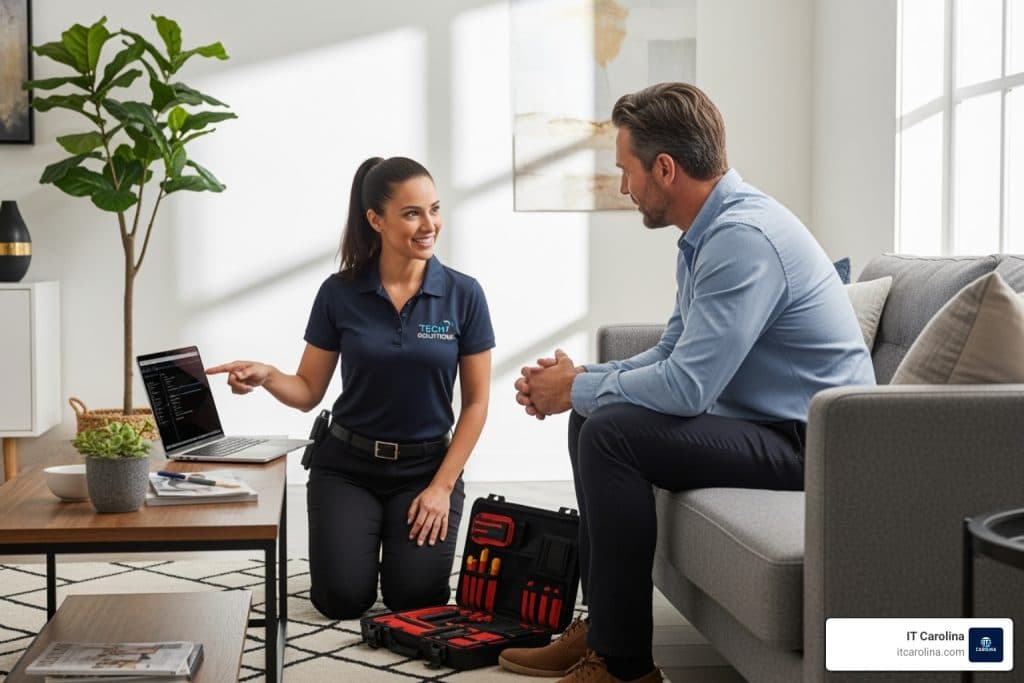
You’ve restarted the router three times. You’ve watched four YouTube videos. You’ve clicked every setting you could find. And your Wi-Fi is still dropping every 20 minutes. Sound familiar? Home tech problems have a way of eating your entire Saturday. At some point, that afternoon of DIY troubleshooting costs more — in frustration and lost time — than just calling someone who knows exactly what to look at. Here are five signs it’s time to stop searching and start calling.
1. Your Computer Is Slow Even After You’ve Tried Everything
You’ve run the antivirus scan. You deleted files. You even did a disk cleanup. The computer is still crawling. This is the sign that something deeper is wrong.
Slow computers usually aren’t just one problem — they’re several stacked on top of each other. A tech can spot things that basic scans miss: a failing hard drive, too many startup programs, a clogged thermal paste causing the processor to throttle itself, or a background process quietly using 90% of your memory.
A professional diagnosis takes 20-30 minutes. Compare that to the three hours you already spent on it. If you’re ready to speed up a slow computer the right way, the fix is usually faster than you’d expect — and it lasts. According to PCMag, DIY attempts on deeper hardware issues can actually shorten a machine’s life when done without the right tools or training.
2. Your Wi-Fi Drops Constantly and You’ve Already Reset the Router
Unplugging the router is step one. If you’re on step fifteen and still losing signal, the problem isn’t the power cord. Wi-Fi issues that persist after a reset usually point to something the basic troubleshooting guides don’t cover.
It could be signal interference from appliances or neighboring networks. It could be a misconfigured channel setting on the router. It could be a bad cable between your modem and router, or even a problem your ISP introduced on their end. Each of those needs a different fix.
A tech can run a site survey, check signal strength room by room, and tell you in plain language what’s actually happening. If you’ve been living with dead zones and video call drops for weeks, check out our laptop internet troubleshooting guide first — and if that doesn’t solve it, it’s time for eyes on the hardware.
3. Your Printer Won’t Connect No Matter What You Do
Printers are their own category of frustration. They require the right driver, the right network settings, and sometimes the planets to align just right. One Windows update can silently break a printer connection that worked perfectly for two years.
The problem is usually one of three things: a driver conflict, a misconfigured IP address, or a Windows print spooler that’s gotten stuck. You can find guides for all three online. What you can’t easily find is a guide that tells you which one you’re dealing with — that takes a live look at the machine.
Most printer connection issues take a tech under 30 minutes to resolve. If your printer sits unused because “it never works,” that’s not a hardware problem. That’s a setup problem with a real solution. This goes double if you’re working from a home office IT setup where a broken printer actually costs you billable hours.
4. You’ve Lost Files or Think You Have a Virus
This one is urgent. Don’t wait.
If files have disappeared, your browser is acting strange, or your computer is doing things you didn’t ask it to do — those are not minor annoyances. Malware can spread, encrypt data, or quietly send information off your machine for days before you notice anything obvious.
A botched DIY malware removal doesn’t just fail to fix the problem — it can expose your drive to further corruption or permanent data loss. A pro uses specialized tools to identify exactly what’s present, remove it cleanly, and check whether any data was compromised. See BleepingComputer’s virus removal resources for more on what legitimate malware removal involves.
Deleted files are also often recoverable — if you act fast and don’t keep writing data to the drive. The window closes quickly. Call before you spend another hour running free tools that may not be up to the task.
5. You’re Setting Up a New Device and It’s Taking Hours
A new laptop, smart TV, or home security camera should take 20-30 minutes to set up. If you’re two hours in and nothing is talking to anything else, that’s not user error. That’s a configuration problem.
New device setup gets complicated fast: account migrations, network permissions, Bluetooth pairing conflicts, software activation, and data transfers from old machines. Each step has a dozen ways to go sideways. A tech has done this setup dozens or hundreds of times and knows exactly where the snags hide.
One visit can get your new machine fully configured, your old files transferred, and your devices connected — instead of spending your weekend reading setup forums. This is especially true for smart home devices, which often require specific app versions, hub compatibility, and network configurations that aren’t obvious from the box.
Case Study: Charlotte Homeowner, Fixed in One Visit
A client in Charlotte’s NoDa neighborhood contacted us after her HP Envy x360 laptop had been running at a crawl for two months. She’d reset it once, installed a new antivirus, and deleted a huge chunk of photos to free up space. Nothing changed.
When our tech arrived, the diagnosis took about 20 minutes. The culprit was a combination of a failing HDD (the drive was throwing read errors the built-in tools weren’t reporting clearly) and a corrupted Windows update that had stalled in the background, quietly consuming CPU cycles every time she booted up. The drive was replaced with an SSD, the update was cleared and reinstalled properly, and the startup program list was trimmed.
Total visit time: one hour and forty minutes. The laptop now boots in under 15 seconds. She’d been living with a two-minute boot time for months and assumed the machine was just old. It’s three years old — it has years of life left.
What IT Carolina Can Fix in a Single Home Visit
Most home tech problems don’t need a second visit. Here’s what we regularly resolve in one session:
- Slow computer diagnosis and cleanup (software and hardware causes)
- Virus and malware removal with full system verification
- Wi-Fi dead zone diagnosis and router/extender configuration
- Printer setup, driver reinstall, and network connection repair
- New laptop or desktop setup and data transfer from old machine
- Smart TV setup, streaming account configuration, and remote pairing
- Smart home device installation (cameras, doorbells, thermostats, hubs)
- Hard drive replacement and SSD upgrades
- Windows Update failures and system restore
- Email account setup and backup configuration
- Password manager setup and basic security hardening
Home visits are priced at $75–$125 per hour, with most sessions running one to two hours. You can see our pricing for a full breakdown. There are no surprise fees — we quote the scope before we start.
Frequently Asked Questions
Do you come to my home?
Yes. We make on-site home visits throughout Charlotte, NC and the surrounding area. You don’t have to unplug anything and drive anywhere. We come to you, work on your actual setup, and leave everything running.
How much does a home tech visit cost?
Home visits are billed at $75–$125 per hour depending on the complexity of the issue. Most visits resolve in one to two hours, so you’re typically looking at $75–$250 total. We assess the problem first and give you a clear estimate before any work begins.
Can you fix my smart TV or smart home devices?
Yes. We handle smart TV setup, streaming app configuration, and smart home devices including security cameras, video doorbells, smart thermostats, and voice assistant hubs like Amazon Echo and Google Nest. If it connects to your Wi-Fi, we can help with it.
Can you recover files I accidentally deleted?
Often, yes — especially if you haven’t used the computer heavily since the files disappeared. File recovery success depends on how much data has been written to the drive afterward. The sooner you call, the better the odds. We’ll tell you what’s recoverable before we charge you anything.
Do I need to back up my computer before you arrive?
If you have an external hard drive, backing up your most important files first is always a good idea. If you don’t have a backup solution, we can set one up during the visit. We never perform risky operations without warning you first.
What if you can’t fix the problem in one visit?
It’s rare, but it happens — usually with hardware failures that require a part to be ordered. We’ll tell you exactly what we found, what the options are, and what the next step costs. No vague answers, no upselling you on things you don’t need.
How do I prepare for a tech visit?
Have your device powered on and accessible. Know your Wi-Fi password if we’ll be working on network issues. If the problem involves an account, have your login credentials ready. That’s it — we handle the rest.
Book a Home Tech Visit in Charlotte Today
If you’ve spent more than an hour trying to fix a tech problem and you’re still stuck, that’s the sign. You don’t need more YouTube videos. You need someone who’s fixed this exact issue dozens of times and can walk out of your home leaving everything working.
IT Carolina serves homeowners and renters across Charlotte, NC. We show up on time, explain what we’re doing in plain language, and don’t leave until the problem is solved. Most issues are resolved in a single visit.
Ready to stop fighting with your devices? Schedule a home visit and we’ll take it from there.
John Jones
Senior IT Specialist, IT Carolina
John has 12 years of hands-on experience diagnosing and resolving computer, printer, and network issues for homeowners and small businesses across Charlotte, NC. He has helped hundreds of clients recover from Windows update failures, driver conflicts, and hardware problems — often resolving in a single remote or on-site session.