Smart TVs are a big part of most homes now, and they give you easy access to endless shows, movies, and apps. But if your TV uses Automatic Content Recognition (ACR), it can also reveal more about you than you’d expect. This guide breaks down what ACR really is, how to tweak privacy settings by brand, why switching ACR off isn’t the whole answer, and how the wider ad system fits in. Each section builds on the last, so you’ll know what to change and what to watch out for if you want more privacy from quiet tracking.
How ACR Tracking Works on Smart TVs

Smart TVs keep getting better at convenience and entertainment. But they’ve also brought a new set of privacy worries. A big one is Automatic Content Recognition (ACR), a technology that changes how TVs “pay attention” to what you watch. This section explains how ACR works in plain terms and why it can feel like your living room has its own quiet tracking system.
ACR runs in the background and checks what’s showing on your screen. It usually works through three pieces working together. First, the content acquisition module is basically the TV’s “eyes.” On a schedule set by the TV brand, it grabs snapshots of what’s on screen (and sometimes audio clips too). Then the feature extraction module steps in and uses deep learning to turn that raw image/audio into “fingerprints.” Those fingerprints are unique markers that can be matched against huge databases to figure out exactly what content you’re viewing. Finally, the data transmission module sends those fingerprints over the Internet to the manufacturer’s servers, where they can be stored and analyzed further.
Thing is, ACR doesn’t just track Netflix or YouTube. It can also see content coming from cable boxes, gaming consoles, and other devices connected through HDMI. That means anything shown (or played) through the TV can be captured. In some cases, that could include personal photos, sensitive info that pops up on screen, or private content stored locally. Your TV isn’t just a display anymore—it can also act like a quiet log of what happens on it.
So where does all that data go? First, it goes to TV manufacturers, who say they use it to improve features and tune the experience. But they also commonly work with third-party ad and analytics companies to get more value from it. Firms like Alphonso and Samba TV can sit in the middle, helping turn your viewing habits into profiles used for targeted ads.
That’s where the privacy risks get real. ACR blurs the line between what you do at home and what companies track for advertising. And a lot of people “agree” to it without realizing what they’re signing up for during setup. The permission is often tucked into long terms of service, and it usually doesn’t clearly explain how much data is collected or how it’s used. That makes “informed consent” feel pretty shaky.
Most smart TVs do let you disable ACR, which is a good start. But turning it off doesn’t make your TV anonymous. Streaming apps, linked accounts, and built-in voice assistants can still create and share data. Now, if you want a bigger picture of how privacy settings work across tech (not just TVs), this guide on private browsing is worth a look.
How to Change Smart TV Privacy Settings by Brand
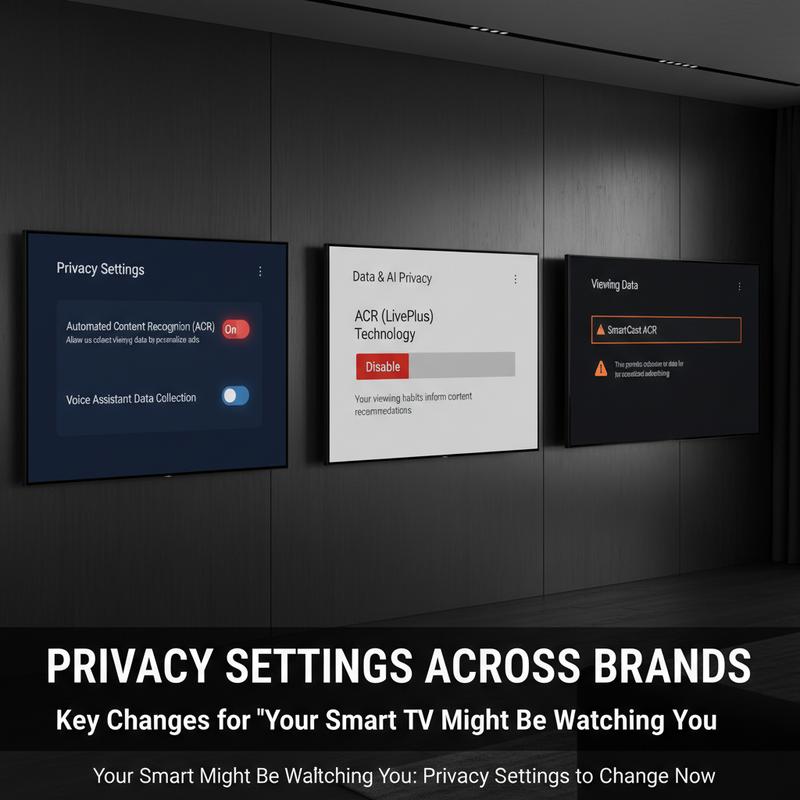
Smart TVs make it easy to watch what you want, when you want. But that convenience often comes with extra data collection in the background. The good news: a few setting changes can cut down on tracking a lot. If you want to limit what your TV shares without breaking the main features, you’ll need to know where each brand hides these options.
LG TVs, which run webOS, are in a lot of homes. To switch off Automatic Content Recognition (ACR), go to Settings > All Settings > Support > Privacy & Terms > User Agreements. Turning off Viewing Information stops ACR through Alphonso, though you may need to restart the TV and it can affect some voice features. Also check Settings > General/System > Live Plus and turn that off. And don’t skip the Advertisements settings—those help limit or fully block ad tracking and third-party data sharing.
On Samsung TVs running Tizen, you’ll find similar controls. Go to Settings > Support > Terms & Privacy > Privacy Choices, or choose Privacy Choices from the home menu. Turn off Viewing Information Services to pause ACR, and reduce ad targeting by disabling Interest-Based Advertising and Voice Recognition Services. These changes narrow down what Samsung can collect through its smart features.
Roku-enabled TVs (like TCL or Hisense models) are usually simpler. Go to Settings > Privacy > Smart TV Experience and disable Use Info from TV Inputs to stop ACR. Then head to Privacy > Advertising to control ad permissions and microphone access, which can reduce how much Roku shares with third parties.
If you have a set running Google TV or Android TV (common on Sony and some Hisense TVs), you’ll also want to adjust Google-related settings. Go to Settings > Privacy & Ads or Accounts > Google > Ads to reset or delete your Advertising ID, which affects ad targeting. You can also turn off Ad Personalization and review options in your Google account. Just keep in mind: those settings can still apply across many Google services, not only your TV.
On Sony TVs, there may also be built-in personalization tools like Samba Interactive TV. You can disable it under Settings > System/Privacy. While you’re there, review and turn off Collect App and Over-the-Air Usage and Interest-Based Ads to cut back on tracking.
For Vizio SmartCast TVs, the key setting is the Viewing Data toggle under Settings > Admin & Privacy. You’ll also want to limit personalized ads in the Advertising settings.
And for TCL TVs, look for the User Experience Improvement Program inside Privacy & User Agreements. Turning that off is another way to reduce what gets collected.
Still, even with these changes, tracking doesn’t disappear. Streaming apps, voice assistants, and linked accounts can keep collecting data on their own. If you want more context on what privacy settings actually do (and don’t do), this link helps: in understanding how privacy settings function. And keep your TV updated—menus and options change, and setting paths can shift over time.
After You Turn Off ACR: What Still Gets Tracked
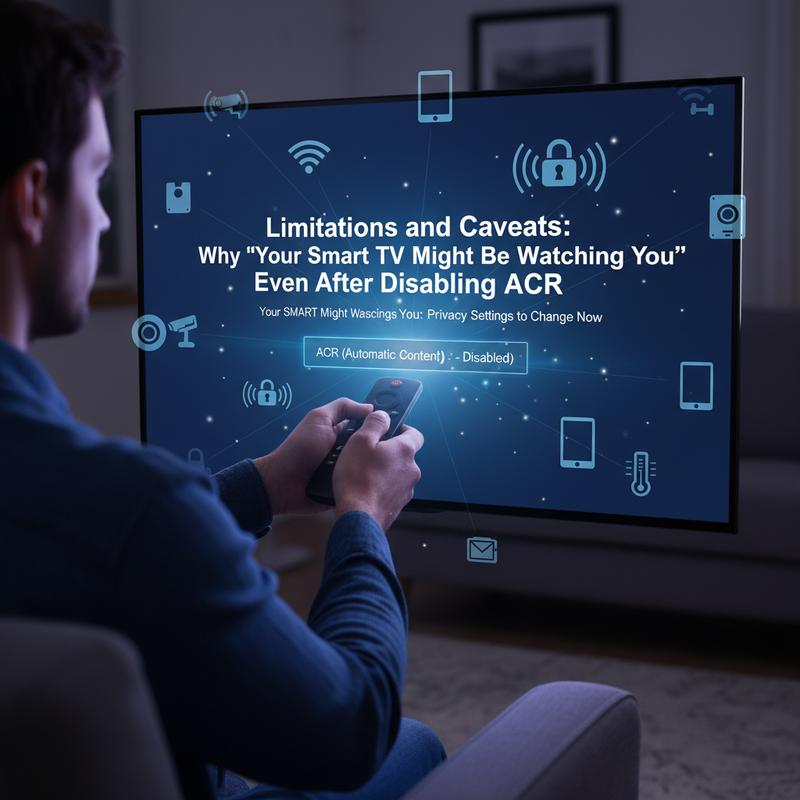
Smart TVs might be better than ever for watching content, but privacy is still a big issue. Even if you disable Automatic Content Recognition (ACR), that doesn’t mean the tracking stops. The main problem is that TVs often run multiple data collection services, and ACR is only one of them.
On LG, for example, you may have to dig through different menus to turn off Live Plus, ad preferences, and viewing info. So opting out of ACR alone doesn’t equal full privacy. And on some brands—like Sony sets using Google TV—there are more layers, because Google’s system can collect data too. Turn one thing off, and other tracking may still be running.
Then there’s the mess around disclosure and consent. During setup, many TVs don’t clearly explain everything that’s being collected. Privacy experts have called out how ACR permissions get bundled with features people want, which puts users in a corner: agree, or miss out. Lawsuits, including ones tied to the Texas Attorney General’s office, show how serious these concerns are. A lot of consumers think they opted out, but the broader data collection keeps happening anyway.
There are also technical limits to disabling features. Manufacturers can, in some cases, turn off ACR remotely by blocking specific IP addresses. But because implementation isn’t always consistent, some services can keep operating quietly. And cloud-based systems can still pull data even if ACR is disabled, which means some tracking can continue outside those settings.
Another big issue is data monetization that doesn’t stop. Turning off ACR today doesn’t undo what was collected yesterday. Past viewing data may already be sold to brokers who build detailed ad profiles across platforms. So even if you shut off new collection, your older data can still be part of cross-device tracking and long-term consumer profiles.
Finally, the regulatory side keeps shifting. Legal actions—including temporary restraining orders involving companies like Hisense and Samsung—suggest that current privacy controls may not meet legal standards. What we’re seeing is growing pressure that could force clearer opt-outs and stronger protections.
So, disabling ACR can help, but it’s not a full fix. If privacy really matters to you, you’ll need ongoing awareness of settings and, in some cases, extra privacy tools. For more background on tracking and privacy online, check out private browsing. Knowing how these systems work makes it a lot easier to protect your personal info.
How Smart TV Data Feeds Ads
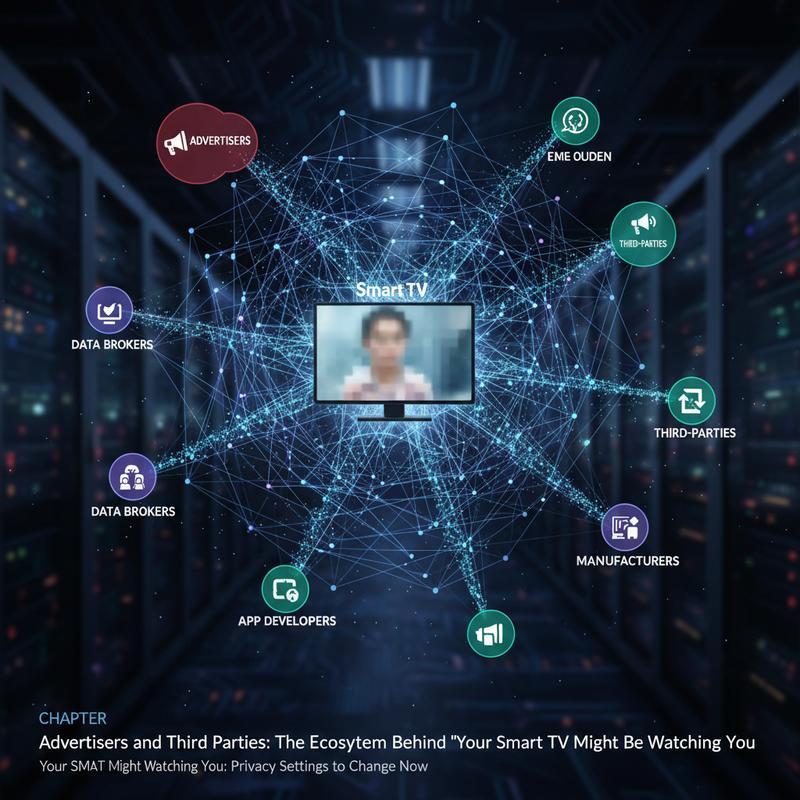
Smart TVs have changed how we watch everything, but there’s a whole system behind the screen built to move viewer data toward advertisers and third parties. A lot of that starts with Automatic Content Recognition (ACR), which collects audio and visual fingerprints from what’s playing. It can sound like it’s just there to improve features, but it also opens the door to privacy problems.
With ACR, TVs from brands like Samsung and Hisense can collect viewing data in milliseconds. That turns a basic entertainment device into something closer to a monitoring tool. And it applies to just about everything—Netflix, cable, console games—building a detailed picture of what a household watches. That data can then be shared with other players, including big ad companies like Google and X (previously known as Twitter), so they can aim ads at specific viewer profiles.
On the flip side, it’s not just about manufacturers collecting data—it’s about selling it. Companies like Samsung and Hisense can make serious money by packaging and selling these insights. Consent is a major problem here. A lot of people don’t realize how much is collected because privacy notices often lean on vague words like ‘processing’ instead of plainly saying data may be shared or sold. And the opt-out is usually buried deep in menus, which critics describe as ‘dark patterns.’
Not surprisingly, lawsuits are piling up. Cases like DiGiacinto et al. v. Samsung include claims of illegal tracking and sales of consumer data under the Video Privacy Protection Act. And Texas Attorney General v. Hisense points to regulators pushing back on confusing privacy practices and possible unauthorized data access by foreign entities.
These fights highlight the bigger issue: TV makers can end up acting like data brokers. They gather user data, pass it along, and help keep a wider ad tech network running—one that can chip away at privacy and trust. What happens in these cases could shape future rules, including clearer opt-outs and more direct disclosures.
And as people bounce between devices—watching something on TV, then picking up a phone—the risk of cross-device tracking goes up. That means the ad system tied to smart TVs can reach beyond the living room and influence ads elsewhere, too. So it’s smart to stay aware and keep checking what your TV is set to share.
If you want to cut down on snooping, start by reviewing the privacy settings that control data collection. Full privacy may be hard to get, but a few practical steps can still reduce unwanted sharing. If you want more help protecting your data across platforms, take a look at our Google Digital Dossier guide, which walks through ways to tighten things up beyond just your TV.
Final thoughts
With always-on devices everywhere, privacy takes a little more effort than it used to. Smart TVs are great for entertainment, but they can quietly collect personal data unless you change a few settings. If you understand how ACR works and where your brand hides the privacy options, you can cut down on the tracking. Just remember: turning off ACR is only one piece of the puzzle. Staying aware (and checking settings now and then) goes a long way.
Want a hand locking down your smart home settings? Schedule a quick tech tune-up with IT Carolina.
Learn more: https://itcarolina.com/about/
About us
At IT Carolina, we know privacy matters in a connected home. Our technicians help with smart home device setup, network security, and system tuning so your Smart TV and other devices work for you—not in the background against you. Whether you want help adjusting privacy settings or tightening up your home network, we offer hands-on support so you can use your tech with more peace of mind.