
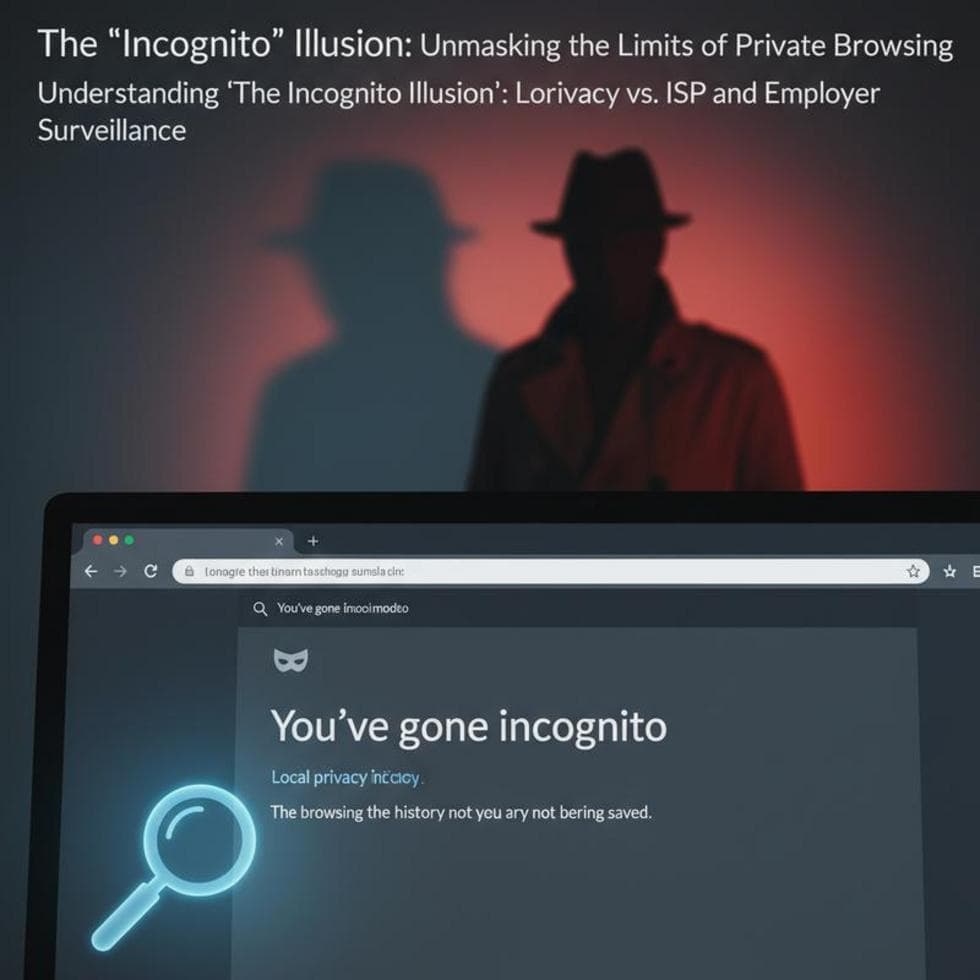
You open an incognito window to keep something private. Here’s the uncomfortable truth: it hides far less than most people assume. Incognito mode is useful — but not for the reasons people think, and it is not a cloak of invisibility.
Here’s exactly what private browsing does, what it doesn’t, and what actually protects your privacy.
What Incognito Mode Actually Does
Incognito (or Private) mode does one thing: it doesn’t save your activity on that device. When you close the window, your history, cookies, and anything typed into forms are discarded. That’s genuinely handy on a shared or public computer. And that’s the whole job.
What Incognito Does NOT Hide
- Your internet provider. Your ISP still sees every site you visit.
- Your employer or school. On their network or device, admins can still log your traffic.
- The websites themselves. Sites still see your IP address and can still track you while you’re there.
- Your router. The network hardware logs the connection regardless of the mode.
In short: incognito hides you from other people using your computer, not from the internet. Google’s own Incognito explainer puts it plainly: it doesn’t make you invisible to websites, your network, or your ISP.
When Incognito Is Genuinely Useful
Use it to log into a second account without signing out of the first, to check how a site looks without your cookies, to shop without prices following you around, or to browse on a borrowed computer without leaving a trail. For those, it’s perfect.
What Actually Gives You Privacy
If you want real privacy, you need the right tool for the threat. A VPN hides your traffic from your ISP and the local network. A private search engine keeps searches out of an ad profile. And on Windows itself, it pays to lock down the hidden privacy settings that track you system-wide. Incognito is one small layer, not the whole stack.
Case Study: The “Private” Job Search
A client in Charlotte’s Plaza Midwood area job-hunted in incognito on his work laptop, sure it was private. It wasn’t — his employer’s monitoring logged the sites anyway, mode or no mode. We walked him through what incognito really does, moved his personal browsing to his own device on a VPN, and the confusion — and the risk — went away.
Frequently Asked Questions
Does incognito hide me from my ISP? No. Your internet provider still sees every site you visit. Only a VPN hides that.
Can my employer see incognito browsing? Yes, if you’re on their network or device. Incognito only stops local history on that computer.
Is incognito the same as a VPN? No. Incognito clears local traces; a VPN encrypts and hides your traffic from the network. They solve different problems.
When to Call IT Carolina
If you want your browsing and devices genuinely locked down — VPN, privacy settings, the works — we can set it up right in one visit. We help homeowners and small businesses across Charlotte, NC protect their privacy and secure their devices. See our home and home-office IT support, or give us a call.
John Jones
Senior IT Specialist, IT Carolina
John has 12 years of hands-on experience diagnosing and resolving computer, printer, and network issues for homeowners and small businesses across Charlotte, NC. He has helped hundreds of clients recover from Windows update failures, driver conflicts, and hardware problems — often resolving in a single remote or on-site session.