

When you picture a hack, you probably imagine a hooded figure breaking through firewalls. The reality is far more boring — and that’s the problem. Most small businesses get breached through a clicked link, a reused password, or a missing setting. Roughly one in four small businesses is breached in a given year.
The good news: the same handful of mistakes causes most of it, and almost all of them are cheap to fix. Here are the 10 that get small businesses hacked — and exactly how to close each gap.
How Do Small Businesses Actually Get Hacked?
Almost always through people and passwords, not clever code. The common entry points are a weak or reused password, no second login step, a convincing phishing email, an unpatched program, or a fake payment request. Fix those five and you have shut the door on the large majority of real-world attacks — no enterprise budget required.
10 Mistakes That Get Small Businesses Hacked
1. Weak or reused passwords
One password reused across email, banking, and your point-of-sale system means one leak unlocks everything. Around 80% of hacking incidents involve compromised or weak credentials. Fix it: give every employee a password manager and require long, unique passwords. It’s the cheapest security upgrade you can make.
2. No multi-factor authentication (MFA)
MFA — a code or tap on your phone after your password — blocks most account takeovers even when the password is already stolen. Yet only about 20% of small businesses use it. Fix it: turn MFA on for email first, then banking and any cloud apps. Our guide to two-factor authentication walks through it.
3. Treating every email as trustworthy
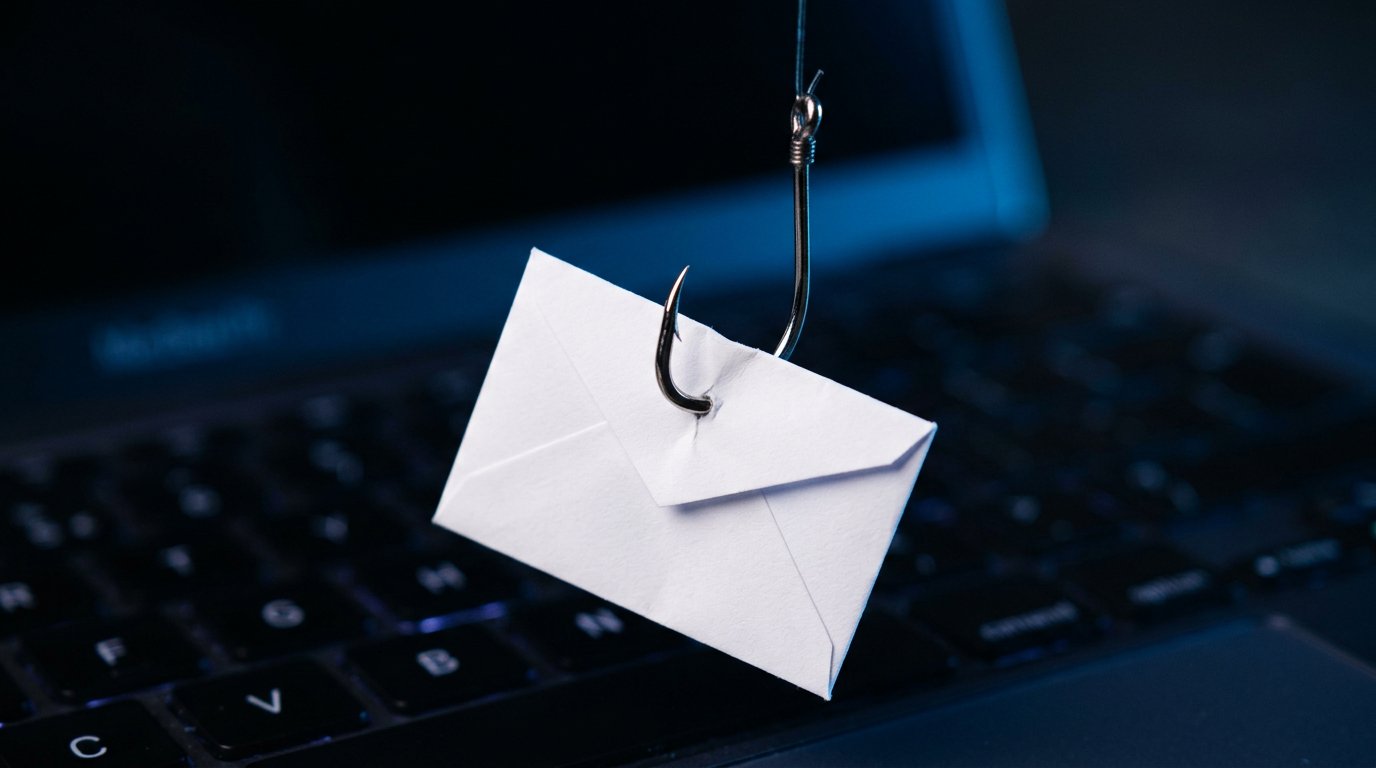
Phishing is still the number-one way attackers get in, and AI has made the fake emails far more convincing — no more obvious typos. A single employee clicking a link or entering a password on a fake login page can hand over the keys. Fix it: teach staff to slow down, check the sender’s real address, and never log in from an emailed link.
4. Wiring money on an email request without verifying it
This one is expensive. In business email compromise, a scammer poses as your boss or a vendor and emails a request to wire funds or change bank details — and the FBI reports billions in losses from it every year. Fix it: verify every payment request or banking change by phone, using a number you already have, never the one in the email.
5. Putting off software updates
Every “remind me later” leaves a known hole open. Attackers scan the internet for unpatched Windows machines, routers, and apps with published flaws. Fix it: turn on automatic updates for Windows, browsers, and key software, and replace anything that no longer receives security patches.
6. Skipping employee security training
Your team is both your weakest link and your best firewall. Most breaches involve a person doing something they didn’t realize was risky. Fix it: a short, plain-English session twice a year on phishing, passwords, and payment verification does more than most expensive tools. People can’t avoid threats they’ve never been shown.
7. No backups — or backups you’ve never tested
Ransomware works because the victim has no clean copy to restore from. A backup you’ve never tested is a guess, not a safety net. Fix it: keep automatic backups on the 3-2-1 model and actually test a restore. Our ransomware guide explains why this single habit defangs the threat.
8. Giving everyone the keys
When every employee has full administrator access, one compromised account compromises the whole business. The same goes for shared logins nobody can trace. Fix it: give people only the access their job needs, use separate accounts, and keep admin rights to the few who truly require them.
9. A wide-open router and unmanaged smart devices
The router with its factory password, and that cheap Wi-Fi camera nobody updates, are doorways straight into your network. Fix it: change default passwords, update firmware, and put guest Wi-Fi and smart gadgets on a separate network from the computers that hold your business data.
10. Leaving old accounts and personal devices unmanaged
The login for an employee who left six months ago is a quiet open door, and personal phones with company email walk out of the building every night. Fix it: disable accounts the day someone leaves, and set basic rules for any personal device that touches business data — a screen lock and the ability to wipe it remotely.
Where to Start If You Only Do Three Things
You don’t need to fix all ten this week. If you do just three, do these: turn on MFA for email, get everyone on a password manager, and set up tested backups. Those three alone block the most common and most damaging attacks. For the rest, our cybersecurity tips for small businesses give you a fuller checklist.
Case Study: A Charlotte Firm and a $9,000 Invoice
A small contracting business in Charlotte’s SouthPark area nearly wired $9,000 to a “vendor” who emailed an updated invoice with new bank details. The email looked perfect — right logo, right signature, part of a real thread. The bookkeeper paused only because the tone felt slightly off.
A two-minute phone call to the vendor’s known number confirmed it was a scam; the attacker had been reading their email for weeks. We helped them reset compromised passwords, turn on MFA across the company, and add a simple rule: no banking change happens without a voice confirmation. The lost amount that day was zero.
Frequently Asked Questions
How do most small businesses get hacked? Through weak or reused passwords, missing MFA, and phishing — not movie-style hacking. The fixes are mostly cheap and fast.
What’s the single most effective step? Turning on multi-factor authentication, especially for email. It stops most account takeovers even after a password leaks.
What is business email compromise? A scam where someone impersonates a boss or vendor to request a wire transfer or payment change. Always verify by phone using a known number.
Do small businesses really get targeted? Yes — attacks are automated, and smaller firms are seen as easier. About one in four is breached each year.
Is antivirus enough? No. It’s one layer. Passwords, MFA, updates, backups, and trained staff matter just as much.
When to Call IT Carolina
If you’re not sure where your gaps are — or you’ve already seen a suspicious email or a breach — a quick security review pays for itself. Most small businesses are one MFA toggle and one backup away from being far harder to hack.
We help small businesses across Charlotte, NC lock down email, set up MFA and backups, secure their network, and train staff — without enterprise complexity or cost. See our business IT services, or give us a call for a plain-English security check.
John Jones
Senior IT Specialist, IT Carolina
John has 12 years of hands-on experience diagnosing and resolving computer, printer, and network issues for homeowners and small businesses across Charlotte, NC. He has helped hundreds of clients recover from Windows update failures, driver conflicts, and hardware problems — often resolving in a single remote or on-site session.