Picking between an SSD and an HDD for an upgrade in 2026 comes down to what you care about most: speed or cheap storage space. SSDs are much faster, while HDDs usually give you more gigabytes for the money. This guide breaks down what each one does best. Chapter 1 covers speed and day-to-day performance. Chapter 2 looks at cost so you can stay on budget. Chapter 3 gets into durability and how long each drive tends to last. And Chapter 4 covers capacity and common use cases, so you can match the right drive to the way you actually use your computer.
Speed and Performance: SSDs in 2026
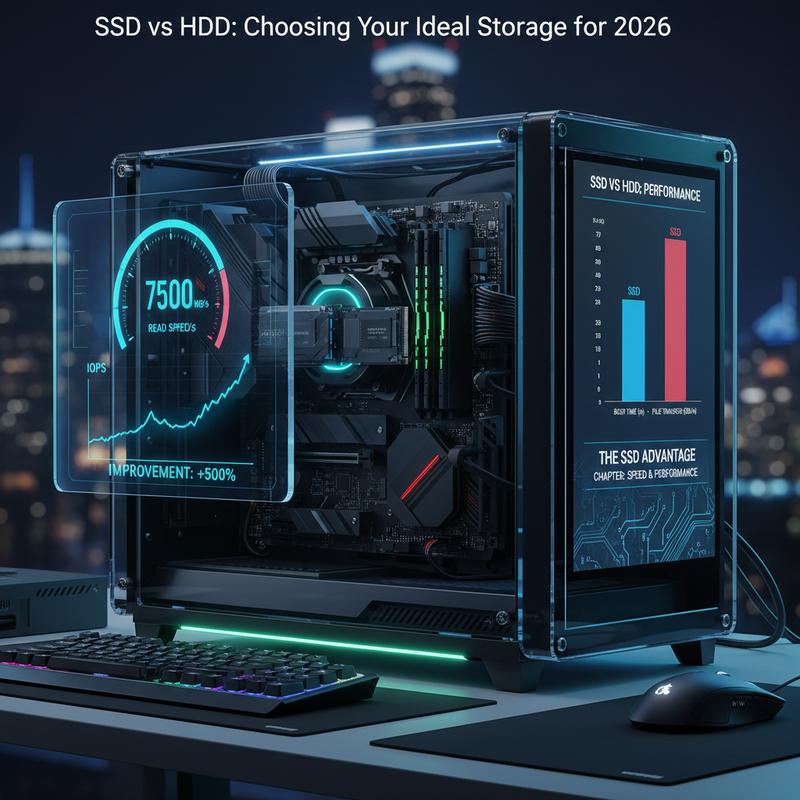
When you’re deciding on storage in 2026, speed is usually the big divider. SSDs are clearly faster than HDDs, and it’s not a tiny difference—you feel it right away in everyday use.
Because SSDs use flash memory, they can start up a computer much faster. You can often go from pressing the power button to being ready to work or play in about 8-15 seconds. With an HDD, you’re usually waiting longer—more like 30 to 65 seconds—since it has to spin up and load everything mechanically.
File transfers are another spot where SSDs pull ahead. Copying a 50GB folder can take just a few minutes on an SSD, while an HDD can take 15 minutes or more, which really slows you down. And if you’re doing more than one thing at a time—downloads, file copies, opening apps—SSDs tend to stay quick, while HDDs can bog down a lot under the same load.
For gaming, SSDs can make a big difference too. Load times often drop by 50-70%, so you get into games faster. You’ll also see fewer hiccups when games stream textures or when you’re running mods. NVMe SSDs go even further, with near-instant level loads in some large multiplayer games.
Even basic computer use just feels snappier with an SSD. Big apps like Adobe Creative Suite or tools like Visual Studio open faster, and switching between tasks is smoother. It’s the kind of responsiveness people notice immediately.
Thing is, the main reason SSDs are so quick is simple: no moving parts. That means no waiting on spinning platters or read heads to move into place like an HDD. And as a bonus, SSDs usually run cooler and use less power. If you’re trying to decide whether to keep an older computer going or move on, checking the cost-benefit of repair vs. replacement can help you figure out whether an SSD upgrade makes the most sense.
Prices and Value: SSD vs HDD
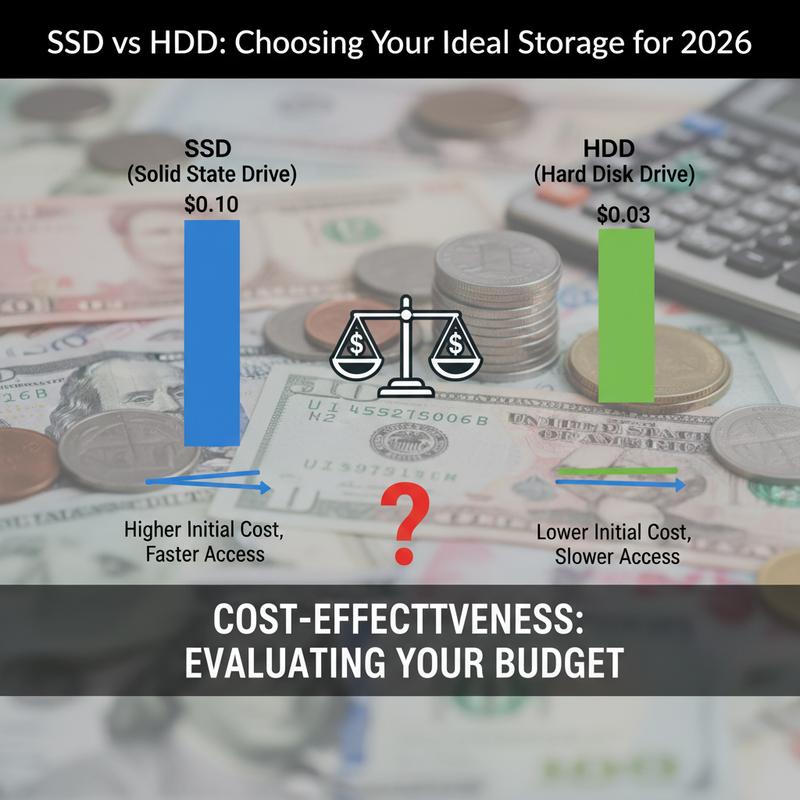
If you’re trying to choose the right drive, cost matters just as much as speed. In 2026, a lot of people are weighing SSDs and HDDs based on what they can afford, not just what looks best on a spec sheet.
SSDs are known for being fast and lasting well, but they usually cost more up front. And with SSD prices expected to rise by 2026, it makes sense to take a close look at your budget first. HDDs, on the other hand, still win on cost per gigabyte, which is why they’re a go-to for big storage jobs like archives and large media libraries. If you mainly need space and don’t mind slower performance, HDDs often come out ahead.
One way to compare value is with a cost-effectiveness ratio (CER). Say an SSD delivers 100 units of value at $500, and an HDD delivers 150 units at $900. The CER would favor the HDD (CER = 0.167 vs. 0.2) in cases where spending less is the priority.
Still, it’s smart to think about both fixed and ongoing costs. SSDs usually cost more at purchase, but they can save money over time because they use less power and generally need less maintenance. HDDs are cheaper to buy, but because they’re mechanical, they can bring extra maintenance costs later on.
For many people, a mixed setup is the sweet spot. Use an NVMe SSD for the operating system and anything that benefits from speed, and add an HDD for files you don’t open all the time. That way you get strong performance where it matters, without spending a fortune on high-capacity SSD storage.
At the end of the day, choosing SSD vs. HDD in 2026 isn’t just “fast vs. slow.” It’s also about what you’re comfortable paying now and what costs might show up later. Looking at cost per unit and doing sensitivity analyses for possible price changes can help. And tying it back to real situations—like deciding whether to repair or replace your computer—can make the decision a lot clearer.
Durability and Lifespan
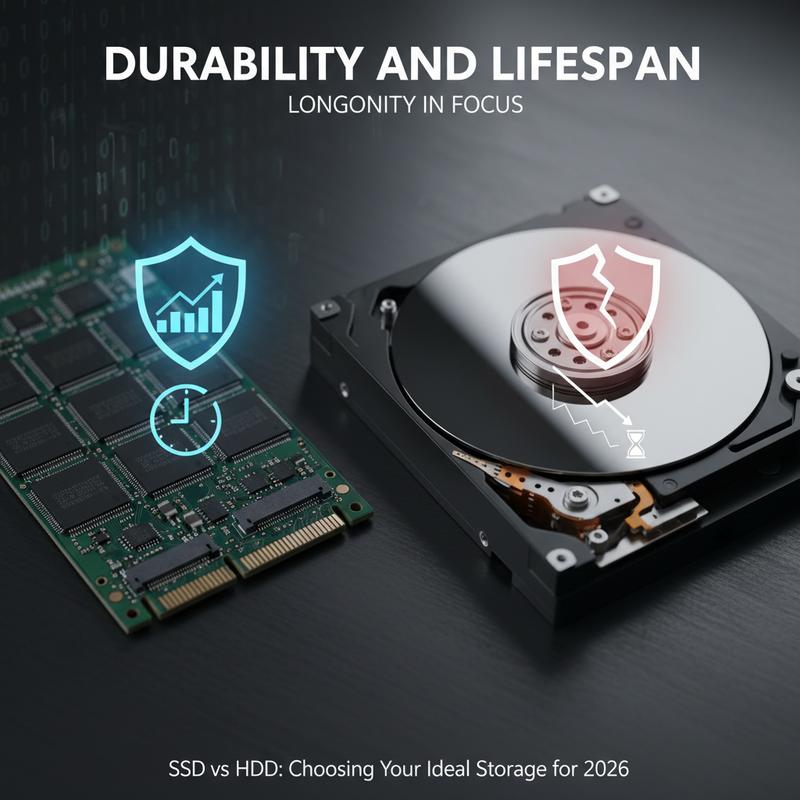
If you’re buying storage for 2026, durability and lifespan should be part of the decision, not an afterthought. These factors affect how long your drive will stay dependable—and what it’ll cost you over time. Both SSDs and HDDs have improved a lot compared to older models, but they don’t fail in the same ways.
Material Advances and Their Impact
How a drive is built plays a big role in how well it holds up. SSDs use flash memory and don’t have moving parts, so they’re generally less likely to fail from bumps or drops than HDDs, which rely on spinning platters. That difference is why SSDs are often a better fit for laptops, portable devices, or any setup that gets moved around.
HDDs are built to balance price and durability, but they still have mechanical parts that can wear out. The good news is modern HDDs have stronger spindle motors and anti-shock features that help them last longer than older drives. And in a stable desktop or server environment, they can do fine, especially when they’re running steady read/write work.
Environmental and Maintenance Considerations
Heat, dust, and moisture can shorten the life of any drive. SSDs usually handle a wider range of temperatures and tend to deal better with rough conditions. But both SSDs and HDDs work best when your system stays clean. Regular cleaning—like using compressed air—helps prevent dust buildup, and it matters even more for HDDs since they rely on airflow to keep parts cool.
Basic upkeep helps too. Routine health checks and firmware updates can cut down the chances of early failure. And because SSDs are simpler inside, they typically need less hands-on attention than HDDs.
Design and Cost Considerations
Your setup choices can also affect how long your storage lasts. SSDs cost more at the start, but they can be cheaper over the life of the system since replacements and maintenance are less common. HDDs are less expensive to buy, but if they’re used in less-than-ideal conditions, you may deal with more upkeep and a higher risk of failure.
So, a mixed approach often works well: SSDs for speed-critical tasks and HDDs for bulk storage. If you want more help deciding when it makes sense to upgrade versus replacing a system that’s aging out, this cost-benefit guide is a useful place to start.
Once you understand how these factors play out, it’s a lot easier to pick storage that fits your needs and won’t cost you more than it should over time.
Storage Capacity and Use Cases
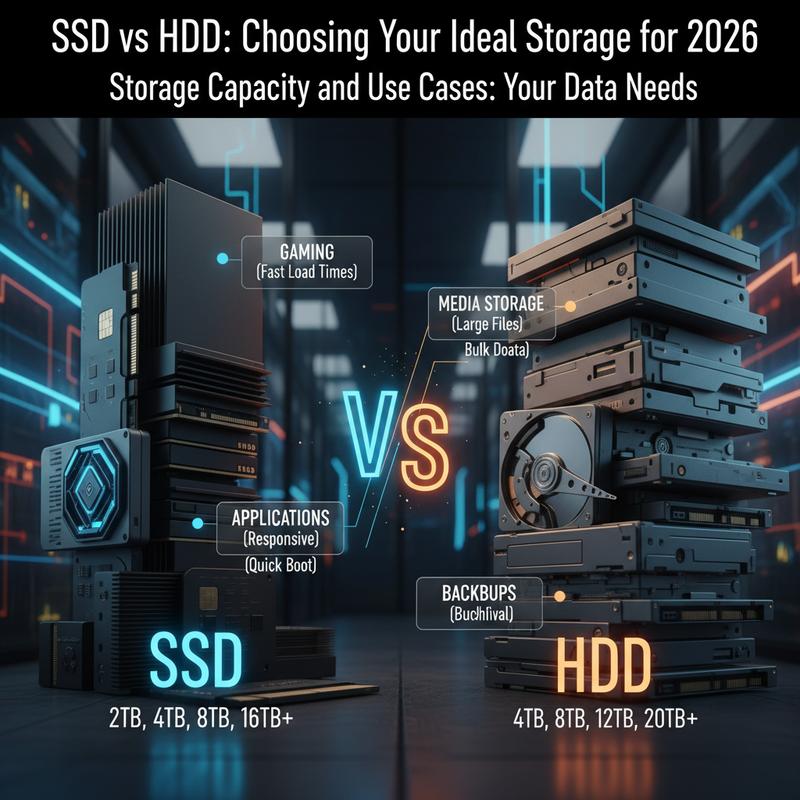
Figuring out how much storage you need in 2026 depends on what kind of files you keep and how you use them. SSD vs. HDD isn’t only a price-and-speed debate—it’s also about picking what fits your habits so you don’t overpay or run out of space.
For personal computing, 500GB to 1TB is usually plenty. That covers everyday files, apps, and personal photos for most people. SSDs in this range are a nice fit since your operating system and commonly used programs load fast, and normal day-to-day use won’t cause excessive wear from constant huge transfers.
For gaming and multimedia, 1TB to 2TB is often the better range. Games keep getting bigger, and this gives you room for a modern library plus some video content. An SSD here helps a lot with shorter load times and a smoother feel, which matters if you play often.
Content creation work—like photo and video editing—usually needs more space. Drives in the 4TB to 8TB range are often a good match because large media files add up fast, and projects can get heavy without warning. More capacity means fewer emergency cleanups and fewer forced backups mid-project.
For data archival and backups, you’ll usually want more than 8TB, especially if you’re storing full system images or big collections for the long haul. This is still where HDDs make a lot of sense, since they offer large capacity for less money.
In enterprise environments, storage needs can jump a lot higher. 16TB to 36TB is common for big databases, virtualization, and other workloads that need a lot of room to grow.
On the flip side, you don’t always have to choose one drive type. Many people do well with an SSD for speed and an HDD for extra space. And if you’re already thinking about broader upgrades, it can help to consider whether to repair or replace existing computer hardware as part of planning for what you’ll need next.
Final thoughts
Choosing between SSD and HDD in 2026 comes down to tradeoffs: speed, cost, durability, and how much storage you actually need. SSDs are the better pick when you want fast performance and strong durability. HDDs make more sense when you need lots of space for less money. Match the drive to how you use your computer, and you’ll end up with a setup that feels right for both your work and your wallet.
Want a hand figuring out the best storage upgrade for 2026? IT Carolina can help you pick a setup and get it installed cleanly, whether you’re going SSD, HDD, or a mix of both.
Learn more: https://itcarolina.com/about/
About us
IT Carolina helps people upgrade their computers with storage that fits what they actually need—whether that’s a fast SSD, a dependable HDD, or a mix of both. Our team can walk you through the options, help you avoid slowdowns, and handle the hands-on work so your upgrade goes smoothly and doesn’t turn into a headache.