
“Inbox Zero” sounds like the finish line — an empty inbox, a clear mind. In practice, chasing zero just turns email into a second job. The goal isn’t an empty inbox; it’s an inbox that doesn’t run your day.
Here’s a realistic system for taming email overload in Gmail or Outlook, without the guilt.
Why Inbox Zero Is the Wrong Target
An empty inbox feels productive, but constantly clearing it means constantly checking it — the exact interruption that kills real work. A better aim: an inbox where the few things that need you are easy to see, and everything else is handled automatically.
Let Filters and Rules Do the Sorting
Most email isn’t for you — it’s newsletters, notifications, and receipts. Route it out of the way automatically.
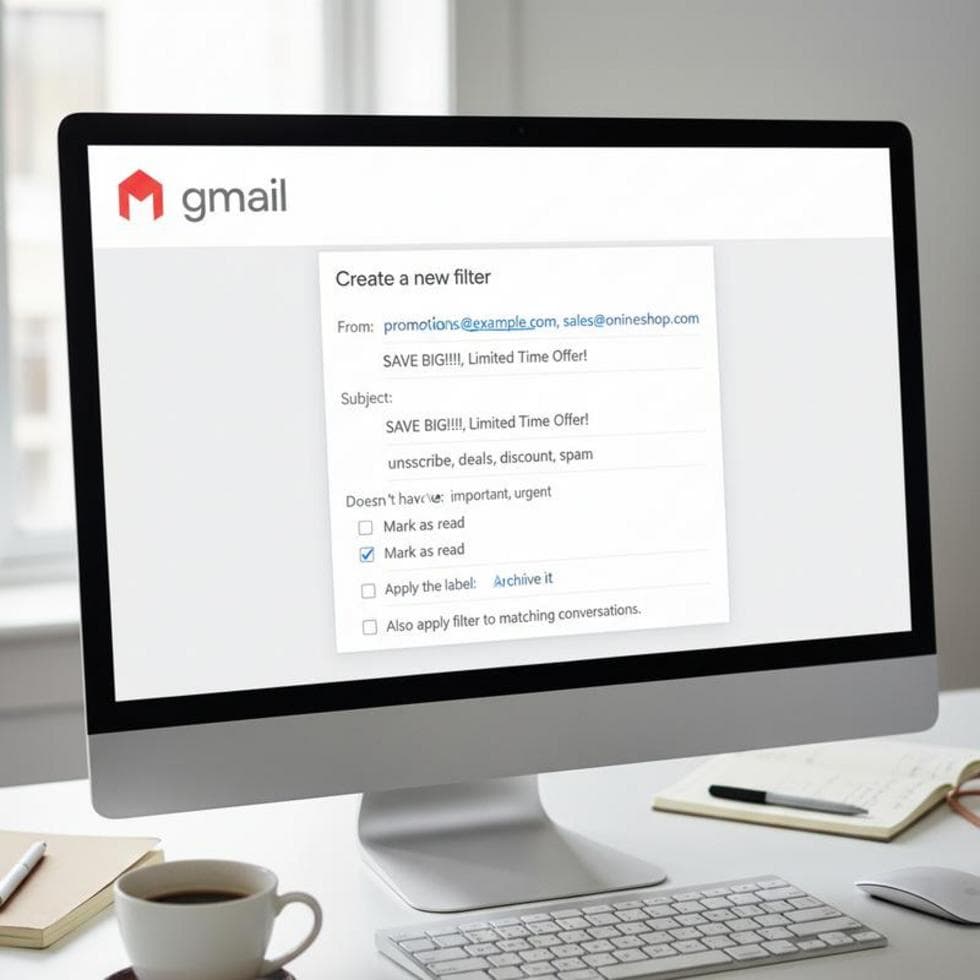
- Gmail: click the filter icon in the search bar, set a condition (for example, contains “unsubscribe”), then choose Skip the Inbox and apply a label. New newsletters land in a label, not your face. Google’s guide to Gmail filters has the full steps.
- Outlook: right-click a message → Rules → send messages from a sender or with certain words to a folder. Use the Focused / Other inbox to keep low-priority mail separate.
Process in Batches With the 4 D’s
Check email 2–3 times a day, not continuously. Each time, run every message through four choices: Delete it, Do it if it takes under two minutes, Delegate it, or Defer it to a folder for later. It’s fast, and nothing lingers undecided.
And be ruthless about unsubscribing — every list you leave is mail you never have to process again. Just be sure the “unsubscribe” link is legitimate; here’s how to spot a phishing email before you click.
Case Study: From 300 Unread to Under Control
A small business owner in Charlotte’s NoDa area came to us drowning — 300+ unread, missing real client emails in the noise. We set up filters to route newsletters and notifications out of the inbox, turned on Focused inbox, and set a batch-checking routine. Within a week the inbox held only what mattered, and client emails stopped slipping through.
Frequently Asked Questions
Is Inbox Zero actually bad? Not bad, just the wrong goal for most people. Aim for a controlled inbox, not a constantly empty one.
What’s the fastest way to cut email clutter? Filters/rules that route newsletters and notifications out of the inbox, plus aggressive unsubscribing.
How often should I check email? For most roles, 2–3 scheduled times a day beats constant checking for both focus and stress.
When to Call IT Carolina
If email is a mess across your business — shared inboxes, missed client mail, or a move to a professional setup — we can organize it and set it up right. We help small businesses across Charlotte, NC with email, hosting, and productivity. See our business IT services, or give us a call.
John Jones
Senior IT Specialist, IT Carolina
John has 12 years of hands-on experience diagnosing and resolving computer, printer, and network issues for homeowners and small businesses across Charlotte, NC. He has helped hundreds of clients recover from Windows update failures, driver conflicts, and hardware problems — often resolving in a single remote or on-site session.