
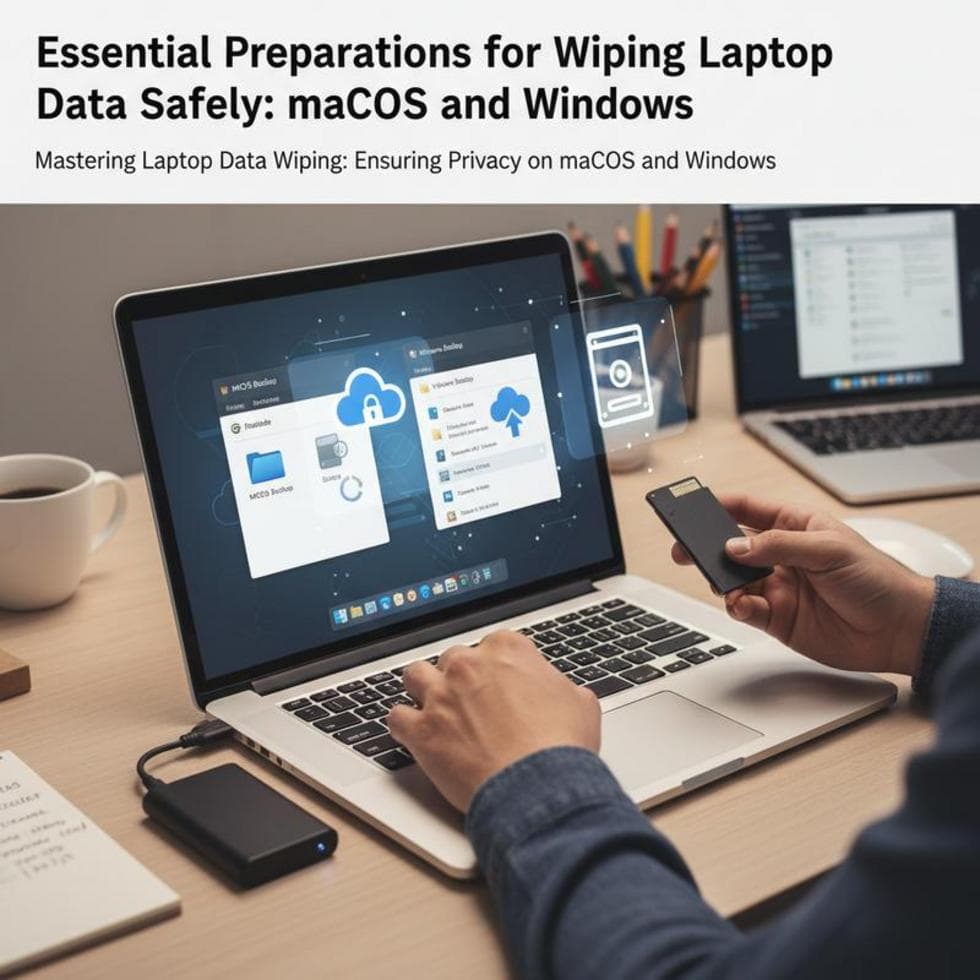
Before you sell, donate, or recycle a laptop, you have to erase it properly — a quick delete or factory reset often leaves your files recoverable. The steps differ on Windows and Mac, but the goal is the same: nothing personal left behind.
First: Back Up and Sign Out
Copy anything you want to keep to an external drive or the cloud. Then sign out of your accounts — Microsoft or Apple ID, browser, and cloud storage — and deauthorize any licensed software so you don’t burn an activation. Only then wipe.
Wipe a Windows Laptop
Go to Settings → System → Recovery → Reset this PC → Remove everything. Choose Change settings and turn on Clean data — that option overwrites the drive so files can’t be recovered. It takes longer, but it’s the safe choice for a machine leaving your hands. On an SSD, the drive maker’s secure-erase tool is even more thorough — the same overwrite-then-verify approach the federal NIST media sanitization guidelines recommend before hardware changes hands.
Wipe a Mac
On recent Macs, use System Settings → General → Transfer or Reset → Erase All Content and Settings — it wipes the Mac to factory state and signs you out of everything. On older Macs, boot to Recovery (hold Command‑R) and erase the disk in Disk Utility, then reinstall macOS.
Encryption Makes It Bulletproof
If your drive was encrypted — BitLocker on Windows or FileVault on Mac — a proper reset destroys the encryption key, which makes the data unrecoverable instantly. It’s the strongest, fastest form of wiping, and a good reason to keep encryption on from day one.
When to Physically Destroy the Drive
If a laptop won’t boot or the drive is dead, you can’t wipe it in software — the safe move is to remove and destroy the drive. Our guide to secure disposal of computers and drives covers doing it safely. And if you’re curious how recoverable “deleted” files really are, see how file recovery works.
Case Study: Tax Returns on a “Wiped” Laptop
A client in Charlotte’s SouthPark area was a week from selling a laptop she’d factory-reset. A quick recovery scan pulled back three years of tax returns — the reset had only removed the file pointers. We enabled BitLocker, ran the clean-data wipe, and reinstalled Windows. This time, nothing was left to find.
Frequently Asked Questions
Does a factory reset fully erase a laptop? Not always — on a hard drive, data often stays recoverable. Use the clean-data wipe or a secure erase to be sure.
How do I wipe a Mac before selling? Use Erase All Content and Settings on recent Macs, or erase the disk in Disk Utility from Recovery on older ones.
Do I lose my files by wiping? Yes — that’s the point. Back up anything you want to keep first, to an external drive or the cloud.
When to Call IT Carolina
Selling or donating a computer and want to be certain nothing personal is left — or have a dead drive you can’t wipe yourself? We handle it in a single visit. We help homeowners and small businesses across Charlotte, NC wipe and retire devices safely. See our home and home-office IT support, or give us a call.
John Jones
Senior IT Specialist, IT Carolina
John has 12 years of hands-on experience diagnosing and resolving computer, printer, and network issues for homeowners and small businesses across Charlotte, NC. He has helped hundreds of clients recover from Windows update failures, driver conflicts, and hardware problems — often resolving in a single remote or on-site session.