
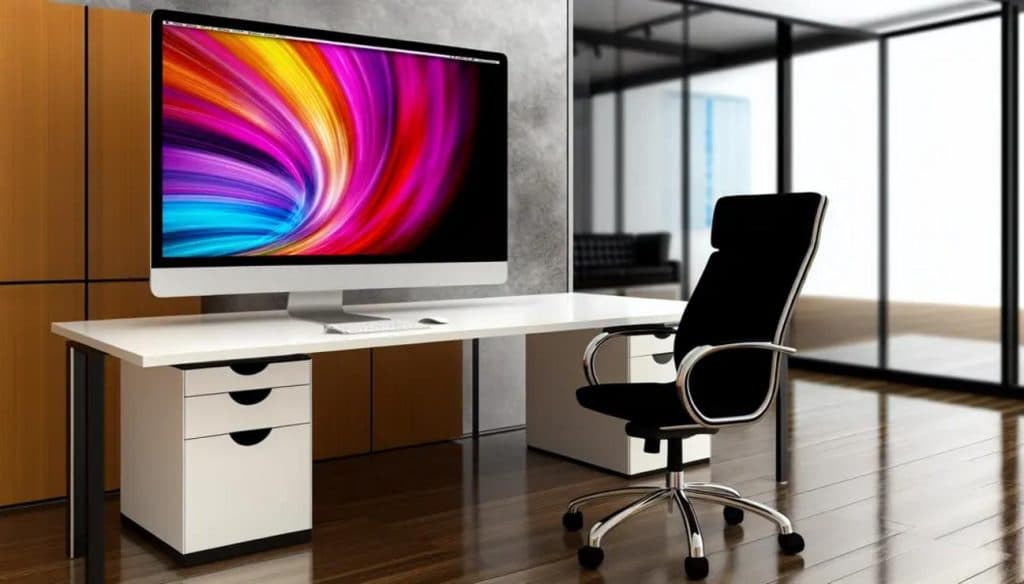
The wrong monitor gives you eye strain, a sore neck, and a cluttered desktop. The right one you forget about — it just makes long work days easier. For a home office, the monitor matters more than most people give it credit for.
Here’s what actually matters when choosing an office monitor, without overpaying for specs you won’t use.
Size and Resolution: The Sweet Spot
For most desks, a 27-inch 1440p (QHD) monitor is the value sweet spot — roomy and sharp without the cost of 4K. A 24-inch 1080p is fine for tight spaces and budgets; go 4K only if you edit photos or video, or want a very large screen. Bigger isn’t automatically better if the resolution can’t keep text crisp.
Panel Type: Get IPS
For office work, choose an IPS panel. It gives accurate color and stays readable from an angle, unlike cheaper TN panels that wash out. VA panels sit in between. Unless you’re a competitive gamer chasing refresh rate, IPS is the right call for a work monitor.
Ergonomics and Eye Comfort
This is where cheap monitors cost you later. Look for a height-adjustable stand so the top of the screen sits at eye level — that alone prevents most neck strain. Flicker-free and a blue-light mode help on long days. The right monitor is part of a comfortable setup; our ergonomic home-office accessories guide covers the rest.
Ports: One Cable if You Can
Check the inputs match your computer — HDMI and DisplayPort are standard. If you use a laptop, a monitor with USB-C can charge it and carry video over a single cable, which keeps the desk clean. It ties neatly into a tidy home office setup.
Case Study: Two Weeks of Headaches, Fixed by Height
A remote worker in Charlotte’s Ballantyne area had daily headaches she blamed on her new job. Her monitor sat low on a fixed stand, so she looked down all day. We swapped it for a height-adjustable 27-inch IPS at eye level; the headaches stopped within a week. The specs weren’t the problem — the ergonomics were.
Frequently Asked Questions
What size monitor is best for an office? A 27-inch 1440p is the sweet spot for most desks — roomy and sharp without paying for 4K.
Do I need a 4K monitor? Only if you edit photos/video or want a very large screen. For everyday work, 1440p looks great for less.
Is IPS or VA better for work? IPS, for its accurate color and wide viewing angles. It’s the safe choice for an office monitor.
When to Call IT Carolina
Setting up a new monitor, docking a laptop, or building a comfortable home-office desk? We handle it — cables, drivers, dual-screen, and ergonomics — so it just works. We help homeowners and small businesses across Charlotte, NC set up productive home offices. See our home and home-office IT support, or give us a call.
John Jones
Senior IT Specialist, IT Carolina
John has 12 years of hands-on experience diagnosing and resolving computer, printer, and network issues for homeowners and small businesses across Charlotte, NC. He has helped hundreds of clients recover from Windows update failures, driver conflicts, and hardware problems — often resolving in a single remote or on-site session.