
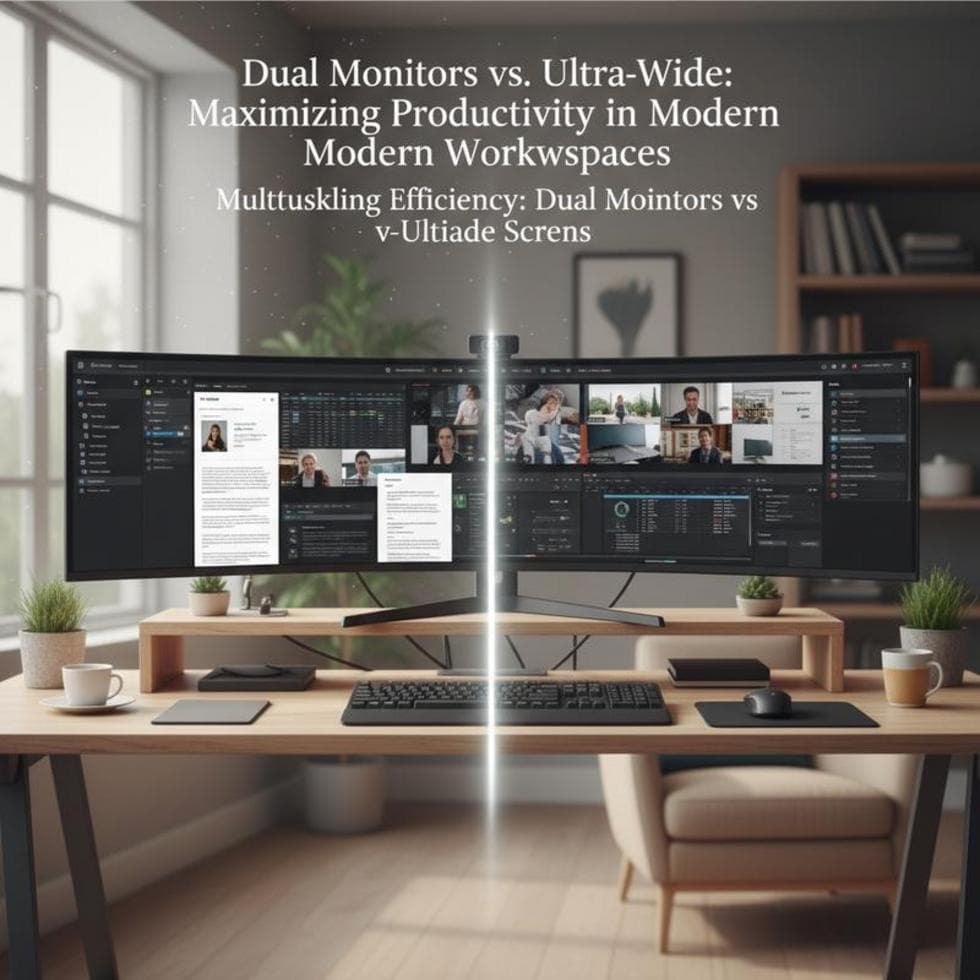
You’ve decided to upgrade from one screen — now the question is two monitors or one big ultrawide. Both give you more room to work; they just do it differently. The right pick depends on what you actually do all day.
Here’s an honest comparison to help you choose without buyer’s remorse.
Dual Monitors: Flexible and Affordable
Pros: two full, separate screens — email on one, work on the other. It’s usually cheaper, and you can angle each screen and even mount them portrait. Cons: a bezel gap runs down the middle, which is mildly annoying for anything that spans both.
Ultrawide: One Unbroken Canvas
Pros: no bezel in the middle, so wide spreadsheets, timelines, and video edits stretch across uninterrupted. One cable, one power plug, a cleaner desk. Cons: it costs more, and it’s a single input — less flexible than two independent screens. PCWorld even highlights a giant ultrawide as a full dual-monitor replacement.
Which One Is Right for You?
- Spreadsheets, coding, trading: either works; ultrawide shines for very wide layouts.
- Video or audio editing: ultrawide, for the uninterrupted timeline.
- Reference + writing, or two apps side by side: dual monitors keep them cleanly separate.
- On a budget: dual monitors, often two solid screens for the price of one ultrawide. If you’re still picking panels, see our guide to choosing an office monitor.
Case Study: A Spreadsheet Problem Solved by Width
A small-business owner in Charlotte’s SouthPark area ran huge spreadsheets across two monitors and hated the bezel splitting his columns. We moved him to a 34-inch ultrawide; the whole sheet fit on one unbroken screen, and his desk lost a tangle of cables in the process. For his exact work, width beat count.
Frequently Asked Questions
Is an ultrawide better than dual monitors? Not universally. Ultrawide is better for wide, wide, unbroken layouts; dual is better for separate tasks and budgets.
Is a bezel gap a big deal? Only for content that spans both screens. For two separate apps, you barely notice it.
Does an ultrawide need a powerful computer? For normal office work, no. Heavy gaming at high resolution is another story.
When to Call IT Carolina
Not sure which setup fits your work — or want it installed, docked, and configured cleanly? We set up dual-monitor and ultrawide workstations for home offices across Charlotte, NC. See our home and home-office IT support, or give us a call.
John Jones
Senior IT Specialist, IT Carolina
John has 12 years of hands-on experience diagnosing and resolving computer, printer, and network issues for homeowners and small businesses across Charlotte, NC. He has helped hundreds of clients recover from Windows update failures, driver conflicts, and hardware problems — often resolving in a single remote or on-site session.