
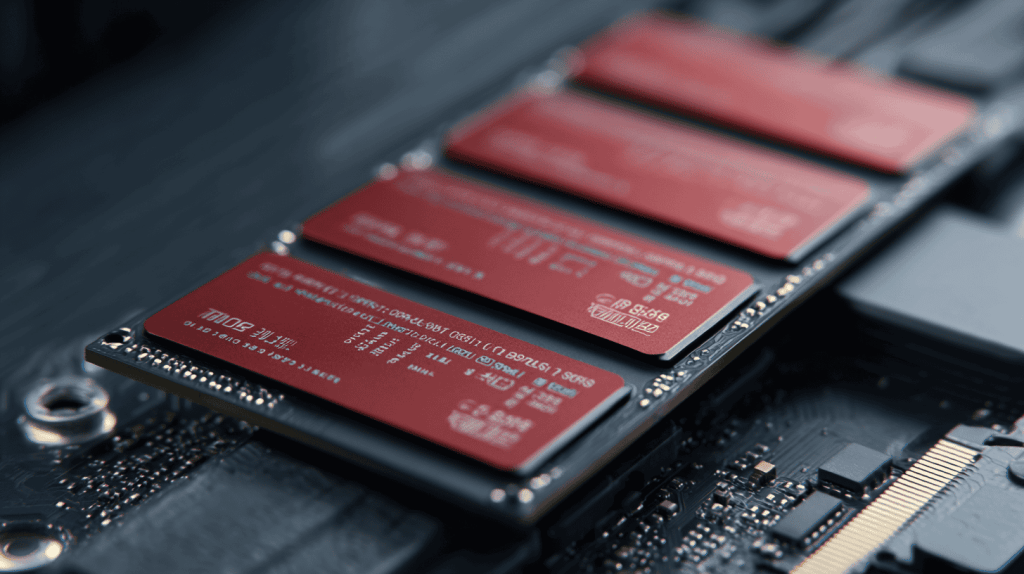
If your computer takes a full minute to boot, hangs when you open files, and grinds when several apps are open, the problem usually isn’t the processor — it’s the old spinning hard drive underneath. Swapping it for a solid-state drive (SSD) is the single biggest speed upgrade most computers can get.
Here are five reasons an SSD is worth it, and how to tell if yours still runs on an old hard drive.
1. It’s Dramatically Faster
This is the one you feel immediately. A typical SATA SSD reads data around 550 MB/s versus roughly 100 MB/s for an old hard drive, and an NVMe SSD is several times faster still. In real terms: boot times drop from over a minute to about ten seconds, and programs open the instant you click them. Storage specialist Backblaze measures the same gap in its drive research.
2. It’s Tougher
An SSD has no moving parts. A hard drive spins a platter under a read head that can crash if the laptop gets bumped or dropped. Take that away and your data is far safer from everyday knocks — a real advantage for anything that travels.
3. Silent, Cooler, Longer Battery
No spinning disk means no whir and no vibration, plus less heat and lower power draw. On a laptop that’s noticeably better battery life; on a desktop it’s a quieter machine.
4. It Revives an Old PC Cheaply
This is the best-kept secret in computer repair. A machine that feels ready for the trash often just needs an SSD — it’s the cheapest way to make an older computer feel new, far cheaper than replacing it. Not sure whether to fix or replace? See our guide to reviving a slow computer.
5. It’s More Reliable
SSDs fail less often than mechanical drives and give consistent performance over years. If you want the full comparison, we break it down in SSD vs HDD.
Do You Still Have a Hard Drive? Here’s How to Check
Open Task Manager (Ctrl+Shift+Esc) → Performance tab → look at the Disk entry. It will say HDD or SSD. If it says HDD, an upgrade will transform the machine. Your files can usually be cloned over so nothing is lost.
Case Study: A Six-Year-Old Laptop, Reborn
A client in Charlotte’s Matthews area was about to buy a new laptop because her six-year-old one took nearly two minutes to start. It had a healthy processor and 8 GB of RAM — just an old hard drive. We cloned it onto an SSD; boot time dropped to around twelve seconds and she kept the laptop another two years.
Frequently Asked Questions
Will an SSD make my old computer faster? Almost always, dramatically — especially if it currently has a spinning hard drive.
Do I lose my files when I upgrade to an SSD? No. Your existing drive can be cloned to the SSD so Windows, programs, and files carry over.
SATA or NVMe SSD? Any SSD is a huge jump from a hard drive. NVMe is faster if your computer supports it; a SATA SSD still transforms an older machine.
When to Call IT Carolina
If your computer is slow and you’re weighing repair vs replace, an SSD upgrade is often the answer — and we can clone your drive so nothing is lost. We help homeowners and small businesses across Charlotte, NC upgrade and speed up computers, usually in a single visit. See our home and home-office IT support, or give us a call.
John Jones
Senior IT Specialist, IT Carolina
John has 12 years of hands-on experience diagnosing and resolving computer, printer, and network issues for homeowners and small businesses across Charlotte, NC. He has helped hundreds of clients recover from Windows update failures, driver conflicts, and hardware problems — often resolving in a single remote or on-site session.