
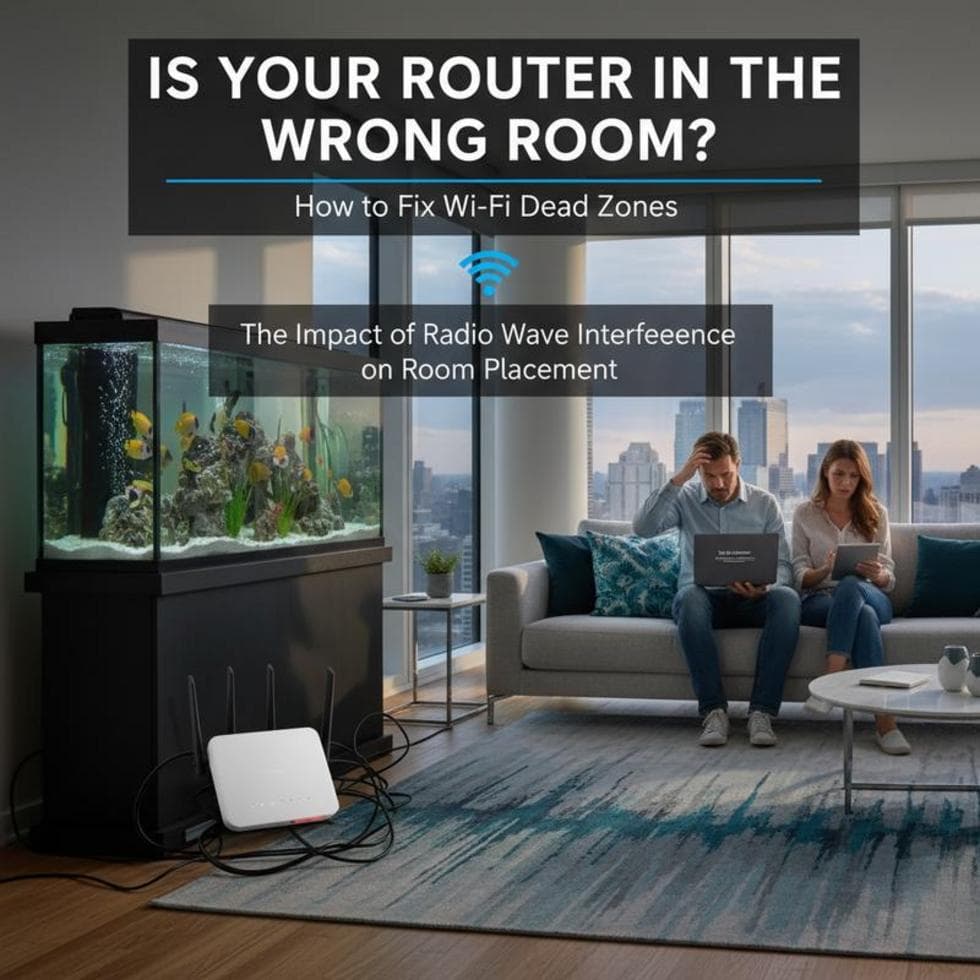
You have strong Wi-Fi by the router and nothing in the back bedroom. Those “dead zones” are rarely a broken router — they’re usually about where it sits and what’s in the way. A few changes can fix most of them for free.
Where You Put the Router Matters Most
Wi-Fi radiates outward and weakens through walls, so placement is everything. Put the router central, high, and out in the open — not in a closet, behind the TV, or on the floor. Keep it away from thick walls, metal, mirrors, and especially microwaves and cordless phones, which sit on the same frequencies and cause interference.
Use the Right Band for the Far Room
Modern routers broadcast two bands. 2.4 GHz is slower but reaches farther and punches through walls better — it’s your friend for a distant room. 5 GHz is much faster but has shorter range. If a far corner keeps dropping, connect that device to the 2.4 GHz band — the one that, as internet providers explain, covers more area and gets through solid objects better.
When Placement Isn’t Enough
Big or multi-story homes often need more than one broadcast point. A mesh system blankets the whole house under a single network name — you never switch connections room to room — and is the cleaner fix; a plug-in extender is cheaper but clunkier. Our Wi-Fi extender guide covers which to pick and exactly where to place it.
Quick Wins Worth Trying
- Change the channel if neighbors crowd the same one.
- Update the router firmware — it often improves range and stability.
- Angle the antennas (one vertical, one horizontal) if your router has them.
- Consider a newer standard. If your router is years old, an upgrade helps — see Wi-Fi 5 vs 6 vs 7.
Case Study: The Bedroom That Finally Got Wi-Fi
A family in Charlotte’s Ballantyne area had no signal in a back bedroom over the garage. The router sat in a cabinet in the front office. We moved it out onto a shelf near the center of the house and added a single mesh node upstairs — full bars everywhere, no new internet plan needed.
Frequently Asked Questions
Where should I put my router? Central, high, and in the open — away from walls, metal, microwaves, and cordless phones.
Does a Wi-Fi extender or mesh work better? Mesh gives one unified network you never have to switch between and is cleaner for whole-home coverage; an extender is cheaper for a single weak spot.
Why is Wi-Fi weaker in some rooms? Distance and obstacles — walls, floors, and metal absorb the signal. Placement and the right band fix most of it.
When to Call IT Carolina
If you’ve moved the router and still have dead zones, we’ll map your coverage and set up mesh so every room works — usually in one visit. We help homeowners and small businesses across Charlotte, NC with home networks. See our home and home-office IT support, or give us a call.
John Jones
Senior IT Specialist, IT Carolina
John has 12 years of hands-on experience diagnosing and resolving computer, printer, and network issues for homeowners and small businesses across Charlotte, NC. He has helped hundreds of clients recover from Windows update failures, driver conflicts, and hardware problems — often resolving in a single remote or on-site session.